Elevation gallery · Commercial / mixed-use
Commercial building elevations, with the shops lit.
A ground-floor shopfront with homes above — the most common commercial building on Indian main roads. Rendered from SketchUp with the shops lit at night.
The design
A G+3 mixed-use block: a fully glazed ground-floor retail frontage, upper floors framed in terracotta-toned panels with recessed windows and slatted screens, set on a main road between a glass office and neighbouring blocks.
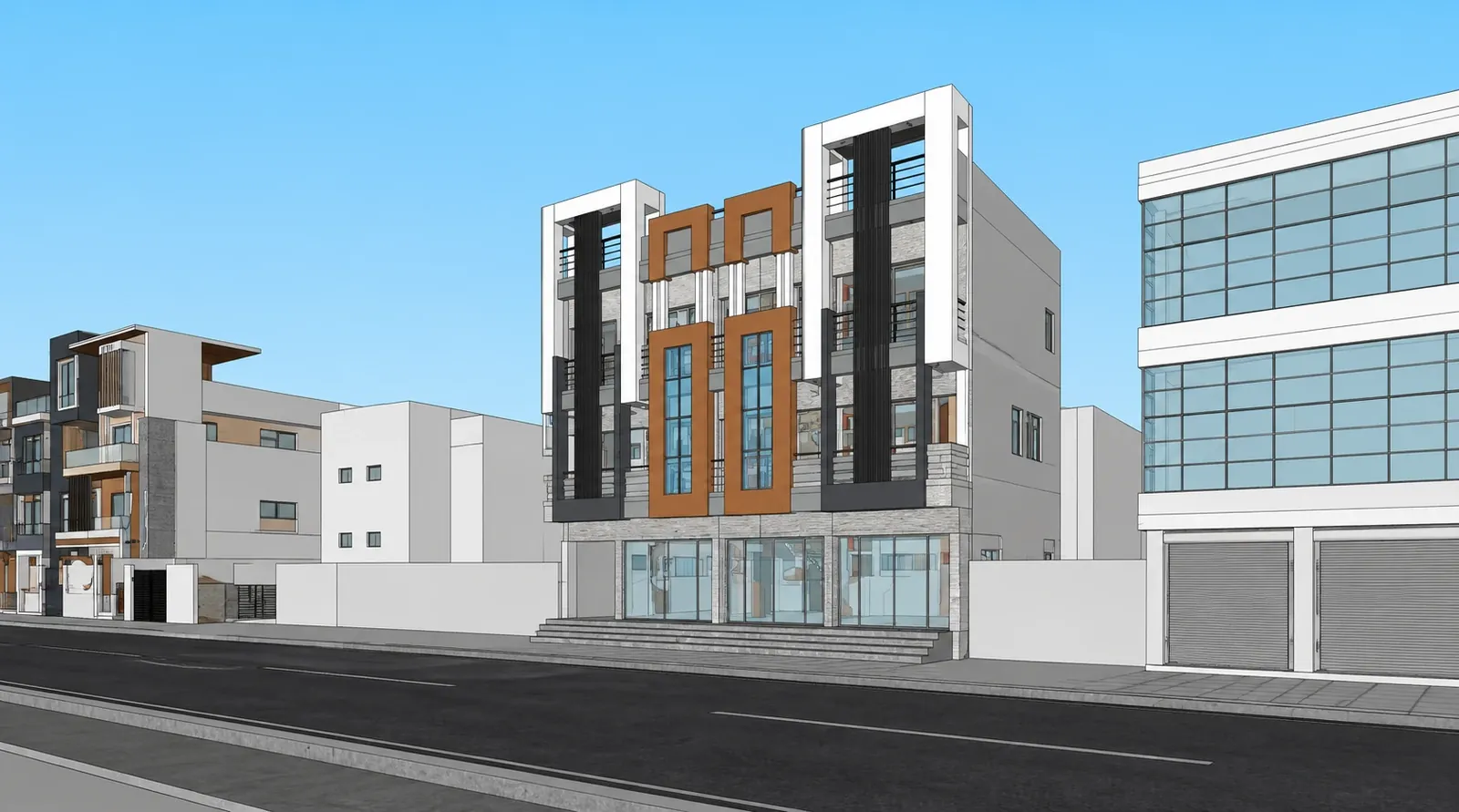
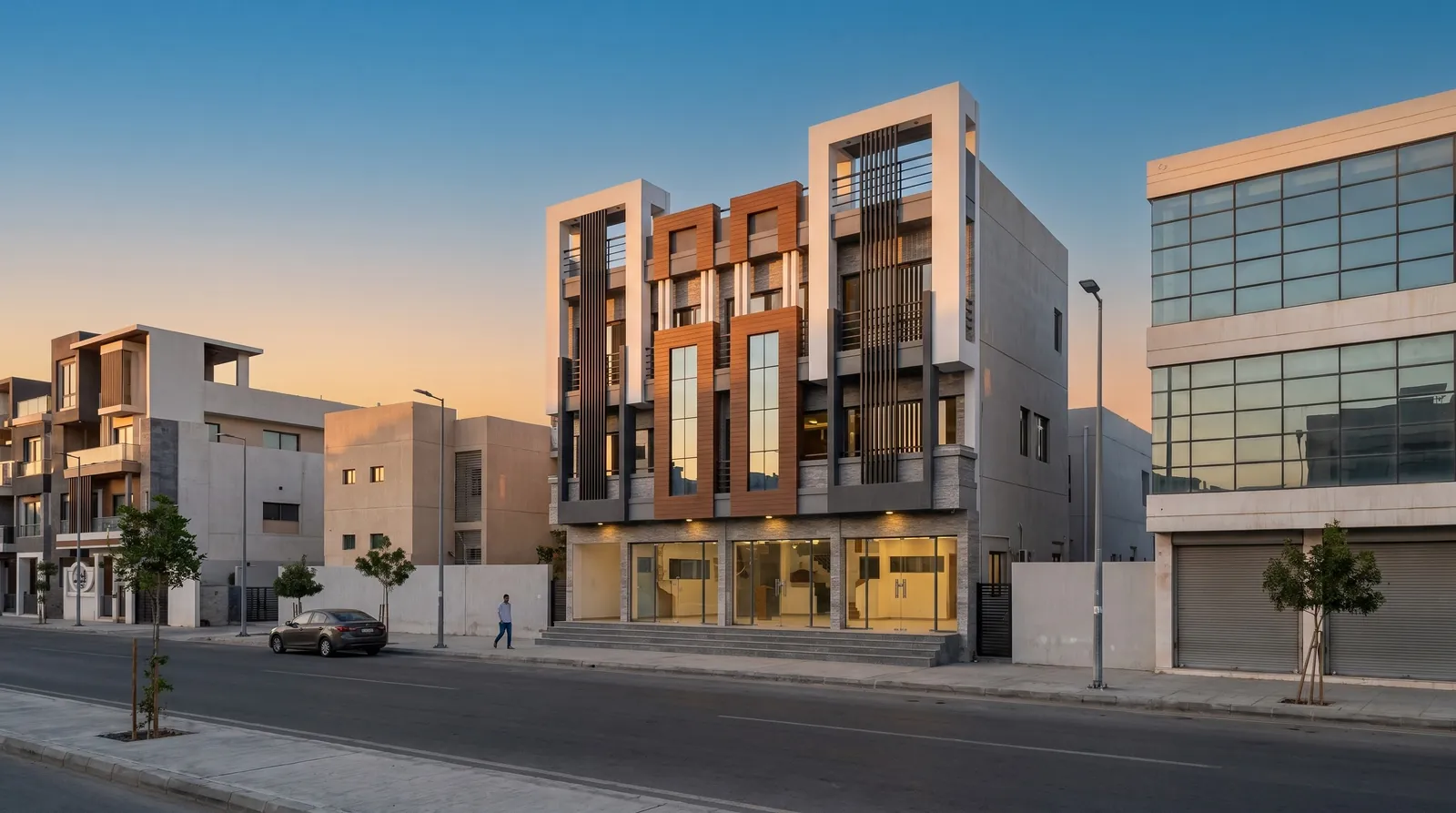
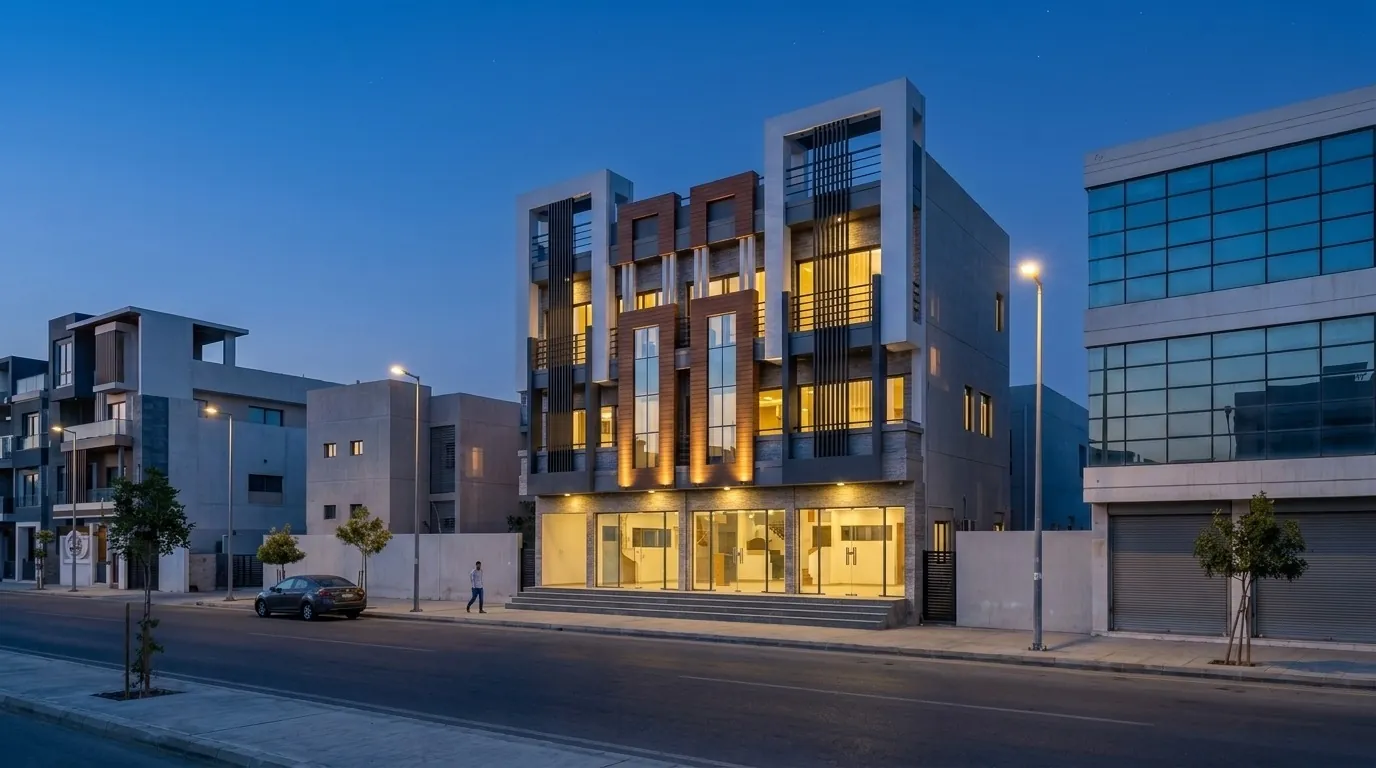
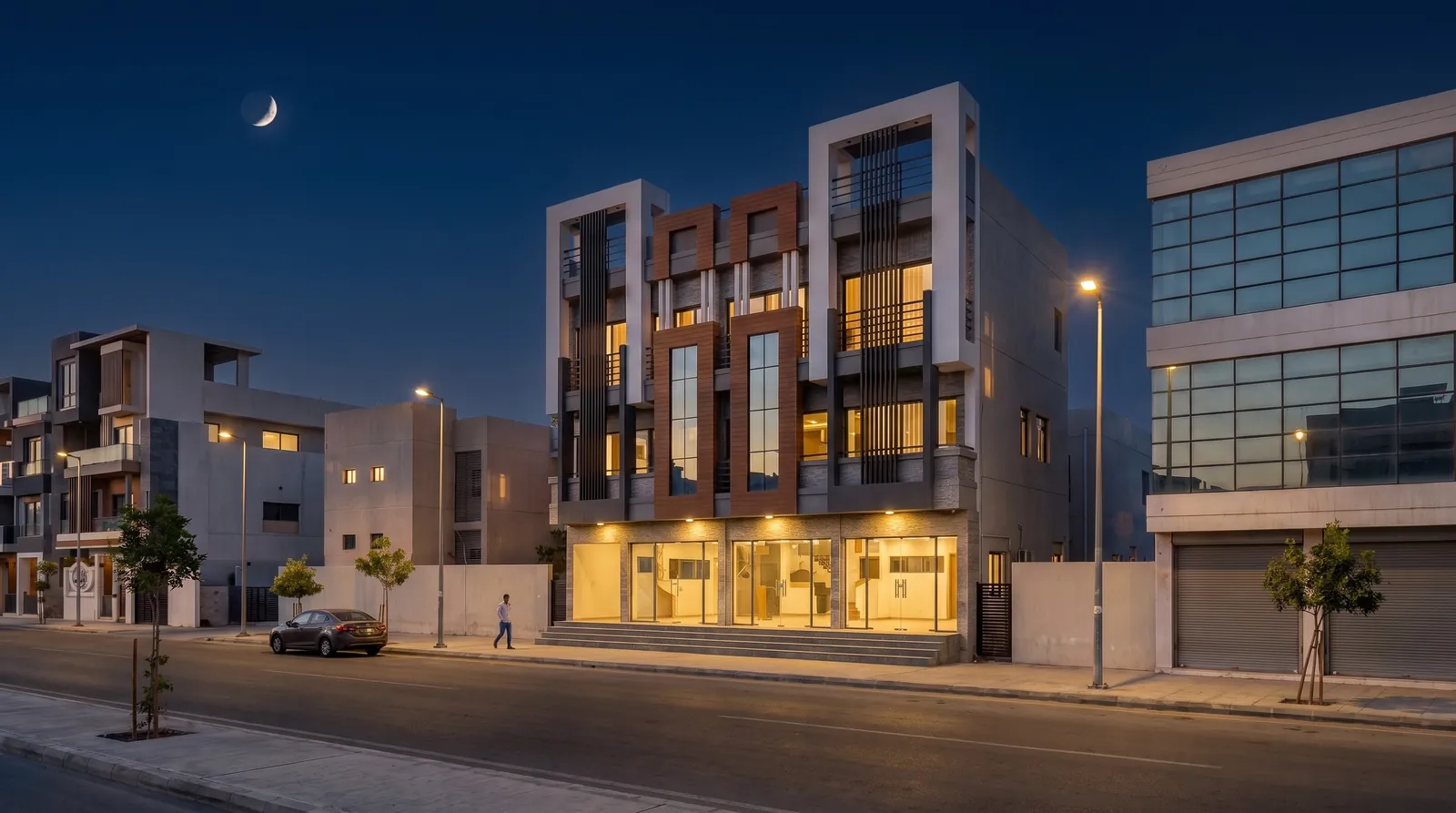
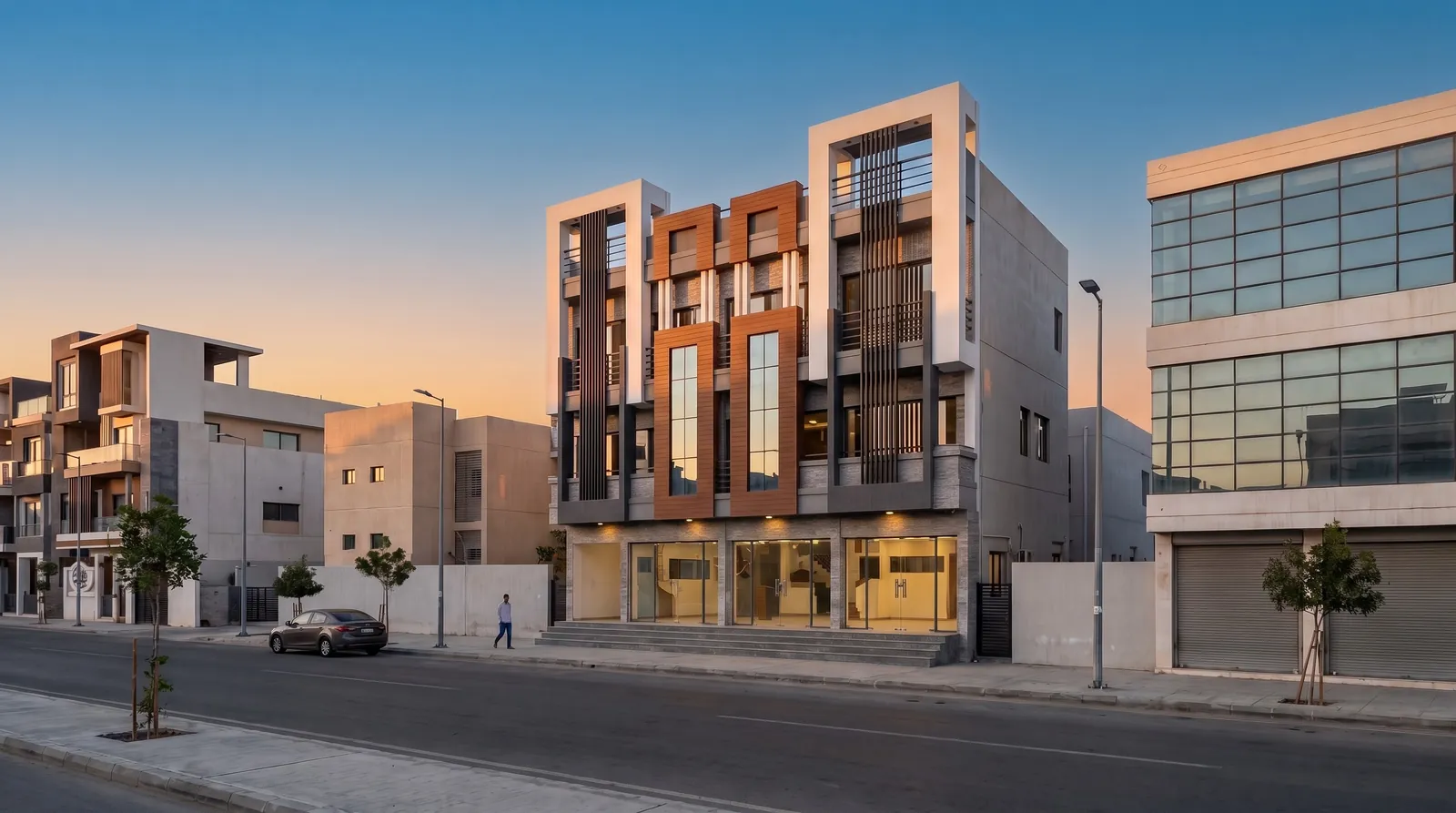
Day, dusk and night — with the ground-floor shops lit.
Tips for commercial elevations
- Leave a signage zone. Show where the shop names go — even as a plain band.
- Render night. Lit shopfronts are what passers-by see after work.
- Show the neighbours. Commercial streets are dense; context makes the building believable.
- Use 16:9 for leasing decks and A4 landscape for approval sets.
Render your own elevation like these — 3 free renders, no card.
Start free — 3 renders →FAQ
Common questions
Can Visulixx render commercial buildings?
Yes — shopfronts, mixed-use blocks and offices render well. Draw the frontage clearly in your model and pick a city or commercial style.
Can I show the building at night with shops lit?
Yes — pick blue hour, evening with lamps on or warm night, or re-light a finished render with Change atmosphere.
3 free renders · no card
Render your own elevation in about a minute.
Three free renders, no card. Upload a SketchUp, Revit or AutoCAD view and see it photoreal — checked against your drawing.