Photoreal renders that keep your design.
Upload a view from SketchUp, Revit or any design software and get a client-ready image in about a minute. Every Studio render is checked against your drawing. If the design changed, your credits come back.
No cardNo prompts to writeGoogle sign-in
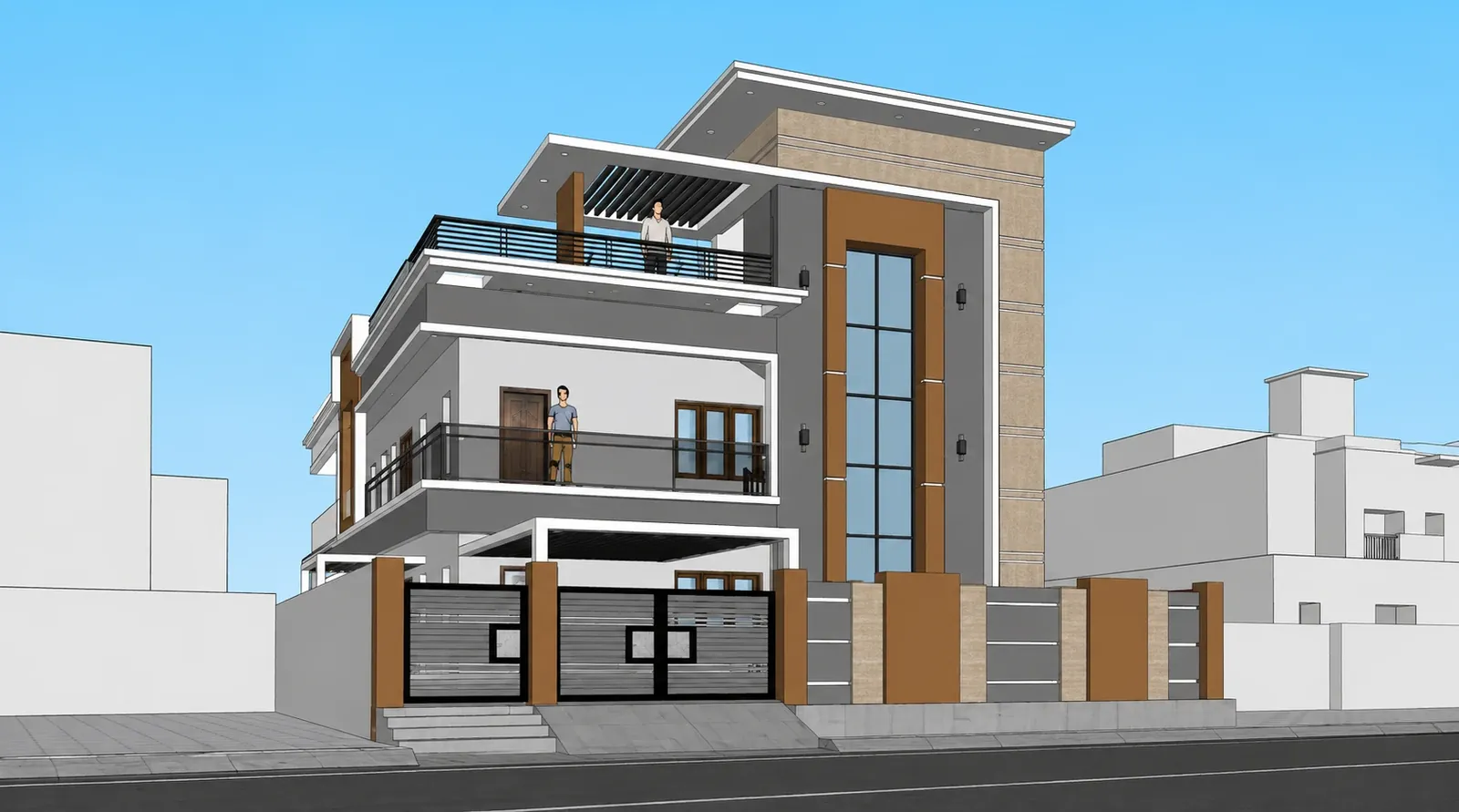
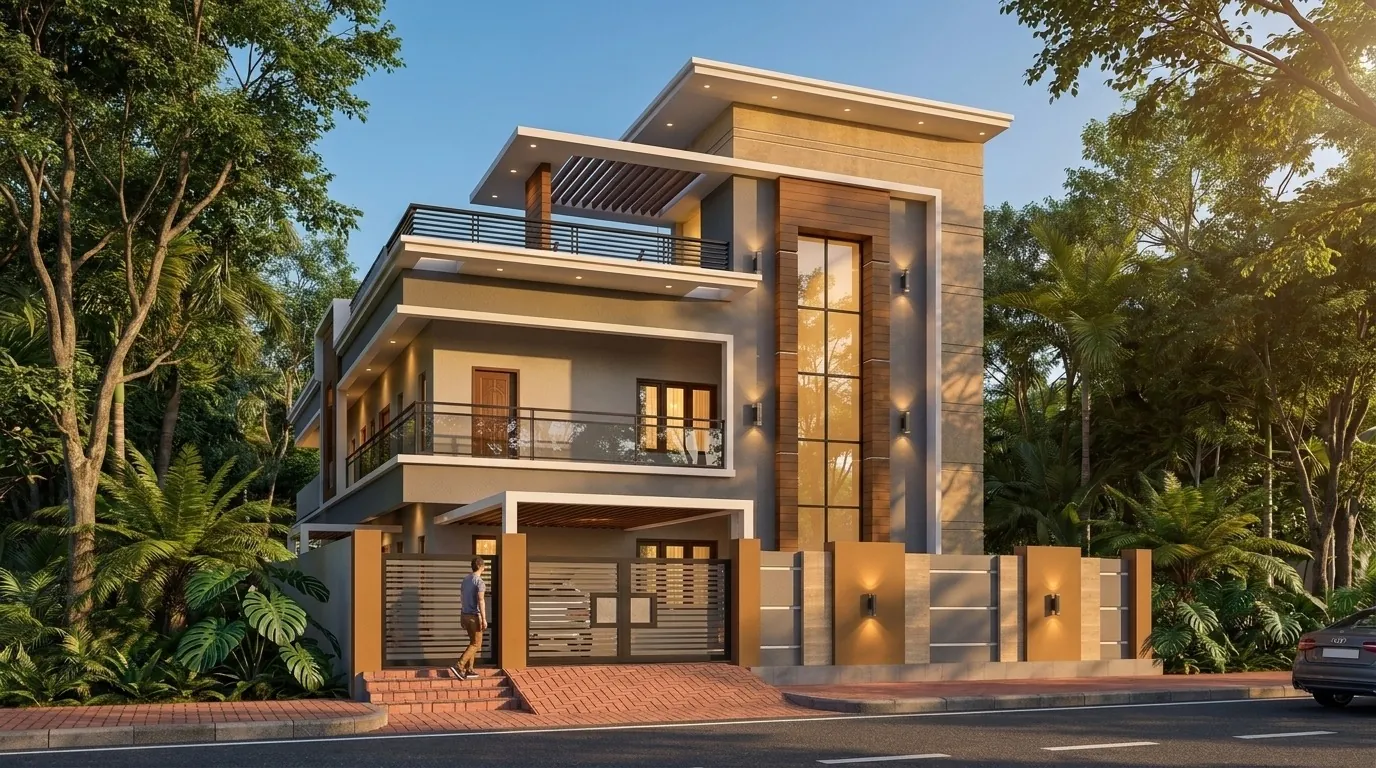 Your viewYour render
- SketchUp
- Revit
- Rhino
- Blender
- 3ds Max
- AutoCAD
- Photoshop
- anything on your screen
- 1Upload what you have
A screenshot from your design software, a sketch, a photo, a plan or a 3D model.
- 2Pick a style and light
41 styles for the surroundings and 17 atmospheres for the light. No prompts to write.
- 3Get it checked
Consistency Lock compares the render with your drawing. If it drifted, it's redone once, then refunded.
What you get
One account, from first sketch to client sign-off.
Pick the job in front of you. A result from one tool carries on to the next, and your drawing or model stays the source of truth.
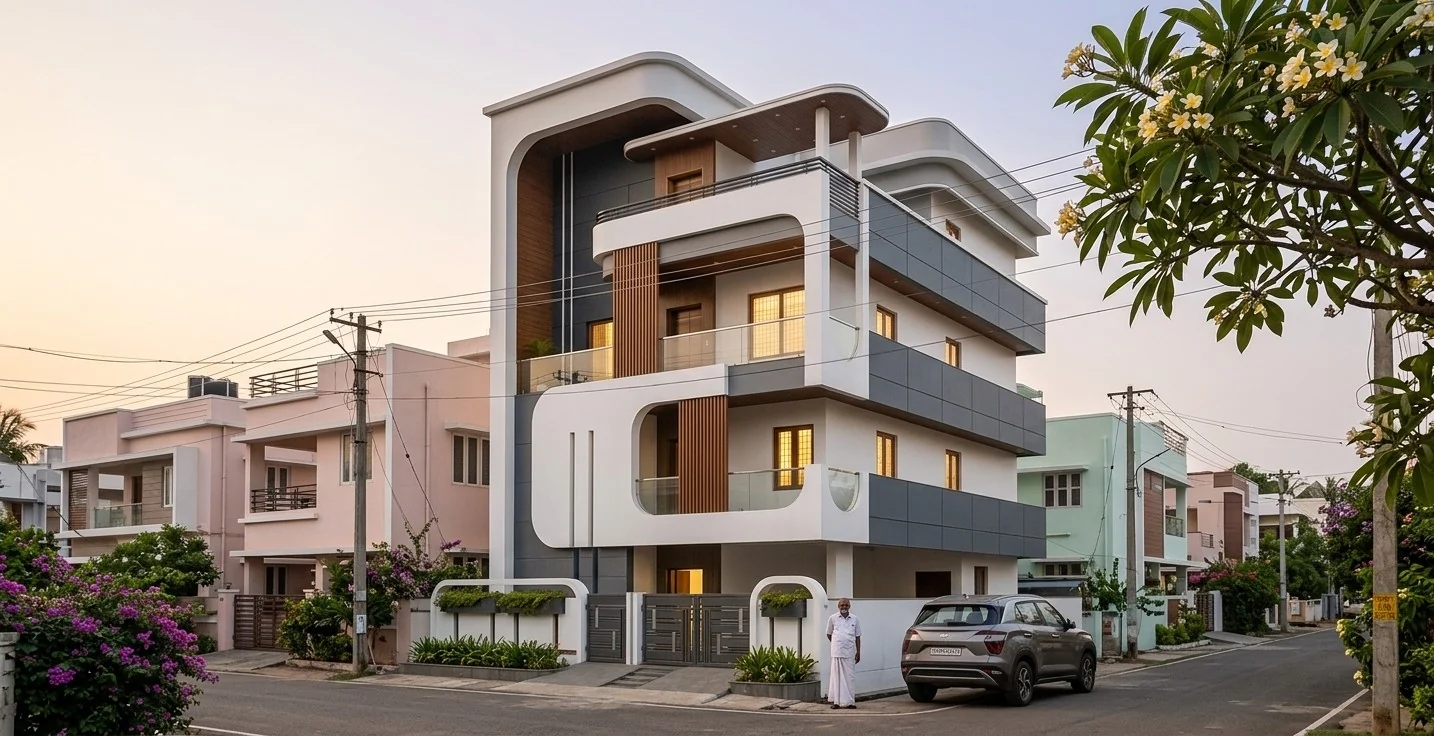 Real render
Get client-ready renders
A screenshot, sketch or photo becomes a photoreal image, in the light and from the angles you choose.
Exterior renders · Interiors · 17 atmospheres · Every angle · Finish & 4K
Explore →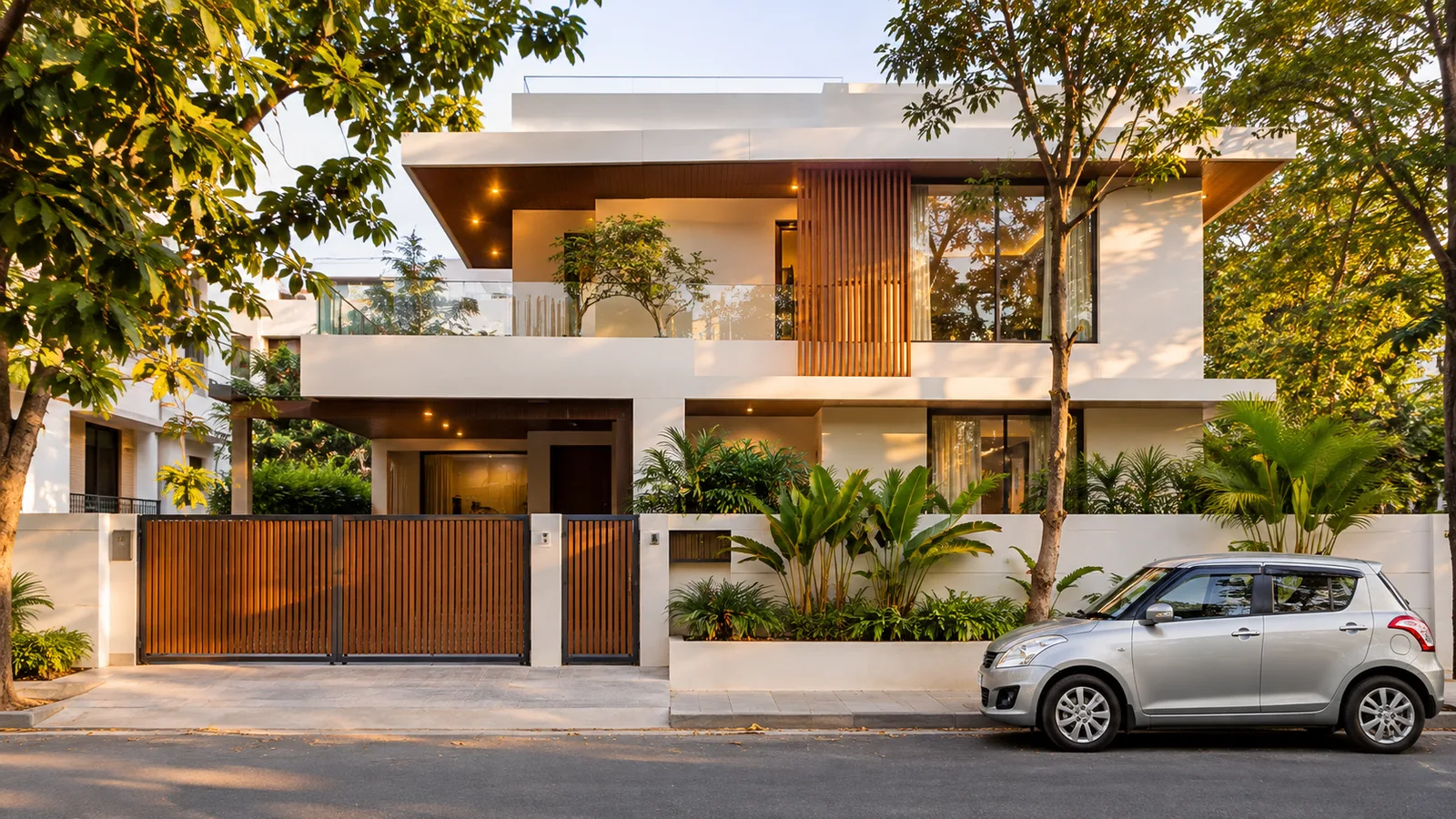 Illustration
Fix one thing, leave the rest
Paint over what's wrong. Everything outside your selection stays exactly as it was, and we verify that.
Magic eraser · Swap a material · Replace an area · Fix people · Extend the image
Explore →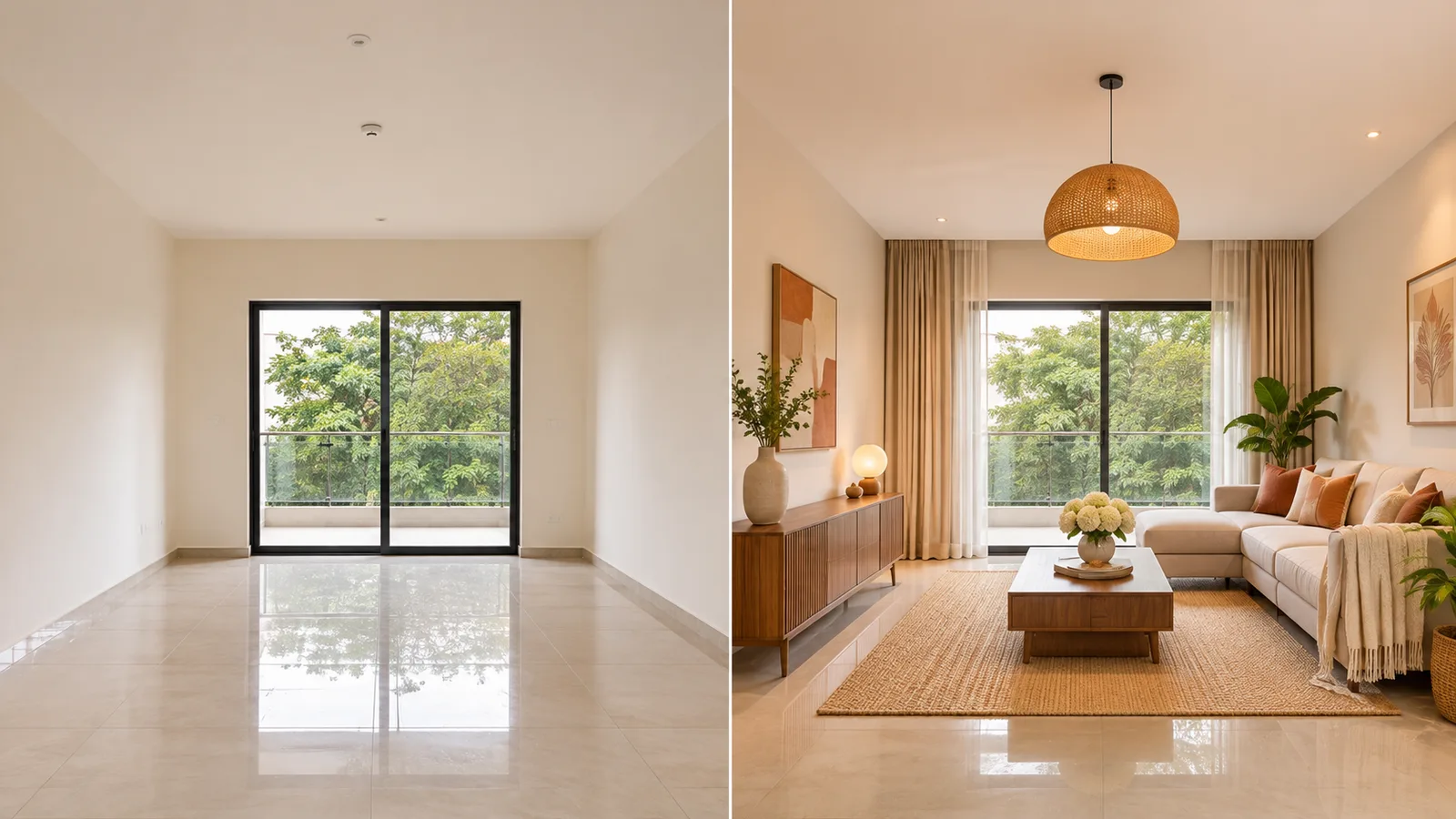 Illustration
Design on an image
Furnish an empty room, plant a garden or colour a plan, without touching what's built.
Virtual staging · Landscape design · Rendered floor plan · Masterplan to aerial · Render enhancer
Explore →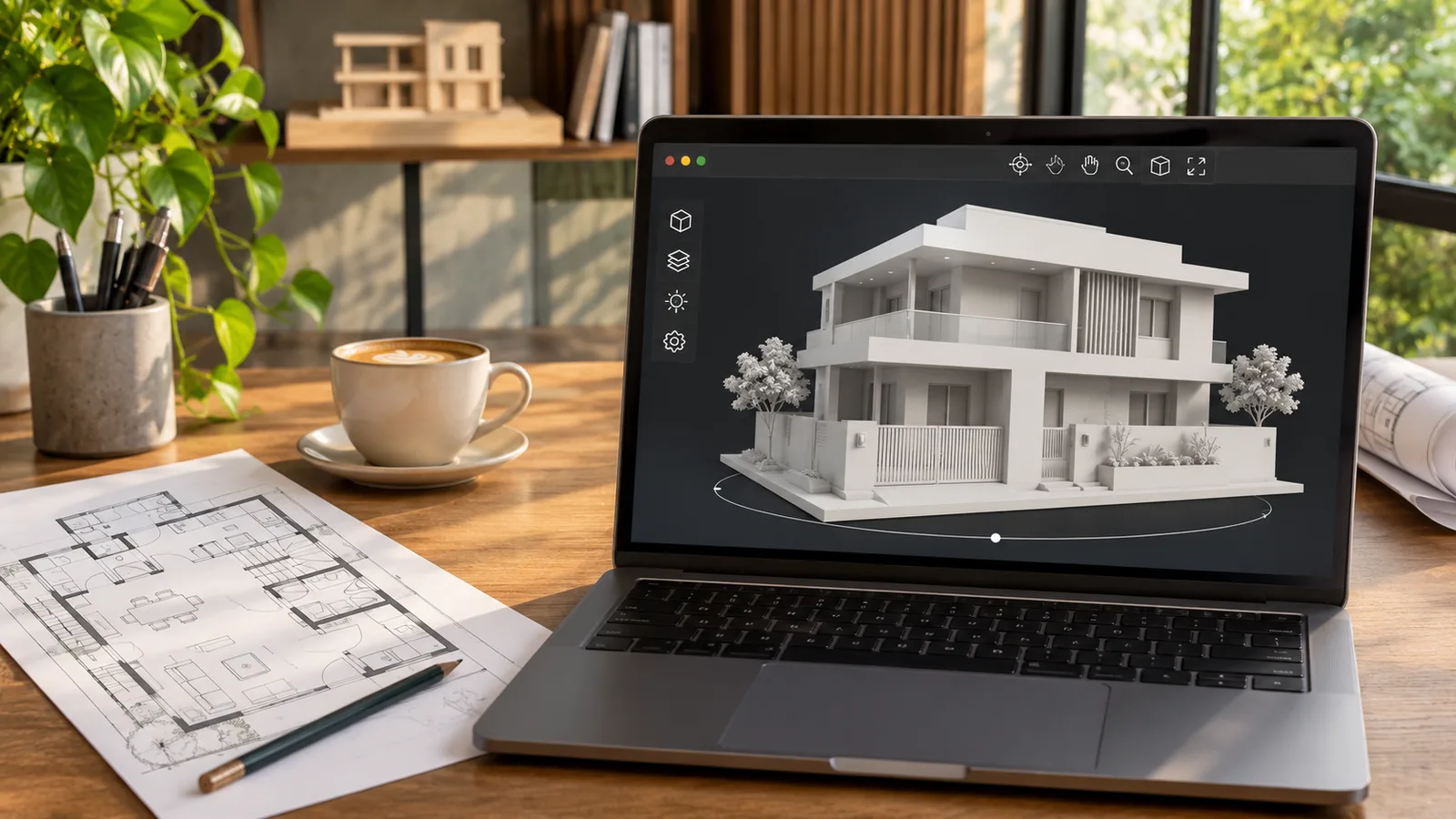 Illustration
Work from your 3D model
Bring your model, or make one from a plan or a photo. Walk it in the browser and render any view.
3D Studio · Plan to 3D · Photo to 3D · Real materials · AI design team
Explore →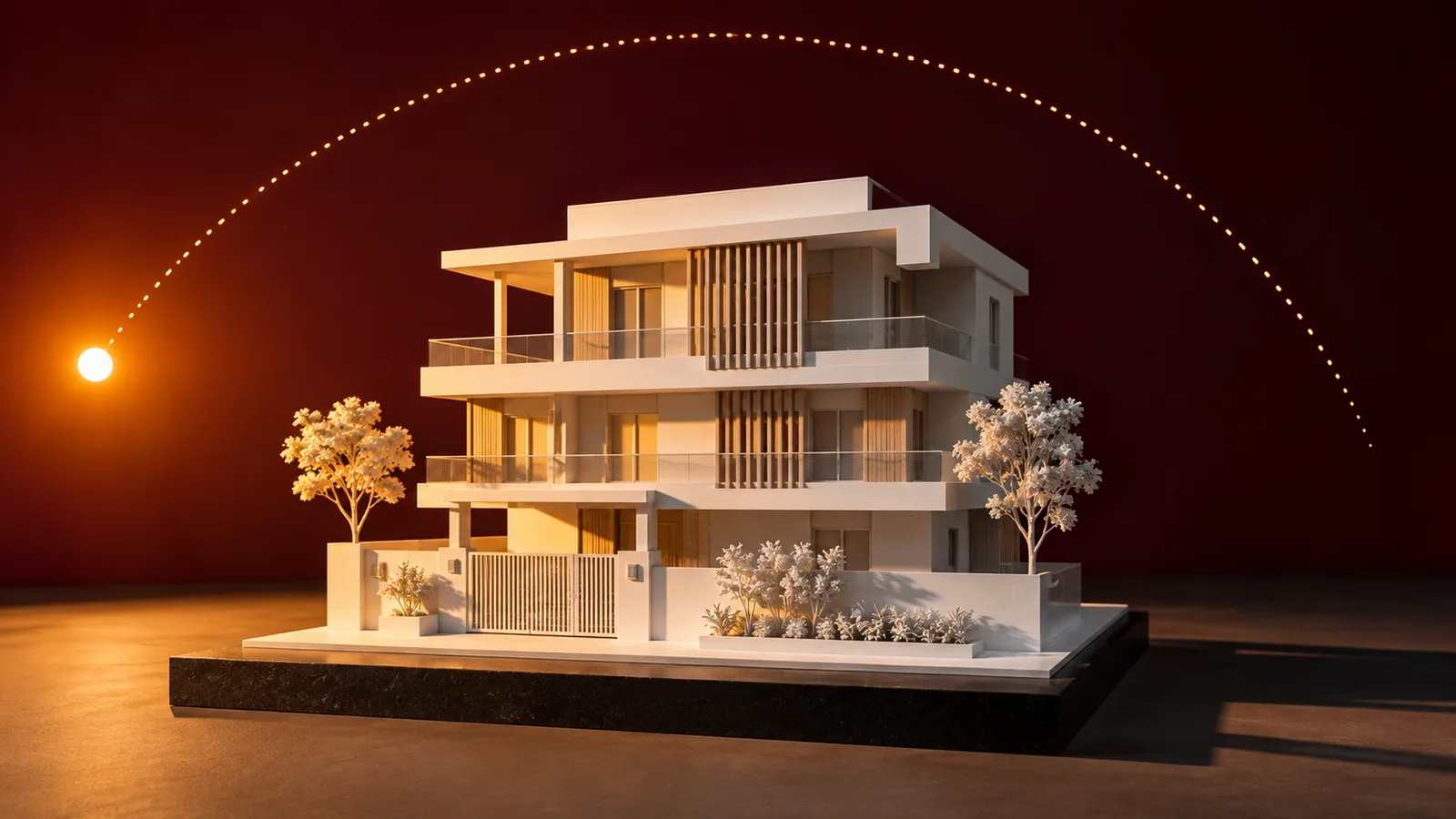 Illustration
Answer the client's questions
The true sun, real neighbours, the view from any window and a record of what was checked.
Sun & shadow · Daylight & glare · Photomontage · Unit view finder · Fidelity Certificate
Explore →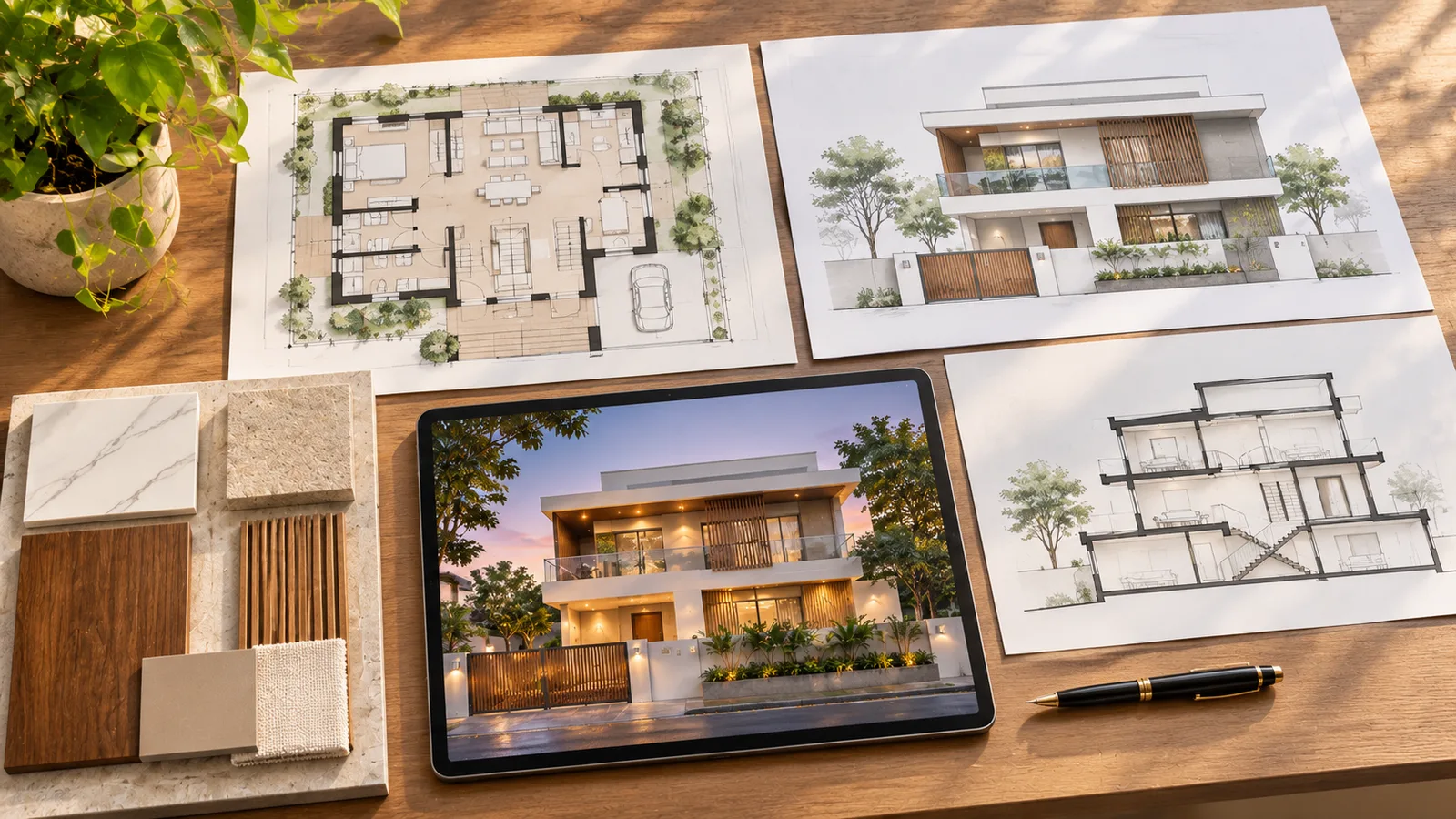 Illustration
Present and get sign-off
Drawings, a PDF deck, a tour the client walks on a phone, and a board to compare options.
Drawings · PDF deck · 360° tour & AR · Films · Compare options
Explore →See all 51 tools
Render & present
Design on your 3D model
Check & prove
Drawings, films & sharing
Connect your tools
Fix one area
Design on an image
Start from an idea
Our promise
Your design doesn't change, or you don't pay.
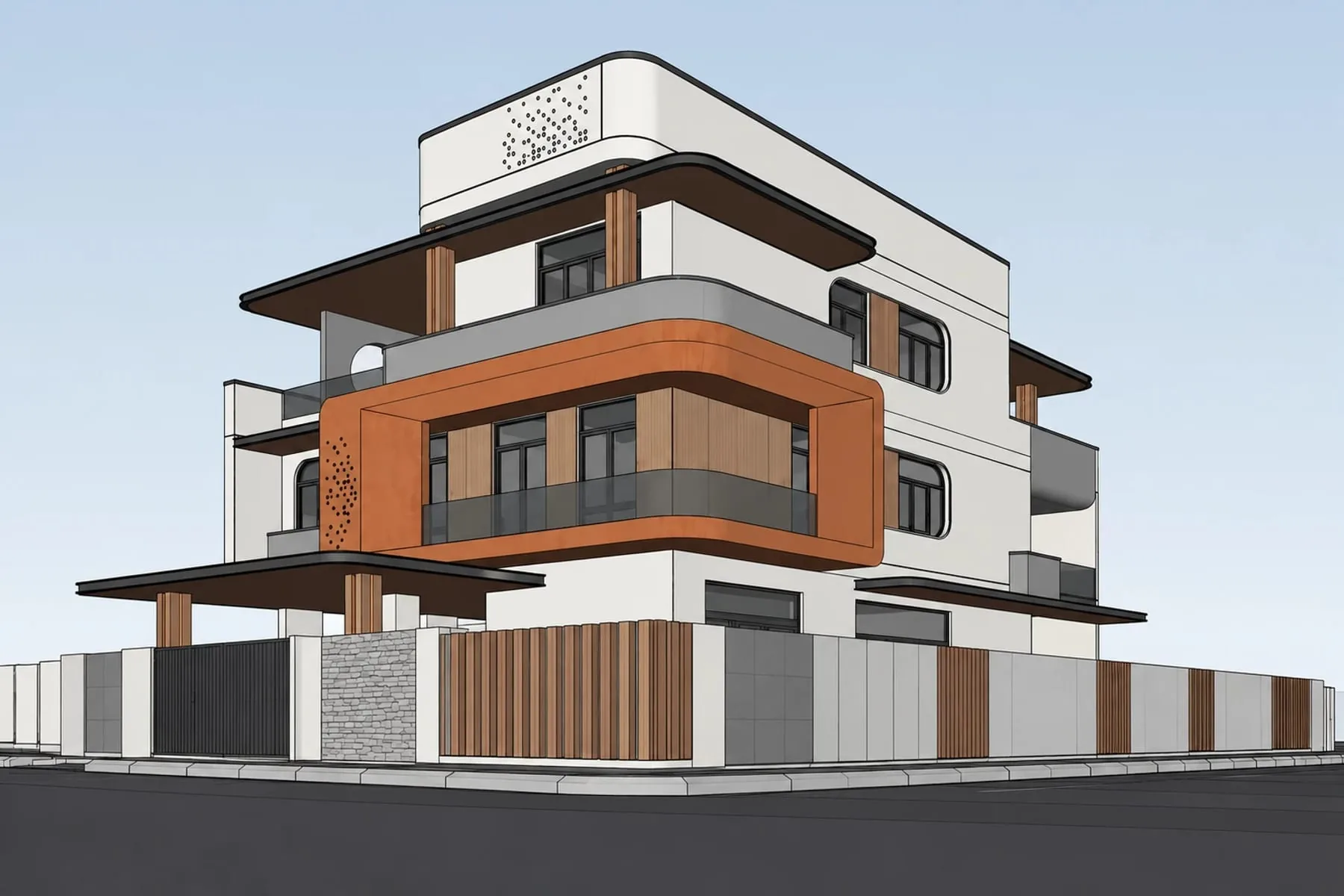
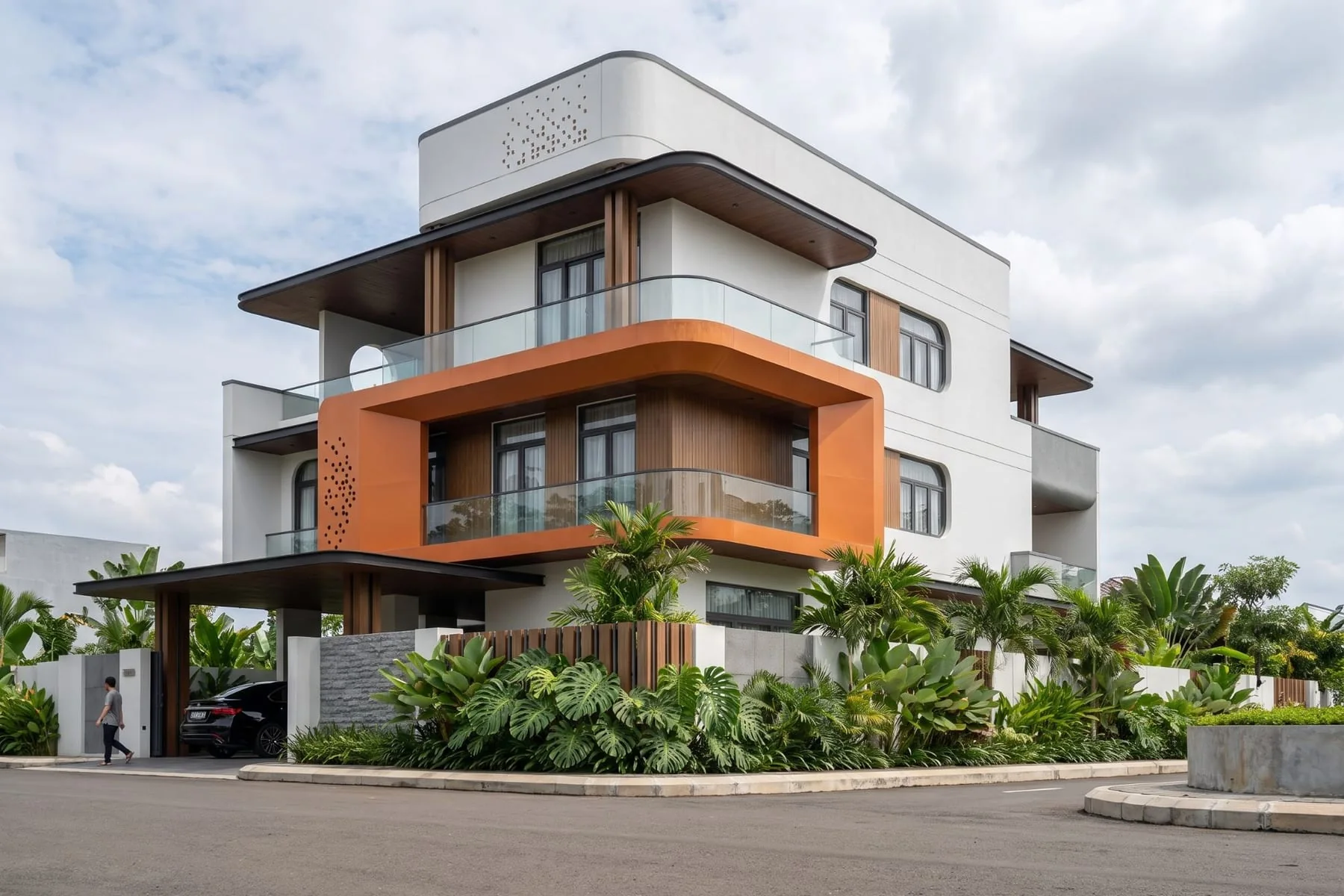 Your SketchUp viewVisulixx render
Your design stays yours
Studio renders are compared with your source: windows, floor lines, roofline, gate. If the design drifted, it's redone once for free.
If it still changed, your credits come back
Automatically. And if our check can't run, the render is marked not verified and refunded too.
Edits can't spread
With area tools, every pixel outside your selection is copied back from your image, and the copy is verified.
You see what wasn't checked
4K upscales, Cinematic Shots, concept images and video aren't compared with a design, and they say so.
Atmospheres · real renders
One house. Every light.
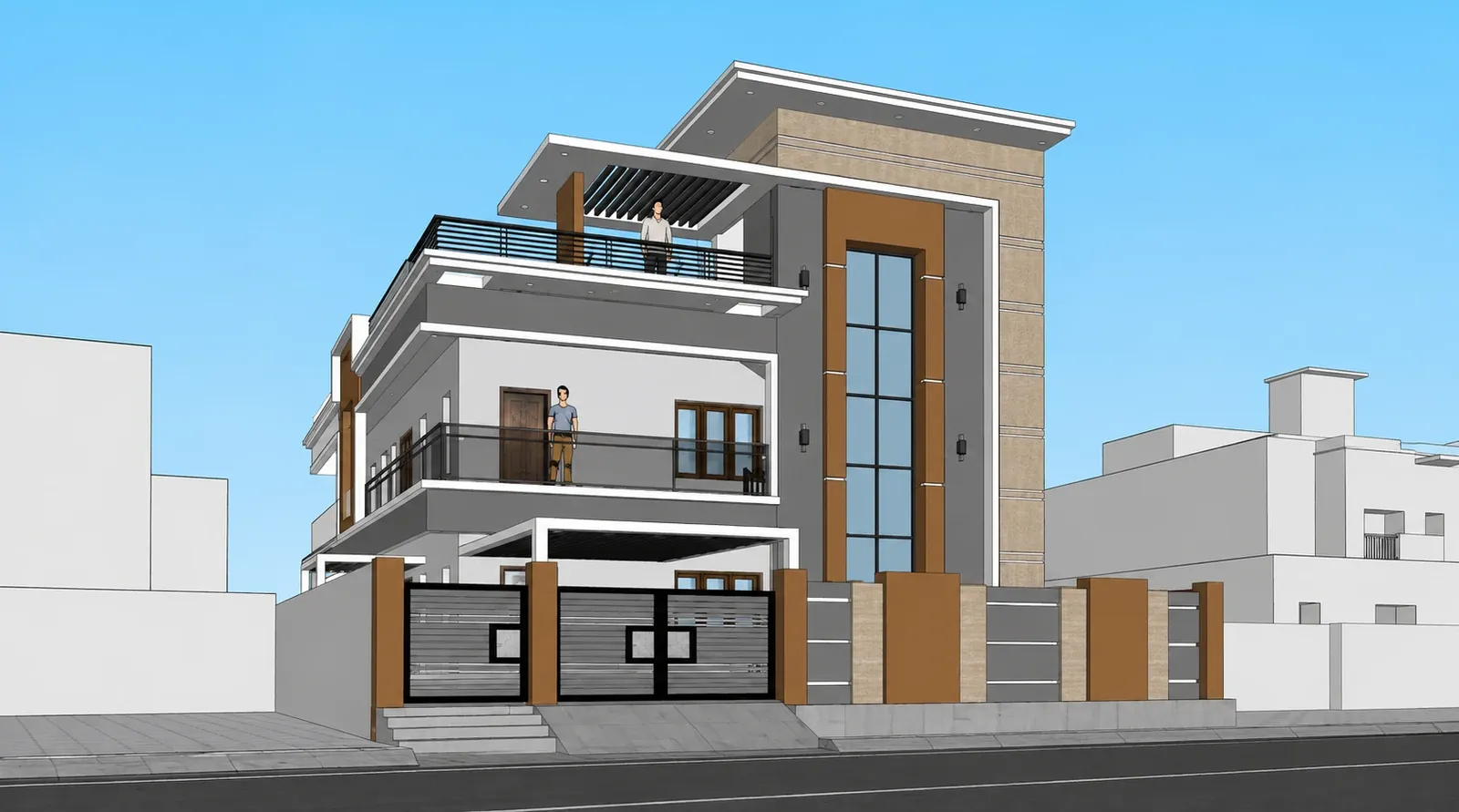
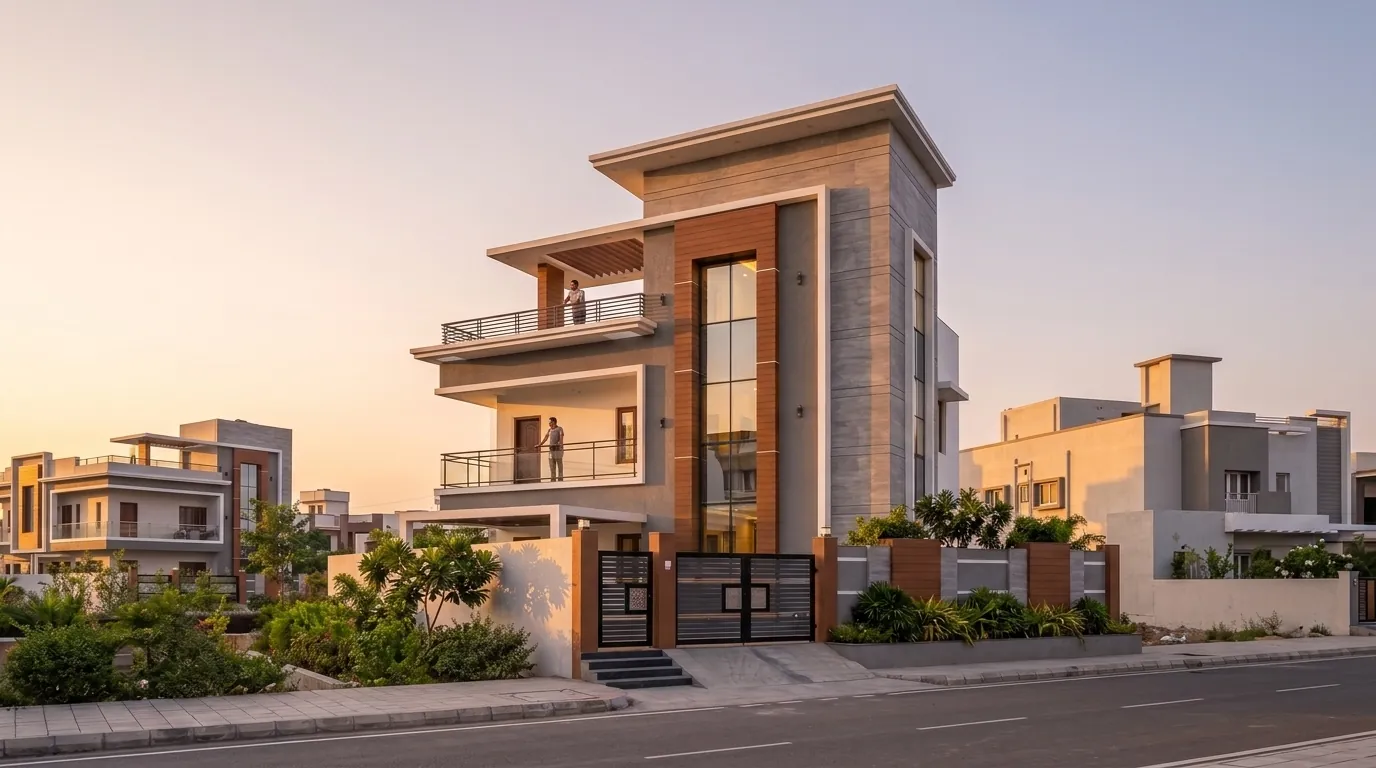
The same SketchUp model, rendered by Visulixx in 12 of its 17 atmospheres. The building, the street and the camera never move — only the light and the weather change. Show the client daylight first, then win them at dusk.
Plugins · free
Works inside your software.
Render the view you already have open, then bring the result back in. Sign in once with a code. Plugins are free; renders use your credits.
- SketchUpBeta
- RevitBeta
- RhinoBeta
- BlenderTested
- 3ds MaxBeta
- AutoCADBeta
- PhotoshopBeta
- AI assistantsBeta
- Any other softwareNo install
Beta means it's built on the software's published API, but we haven't yet run it inside that software. Anything else on your screen works through window sharing.
Pricing
Pay per render or per month.
Every plan includes Consistency Lock and automatic refunds. Packs last 12 months, and nothing renews on its own.
A Pro render is 10 credits and a Fast draft is 2. AI tools cost 5 to 15 credits, and a video 150. See every price
Questions
Before you start.
What can I upload?
A screenshot or export from any design software, a sketch, a site photo, a floor plan, or a 3D model file up to 200 MB. You don't need to write prompts.
Will it change my design?
It's told not to, and Studio renders are then checked against your source. If the design drifted, it's redone once for free. If it still doesn't match, your credits come back.
Do I need a powerful computer?
No. Rendering runs on our side, in your browser or through a plugin. 3D Studio runs in the browser and works best on a recent computer.
Does my software work with it?
There are plugins for SketchUp, Revit, Rhino, Blender, 3ds Max, AutoCAD and Photoshop, most of them new and in beta. Anything else works by sharing a window or uploading a screenshot.
What does it cost to try?
Nothing. You get 3 free renders with a Google sign-in and no card. Free renders carry a watermark, and paid renders don't.
What happens to my model?
Plugins upload only the view you send, unless you choose to send the model. Your files stay in your account.
3 free renders · no card
Start with your next elevation.
One export from your design software is all you need. See it rendered, then decide.
Made for architects, interior designers, builders and engineers. Free calculators need no sign-in.