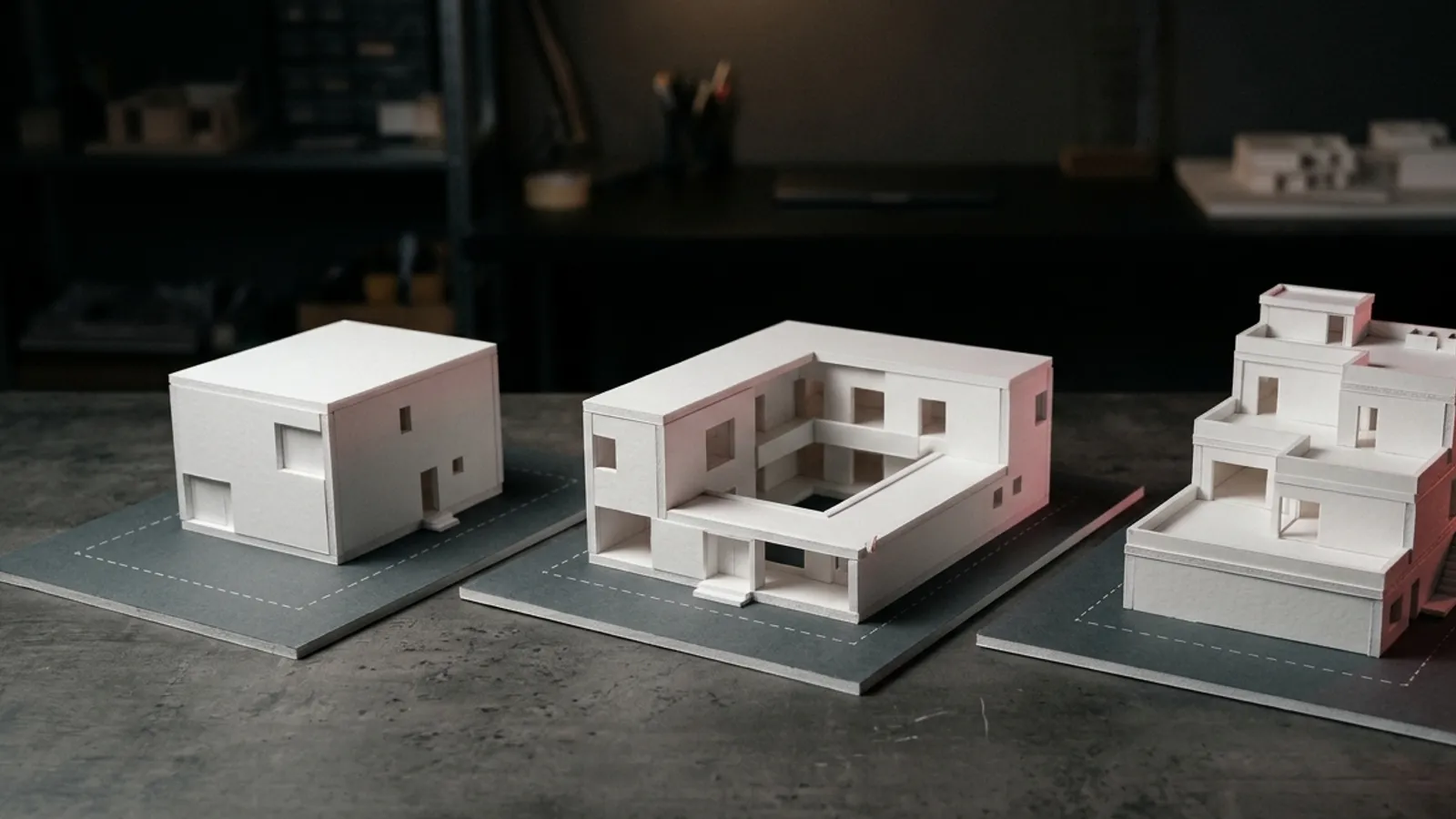
Three concepts. All inside the bye-laws.
Enter the plot and paste the brief. You get three genuinely different schemes — each with a plan diagram, a design idea, a palette and an area statement. Open the one you like as a 3D model.
Part of 3D StudioOpening to early-access studios first
How to use it · 3 steps
Step by step.
- 1
Describe the plot
3D Studio → Start from a brief → width, depth, setbacks, floors, FAR.
- 2
Paste the brief
Rooms, parking, puja room, terrace — in the client's words → Propose 3 concepts.
- 3
Open one in 3D
Compare the cards, then Create this 3D model. Ask for form variations any time.
What you get
Concepts from a brief, in short.
Questions
Good to know.
Does it replace my design work?
No — it gives you three quick options for the first meeting. You develop the one you choose.
Can it design in my studio's style?
Yes — teach it your Studio DNA from photos of your finished work.
Is it available now?
Part of 3D Studio, opening to early-access studios first.
Works well with
Next steps.
 Early access
3D Studio
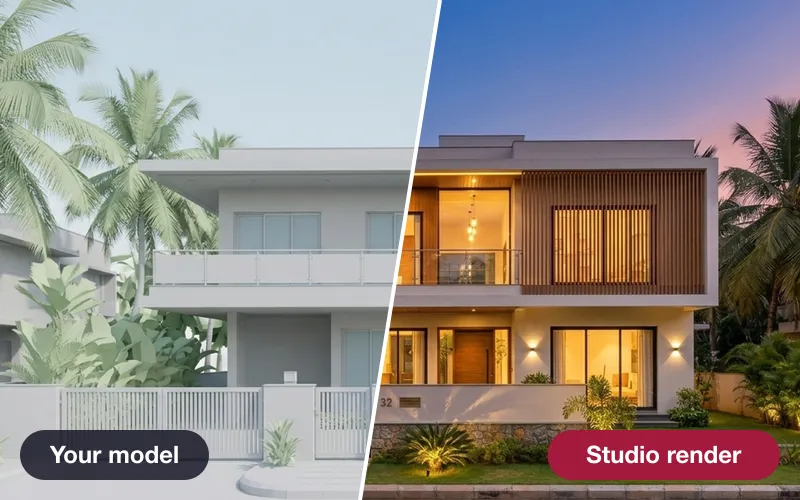
Upload your real model, walk it in the browser, light it with the true sun and render any view — nothing invented.
How it works →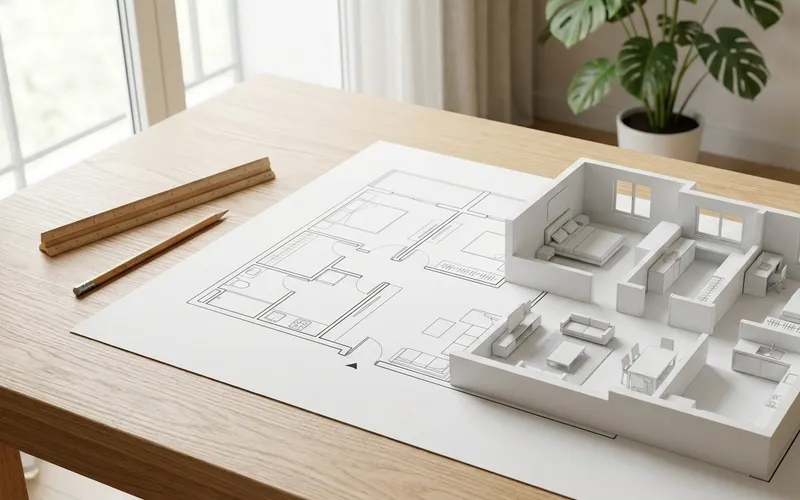 Early access
Plan → 3D
Turn a floor plan or site sketch into a 3D model — you check every wall before it's built.
How it works →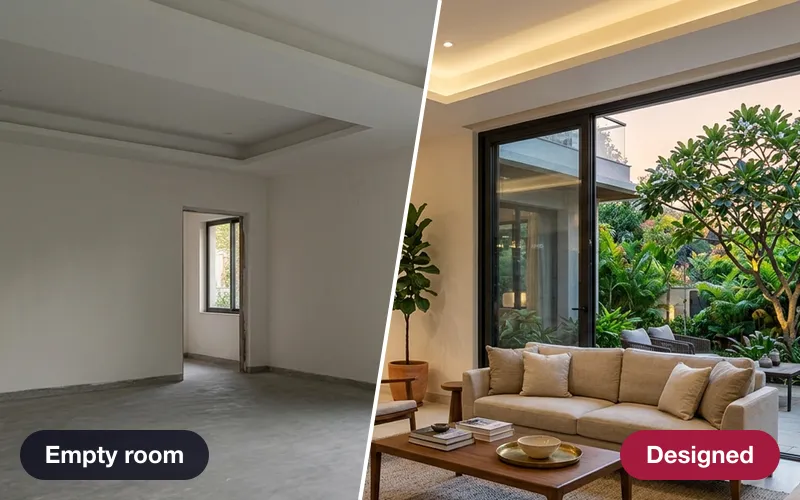 Early access
AI design team
A critic, an interior designer, a landscape designer and a lighting designer — every proposal clash-checked.
How it works →3D Studio · early access
Be one of the first studios in.
Tell us about your practice and we'll open the 3D Studio for you first.