Render from your real model. Nothing guessed.
Upload the model, not a screenshot. Walk it, set the site and the sun, save the views you want and render any of them with AI. Every image comes from your geometry — no invented roofs, sides or rooms.
Part of 3D StudioOpening to early-access studios first
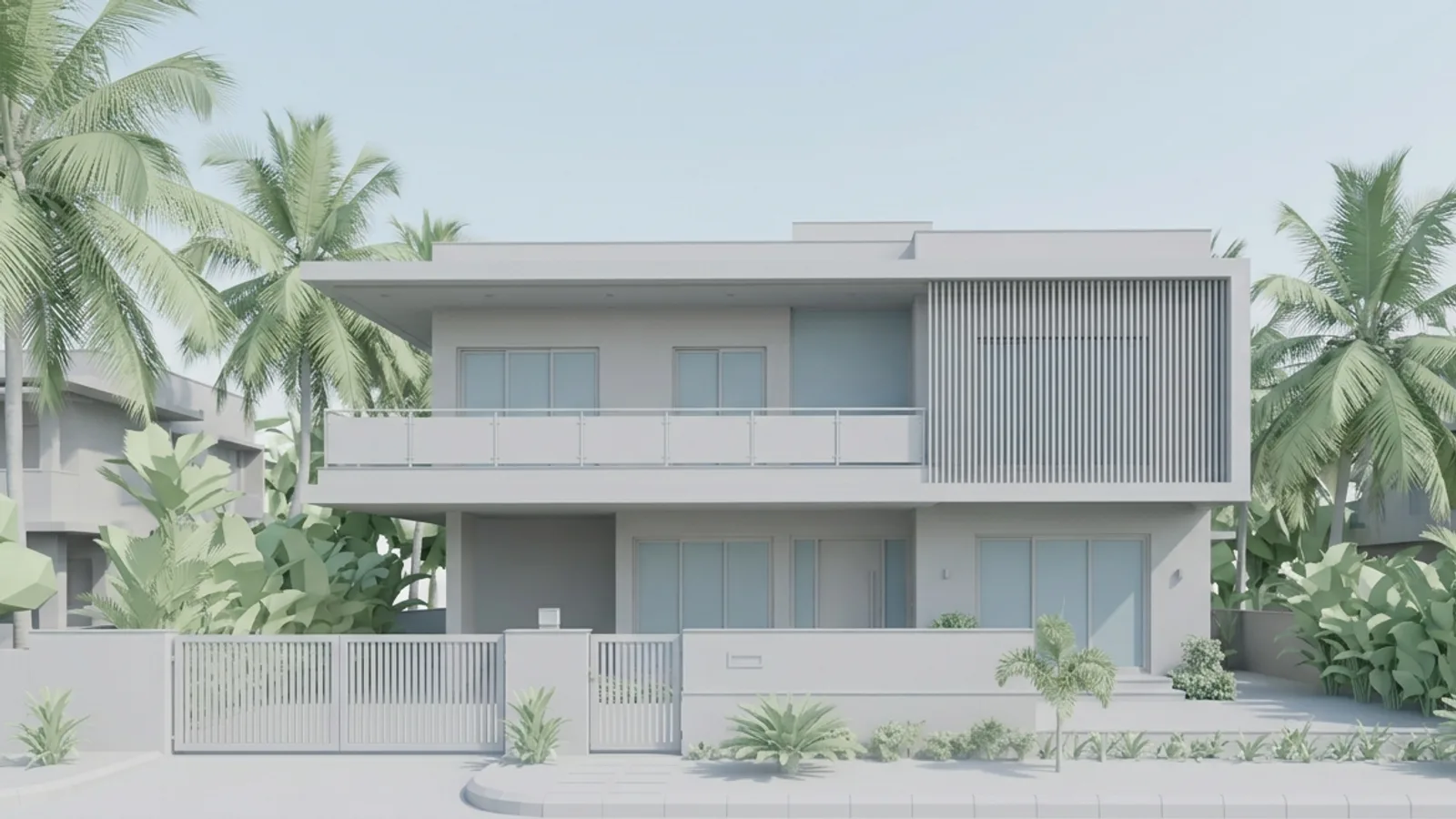
 Your modelStudio render
How to use it · 3 steps
Step by step.
- 1
Upload the model
3D Studio → drop the file. Units and orientation are fixed for you.
- 2
Set the site and views
Site & sun tab → pick the city. Views tab → save the views you need, or let the AI camera director suggest six.
- 3
Render
Render tab → pick a style → Render this view, or Render all saved views for a matching set.
You bringYour modelYou getStudio renderWhat you get
3D Studio, in short.
Questions
Good to know.
Is it available now?
3D Studio is opening to early-access studios first. Request access and we'll set you up.
Do I need a powerful computer?
No. The model runs in your browser; renders run on our servers.
Can I bring a SketchUp file?
Yes — install the Visulixx extension and click Send model to 3D Studio, or export Collada/FBX.
Works well with
Next steps.
 Early access
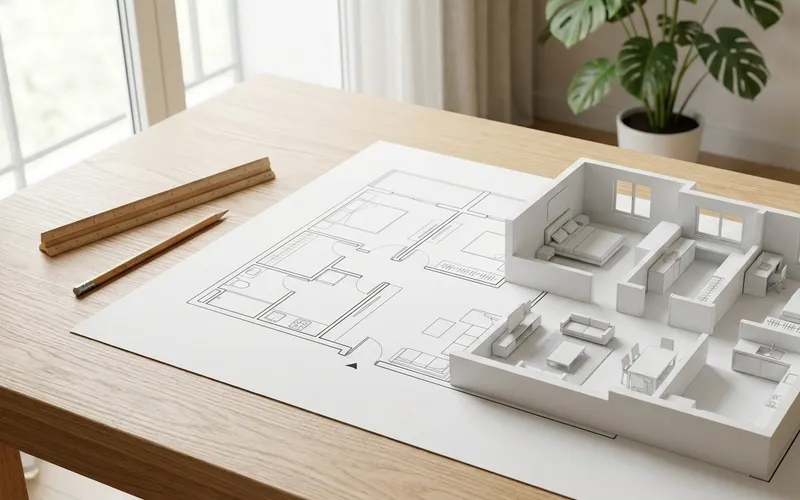
Plan → 3D
Turn a floor plan or site sketch into a 3D model — you check every wall before it's built.
How it works →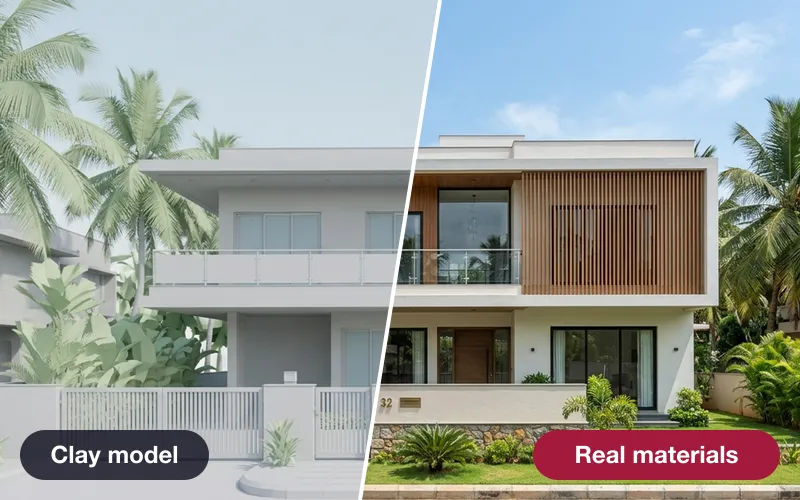 Early access
Real materials, true size
Brick, tile, stone and wood drawn at their real size — or a photo of a real product, sized by AI.
How it works →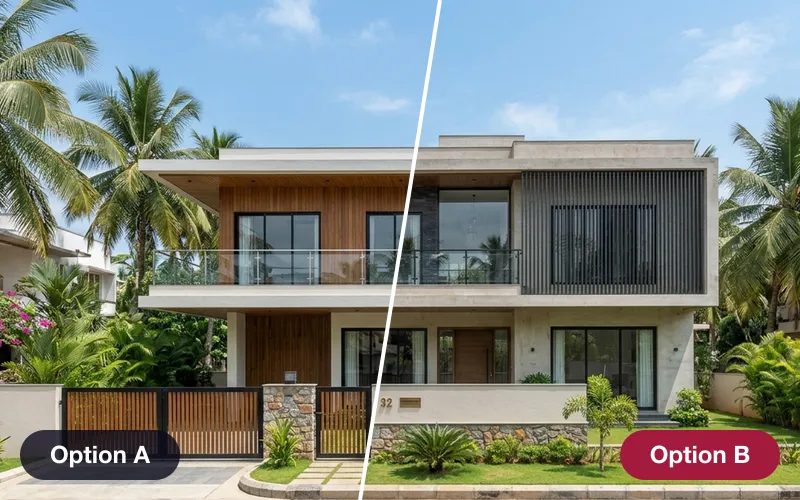 Early access
Design options & versions
Save looks as options, compare them side by side from the same camera, and see exactly what changed between versions.
How it works →3D Studio · early access
Be one of the first studios in.
Tell us about your practice and we'll open the 3D Studio for you first.