Show it every side. Get every side right.
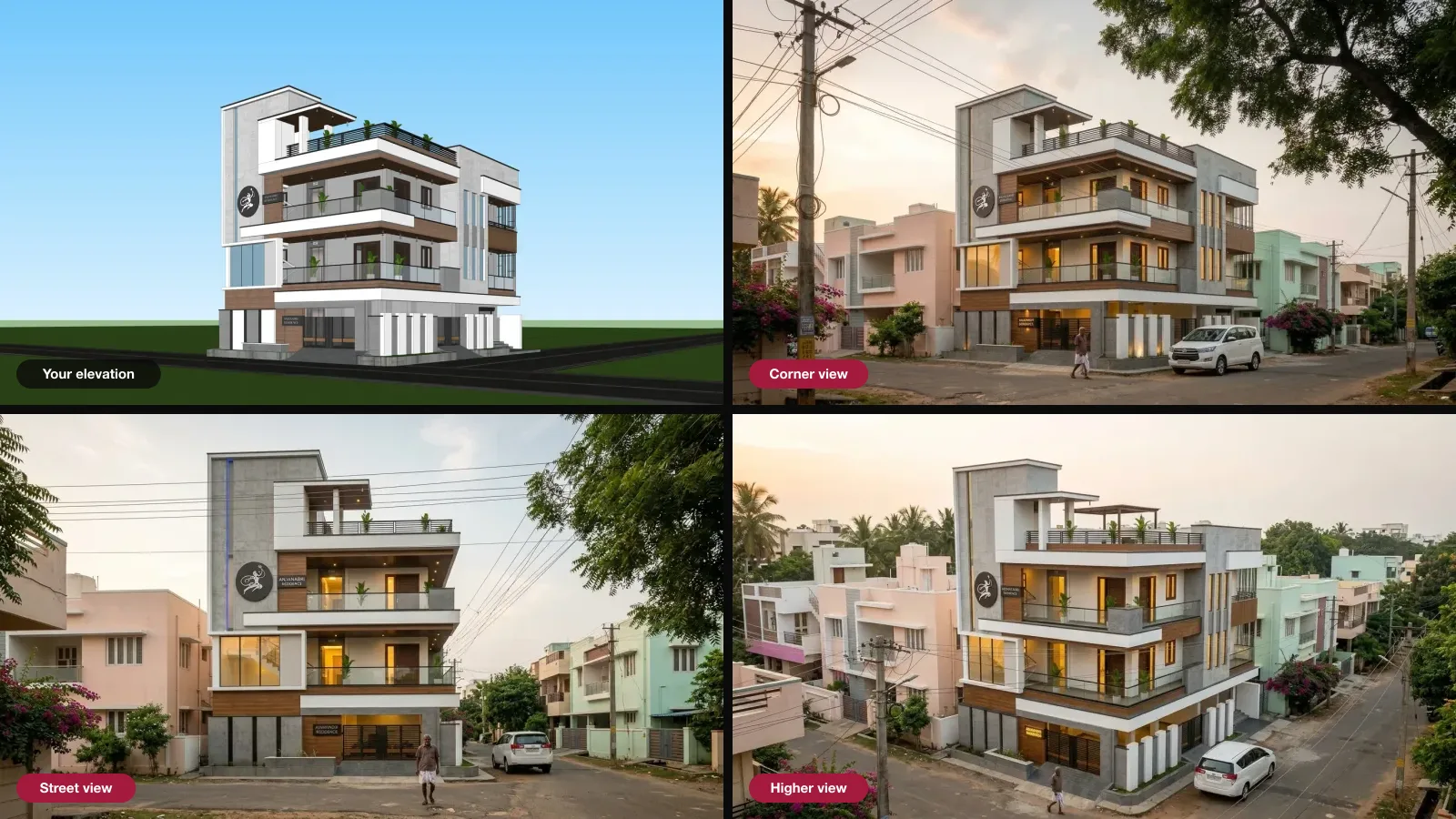
One elevation hides the sides and the back. Give Visulixx up to six screenshots of the same building and it reads them together — so side views and aerials come from what you drew, not from a guess.
3 free rendersNo cardGoogle sign-in
How to use it · 3 steps
Step by step.
- 1
Export the views
Front, sides, rear or corners — plain clay or line views work best.
- 2
Tag each one
Studio → Same building, several angles? → drop them in and mark which side each shows.
- 3
Render from the group
Use the group as your source; every render and shot uses all the views.
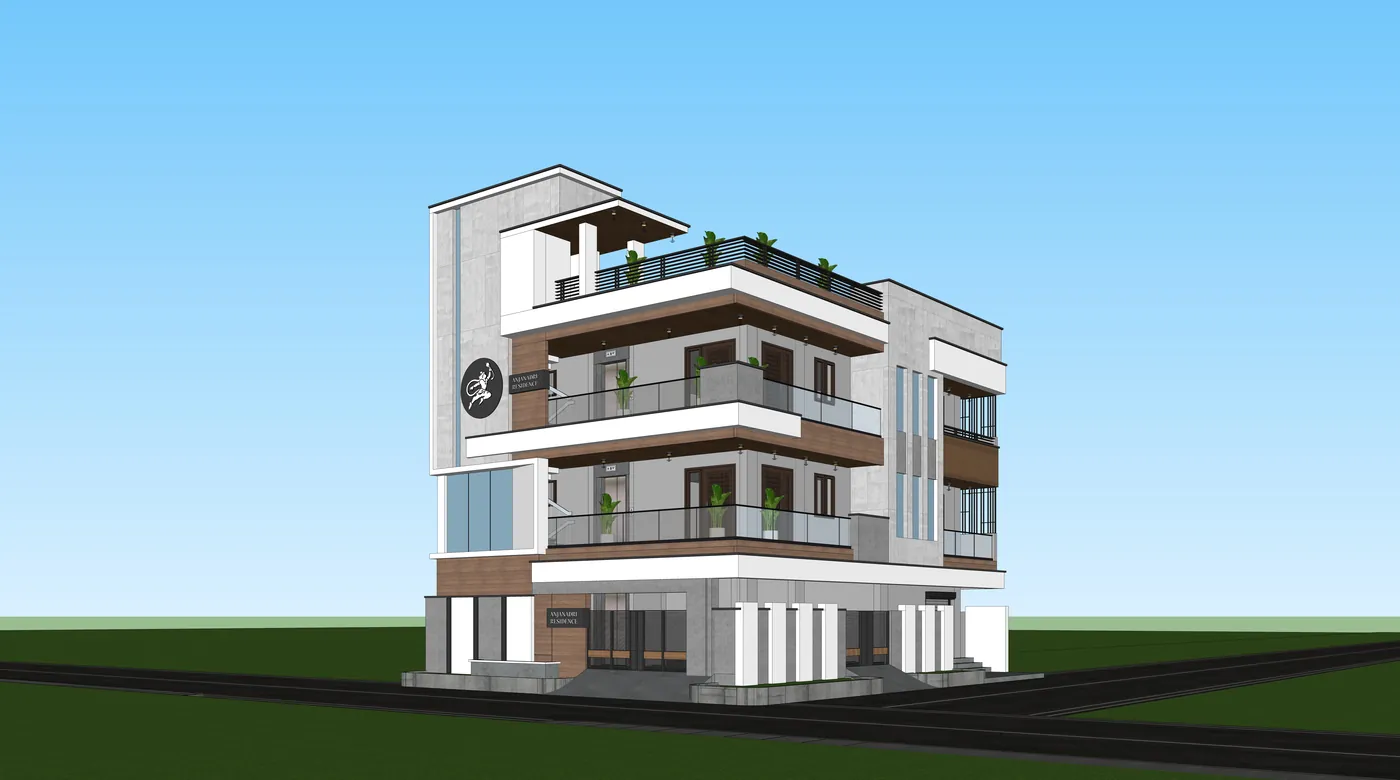 You bringYour elevation
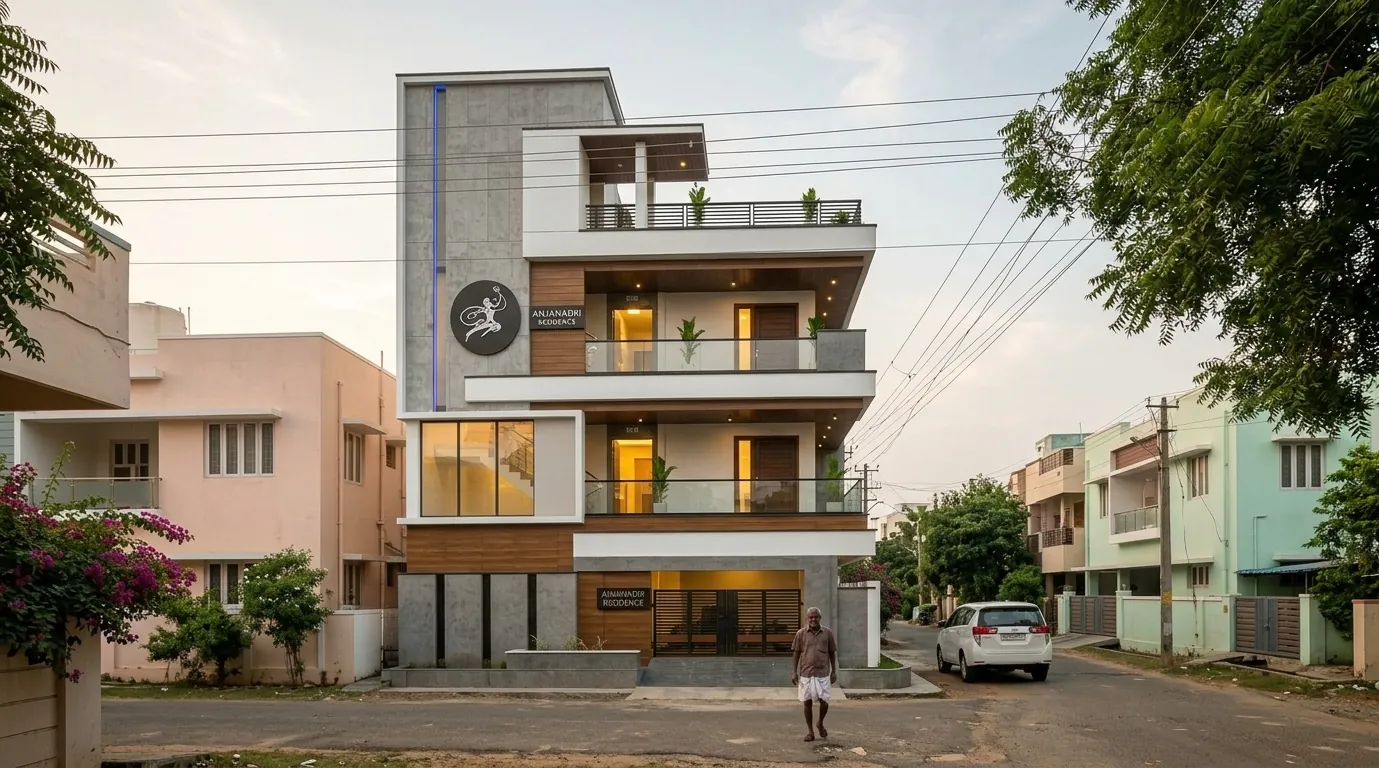 You getA view it couldn't see
What you get
Multi-angle source, in short.
Questions
Good to know.
Do I need this to render?
No — one elevation is enough. Use this when sides, rear or aerials must be accurate.
Do the screenshots need to match?
They must show the same design. Style and lighting don't matter.
Have a full 3D model?
Use the 3D Studio instead — it renders straight from the model.
Works well with
Next steps.
 Live
AI Render Studio
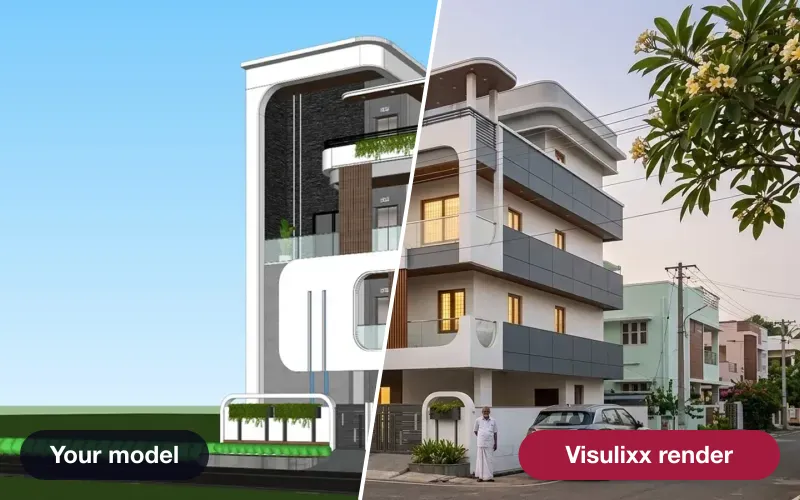
Any elevation export to a photoreal render in about a minute — checked against your drawing before you see it.
How it works → Live
Shots — every angle
Lock the world of a render you love, then shoot front, side, aerial and close-ups of the same scene.
How it works →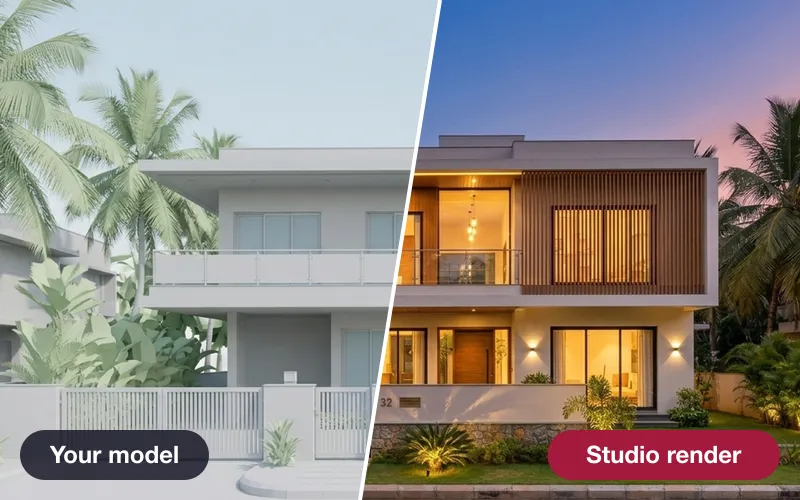 Early access
3D Studio
Upload your real model, walk it in the browser, light it with the true sun and render any view — nothing invented.
How it works →3 free renders · no card
Try it on your next project.
No card. No trial timer. Just your Google account and one export.