Love the render? Shoot every angle.
One click freezes everything around your building. Then pick the angles your presentation needs — they all render in that same world, so the set reads like one photo shoot.
3 free rendersNo cardGoogle sign-in
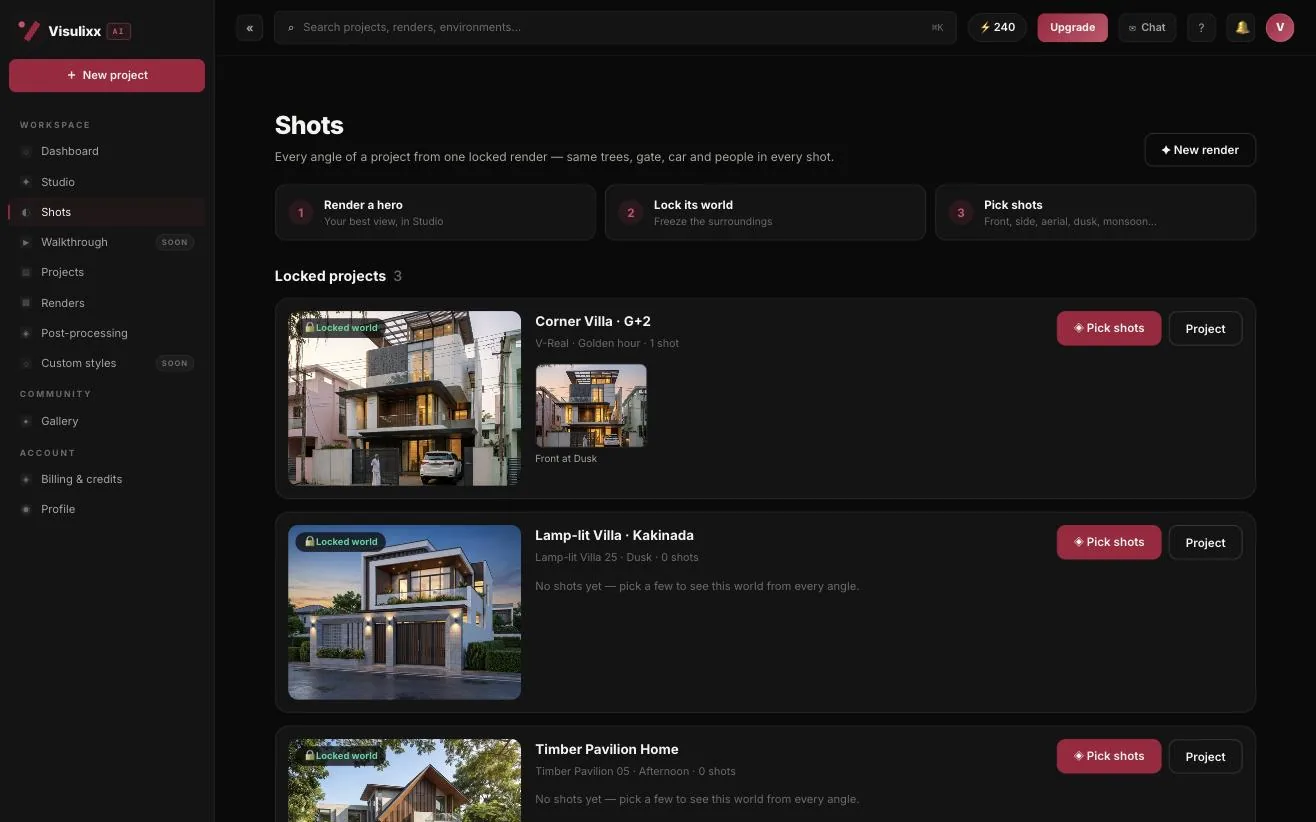
How to use it · 3 steps
Step by step.
- 1
Render a hero in Studio
Any style and atmosphere.
- 2
Click Lock world
On the render page. Trees, gate, cars, neighbours and light are frozen.
- 3
Pick shots
Tick the angles — front, side, aerial, close-ups, cinematic, dusk, night. They render while you keep working.
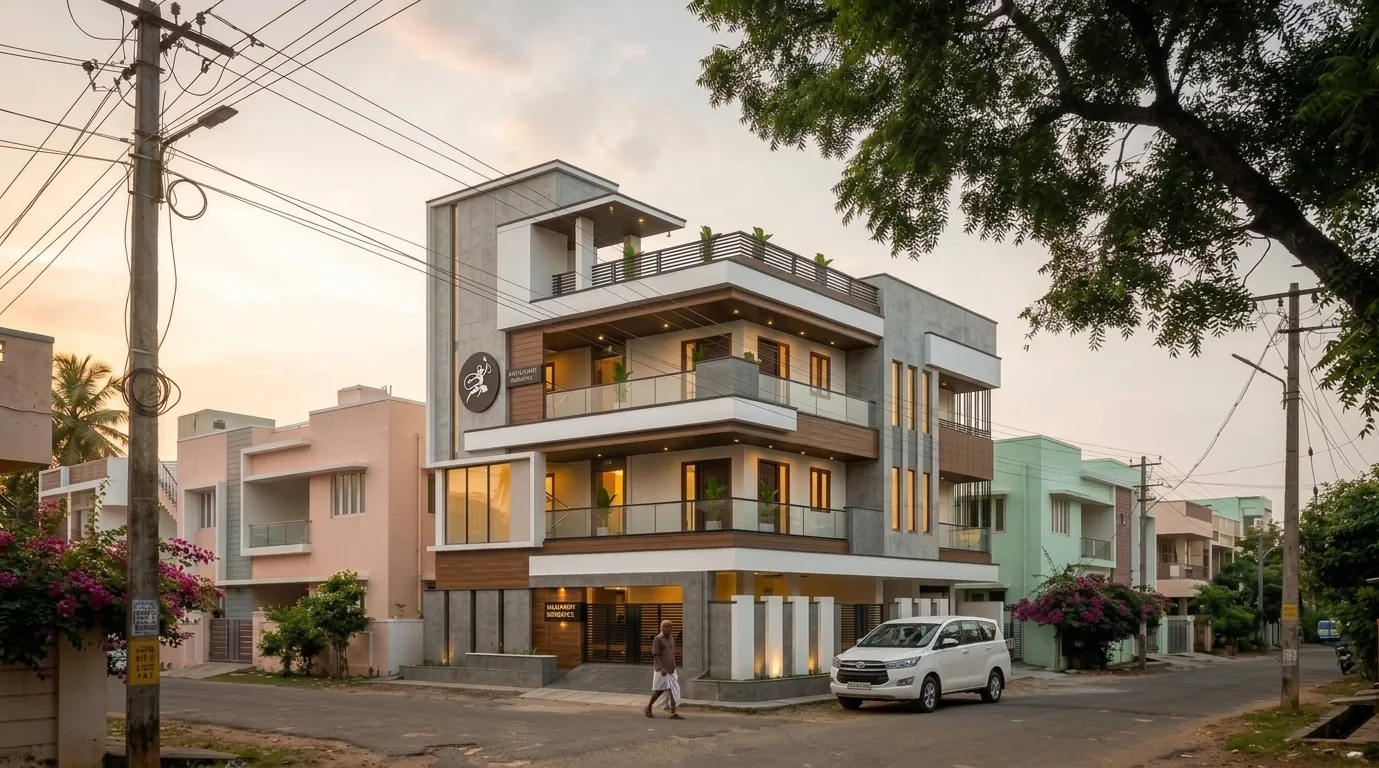 You bringYour hero render
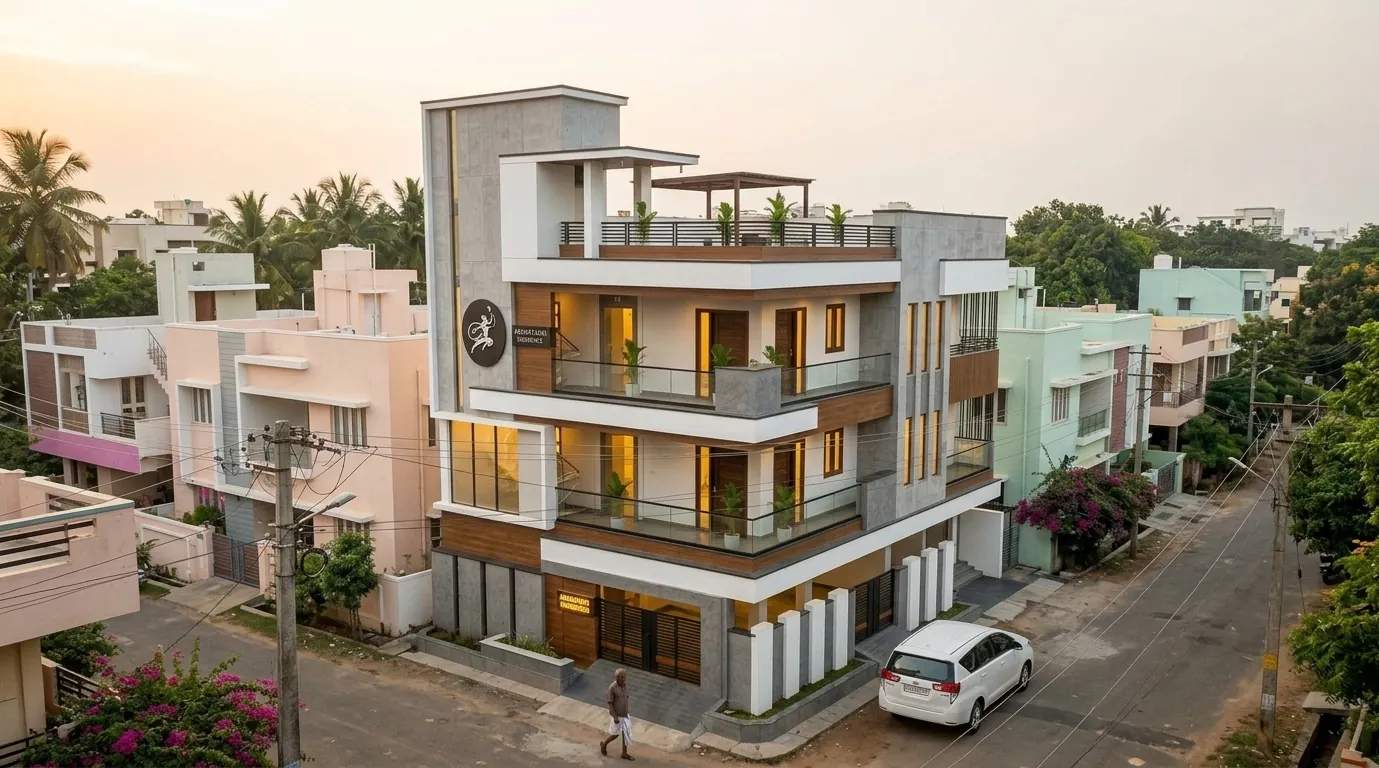 You getA new shot, same world
What you get
Shots — every angle, in short.
Questions
Good to know.
Do I need a 3D model?
No. Shots works from one rendered elevation.
Which shots can I pick?
Front, side, three-quarter, aerial, material close-up, gate detail, cinematic wide and low, people on porch, front at dusk, in monsoon and at night.
Why not just ask a chatbot for five angles?
You'd get five different neighbourhoods. Shots keeps one.
Works well with
Next steps.
 Live
AI Render Studio
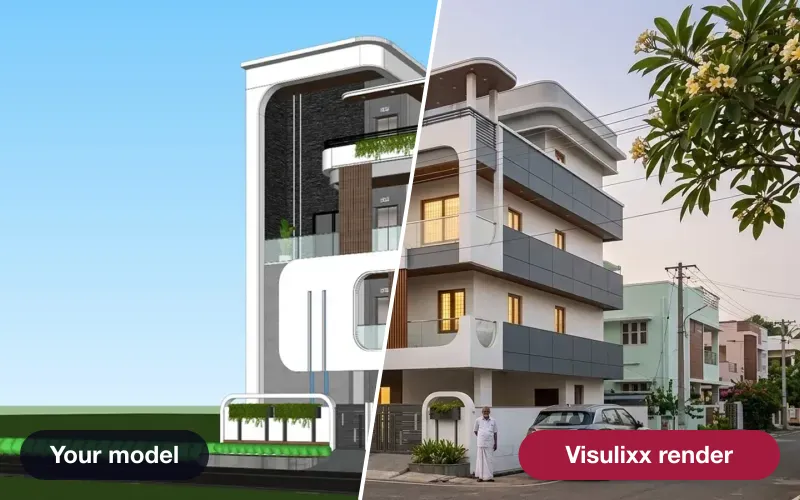
Any elevation export to a photoreal render in about a minute — checked against your drawing before you see it.
How it works →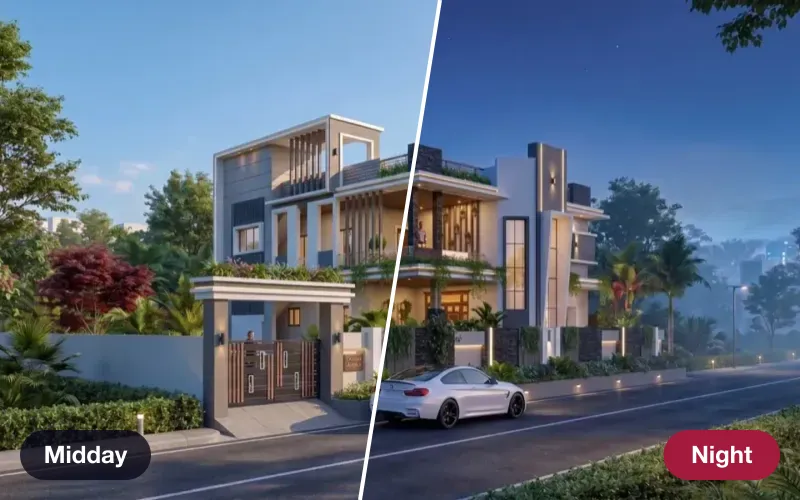 Live
Atmospheres
Re-light a finished render — golden hour, dusk, night, monsoon, festival — same camera, same world.
How it works →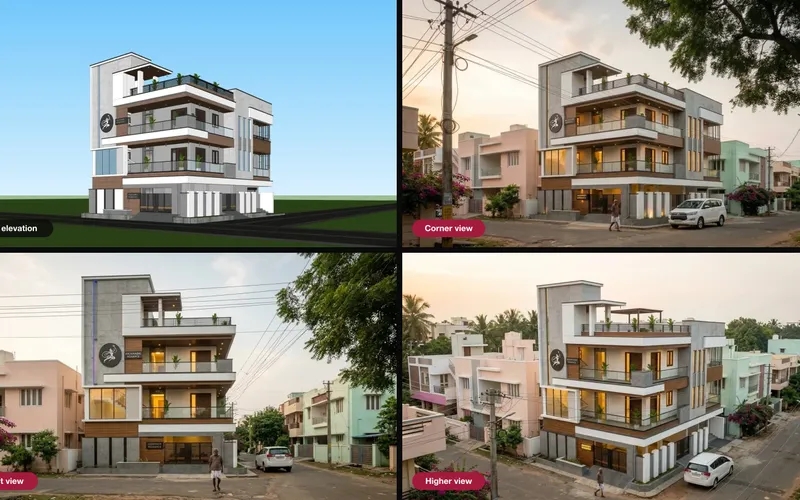 Live
Multi-angle source
Give the AI up to six views of the same building, so every angle comes from your real design.
How it works →3 free renders · no card
Try it on your next project.
No card. No trial timer. Just your Google account and one export.