Render without leaving SketchUp.
Install once and you get a Visulixx toolbar. Render this view saves exactly what you see and opens it in Visulixx, ready to pick a style. Send model to 3D Studio uploads the whole model and opens it there.
Part of 3D StudioOpening to early-access studios first
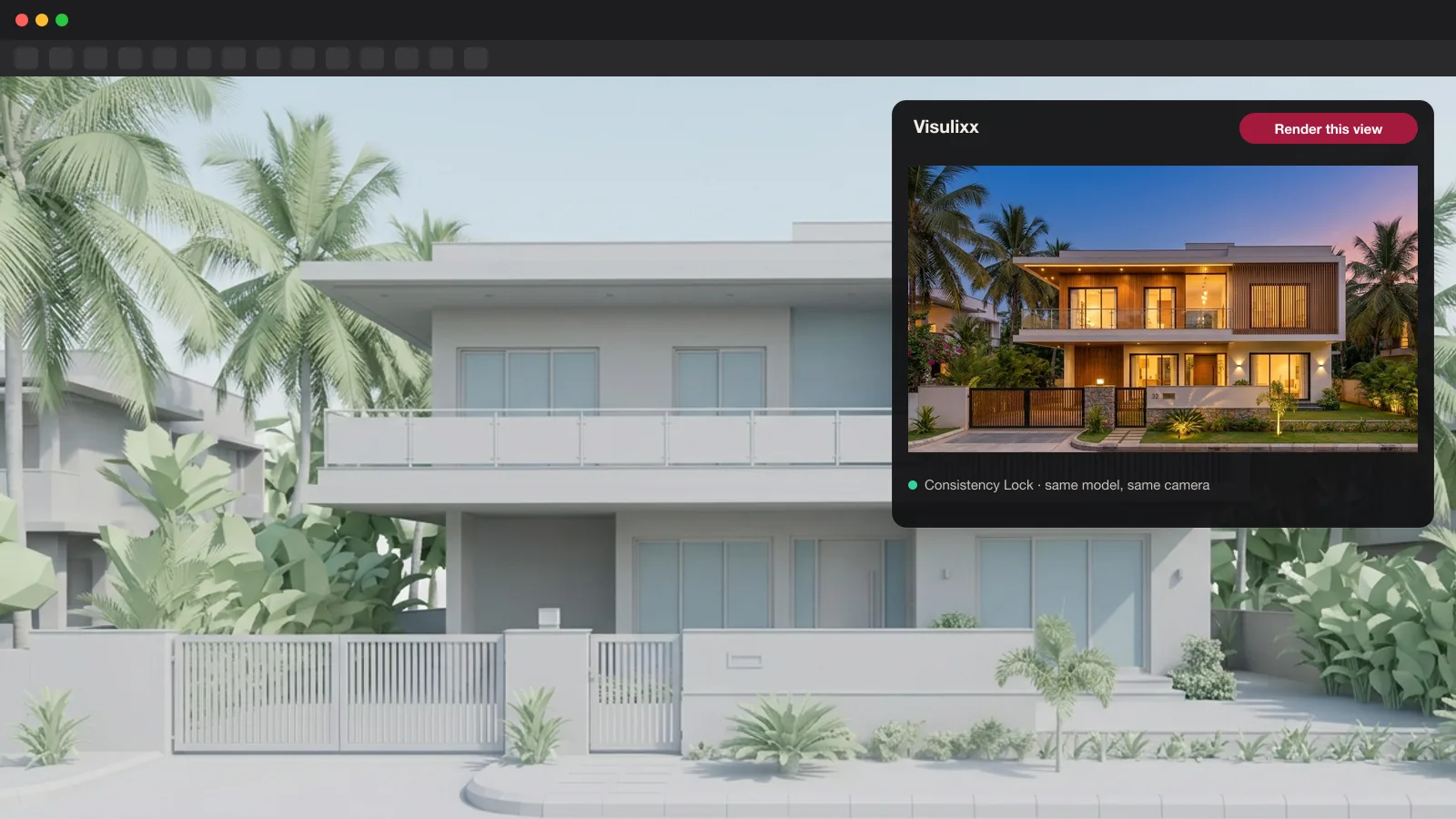
How to use it · 3 steps
Step by step.
- 1
Make a key
app.visulixx.com → 3D Studio → Export → Connect SketchUp & AI assistants → Make a key.
- 2
Install the extension
Download the .rbz → SketchUp → Extensions → Extension Manager → Install Extension.
- 3
Paste the key once
Extensions → Visulixx → Set API key. Then use the toolbar any time.
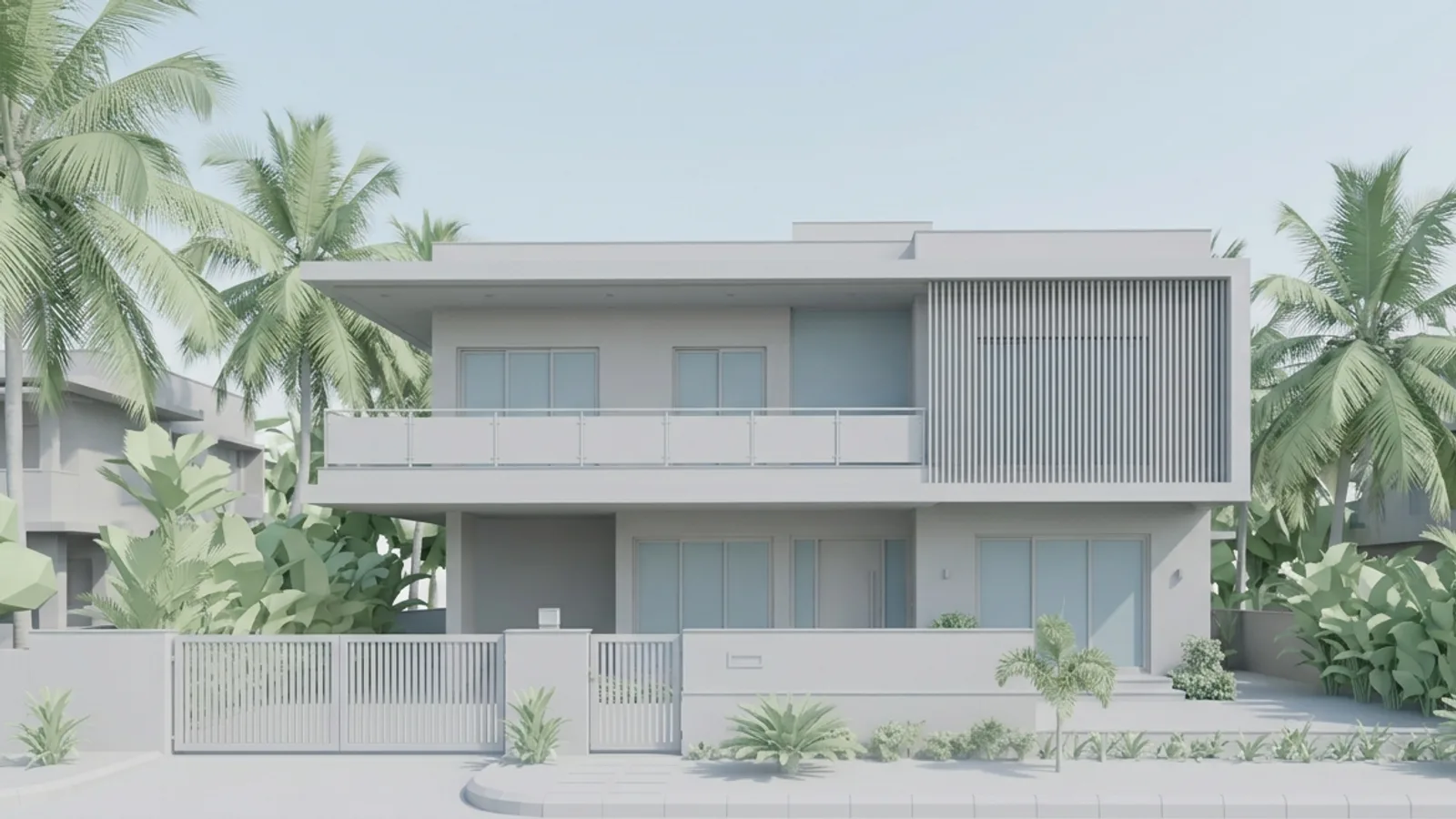 You bringYour SketchUp view
 You getThe render
What you get
SketchUp extension, in short.
Questions
Good to know.
Which SketchUp versions?
SketchUp 2017 and later, on Windows and Mac.
Is my model private?
Yes — it goes to your own account, stored privately.
Is it available now?
The extension opens with the 3D Studio to early-access studios first.
Works well with
Next steps.
 Live
AI Render Studio
Any elevation export to a photoreal render in about a minute — checked against your drawing before you see it.
How it works → Early access
3D Studio
Upload your real model, walk it in the browser, light it with the true sun and render any view — nothing invented.
How it works →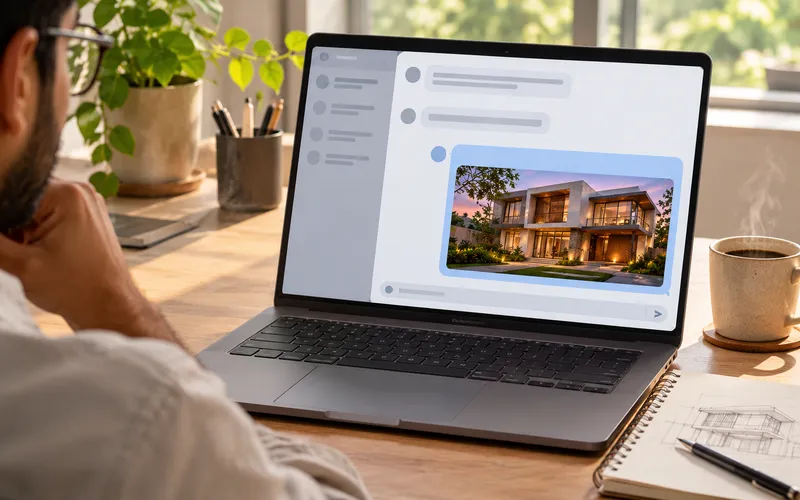 Early access
Visulixx in your AI assistant
Ask Claude, ChatGPT or Cursor to render an elevation, check a render or look up the sun — with your Visulixx account.
How it works →3D Studio · early access
Be one of the first studios in.
Tell us about your practice and we'll open the 3D Studio for you first.