A 600 mm tile is 600 mm.
Pick a material and it's drawn at its real size on every surface — bricks in stretcher bond, tiles with joints, planks, stone, cement boards. Or photograph a real sample and Visulixx reads how big it is.
Part of 3D StudioOpening to early-access studios first
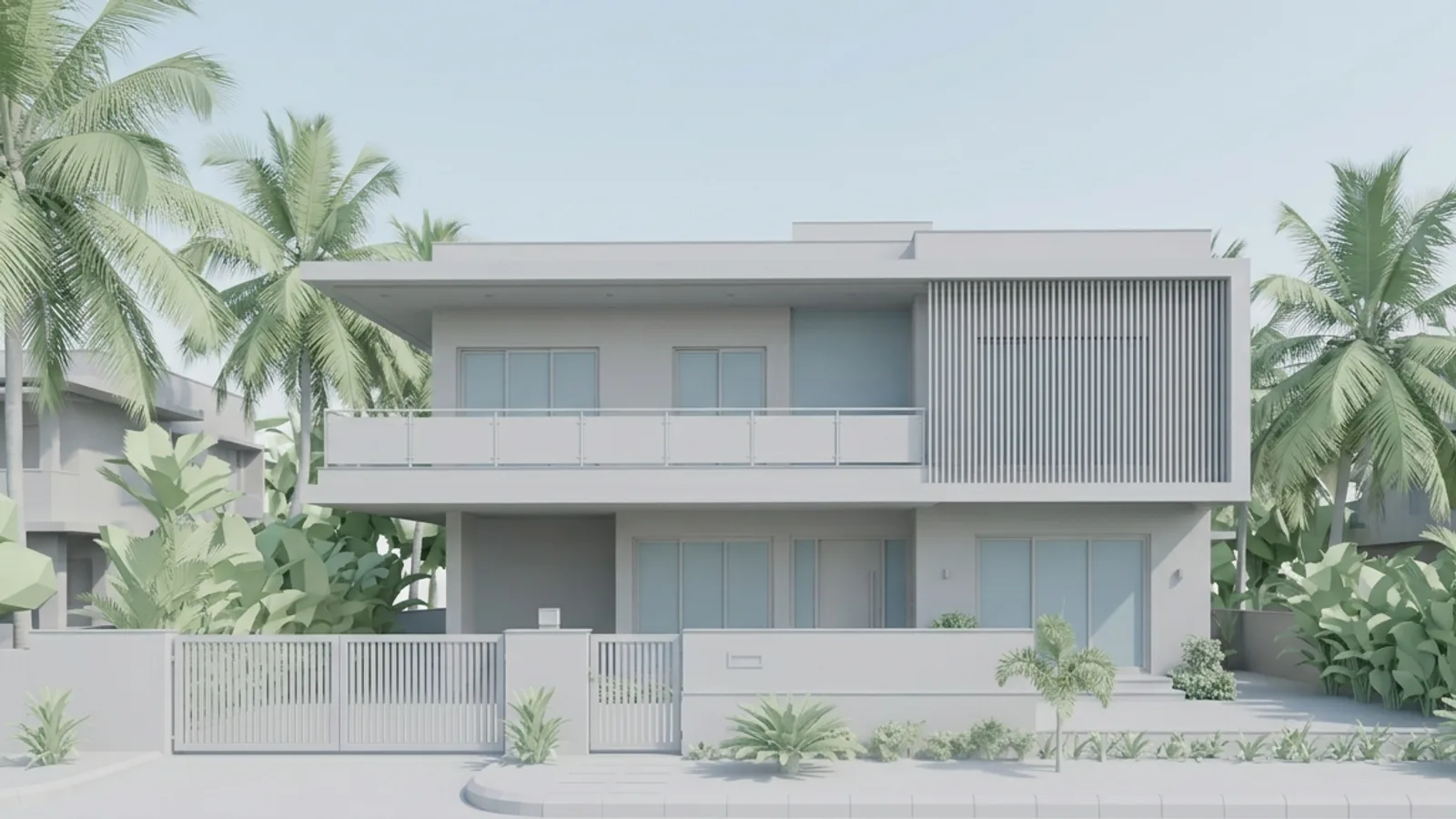
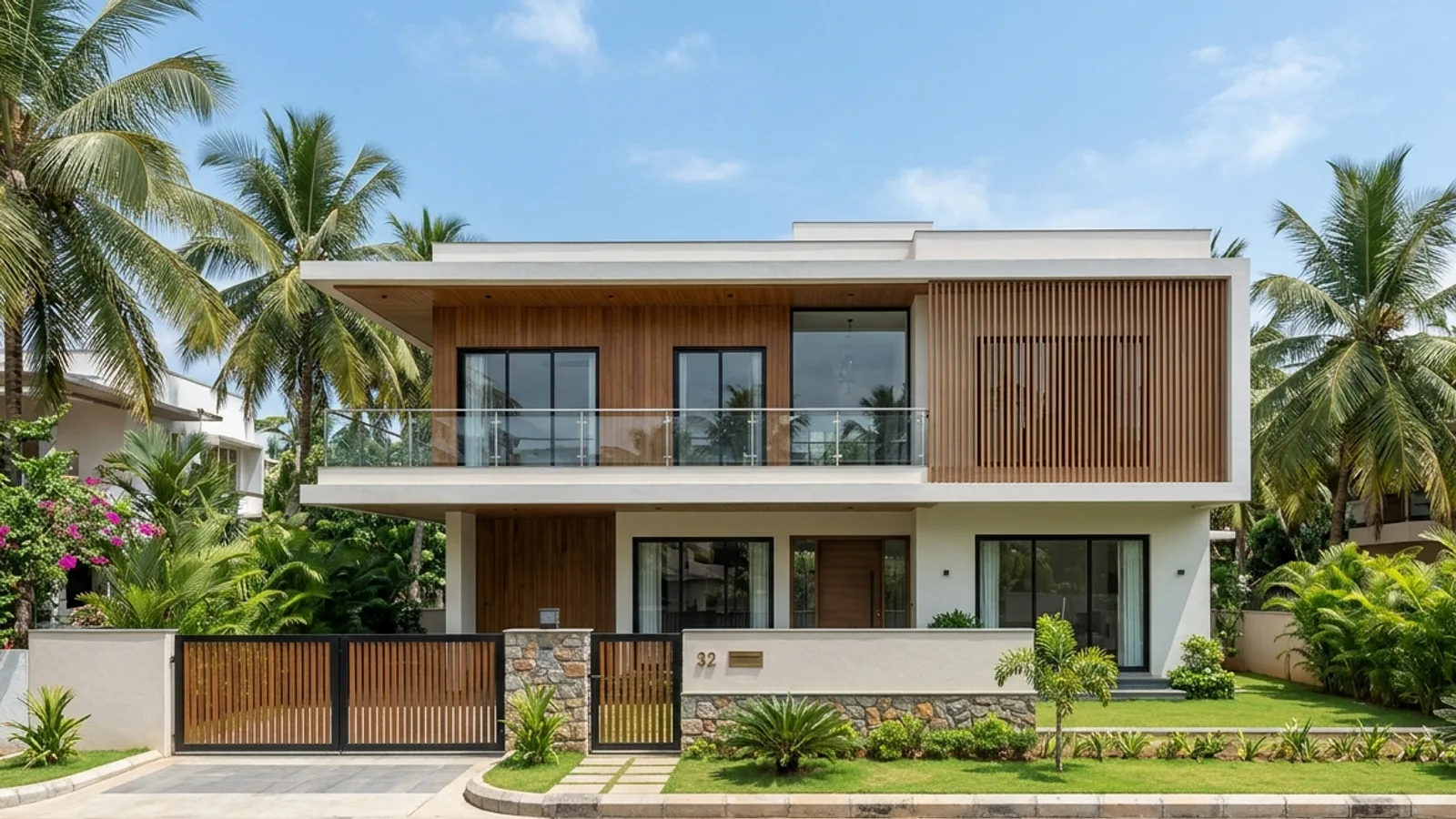 Clay modelReal materials
How to use it · 3 steps
Step by step.
- 1
Select a surface
Edit tab → click any part. Its whole material will change.
- 2
Pick a material
Real materials, true size → Brick 230 × 75, Tile 600 × 600, Stone, Planks… → Apply.
- 3
Or use a photo
Use a photo of a real material → check the size AI read → Apply at this size → Save changes.
You bringClay modelYou getReal materialsWhat you get
Real materials, true size, in short.
Questions
Good to know.
How does it know the size?
Built-in materials use real module sizes. For photos, AI estimates from the bricks, joints or grain — you confirm or correct it.
Will it show in AR and exports?
Yes — it's part of the model.
Is it available now?
Part of 3D Studio, opening to early-access studios first.
Works well with
Next steps.
 Early access
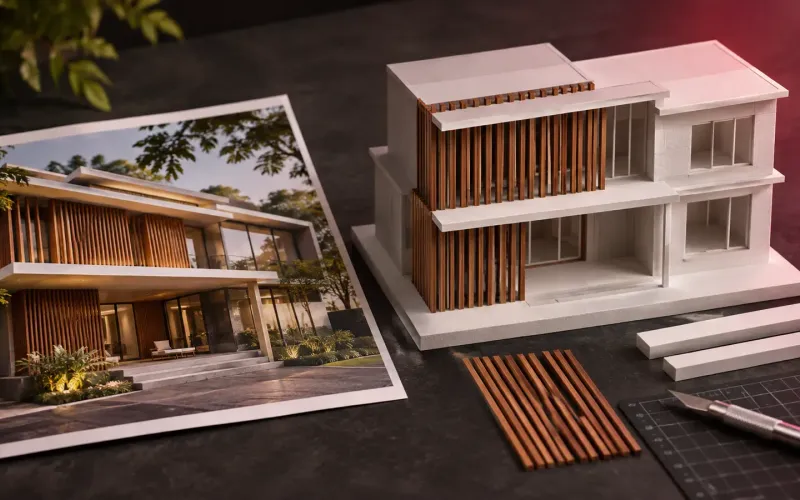
Reference → model
Show a photo the client likes; Visulixx applies its palette and façade elements to your model — accept each change.
How it works →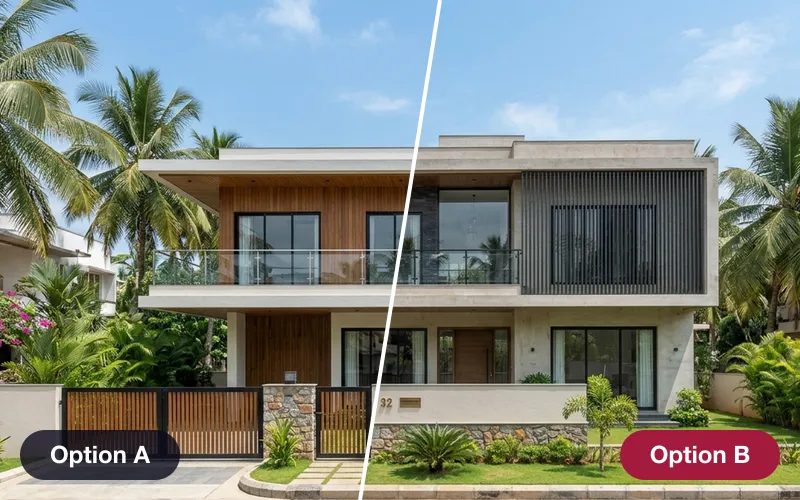 Early access
Design options & versions
Save looks as options, compare them side by side from the same camera, and see exactly what changed between versions.
How it works →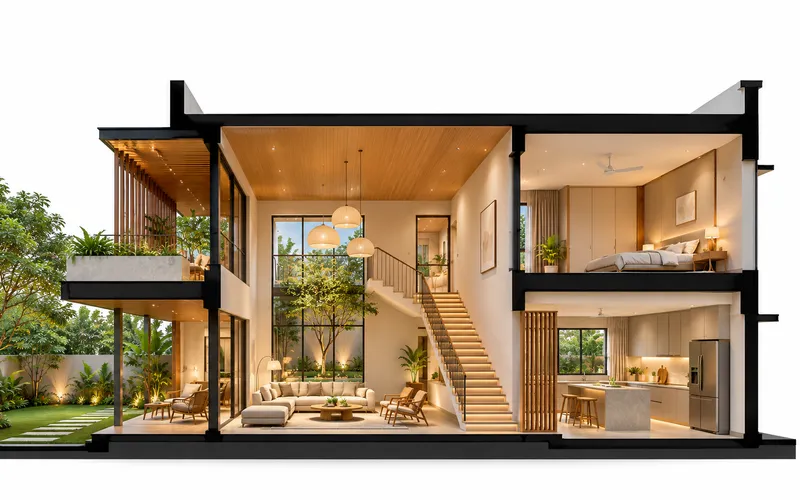 Early access
Presentation images
Annotated views with every material labelled, section perspectives, X-ray views, 8K prints and layered passes.
How it works →3D Studio · early access
Be one of the first studios in.
Tell us about your practice and we'll open the 3D Studio for you first.