One render. Every hour and season.
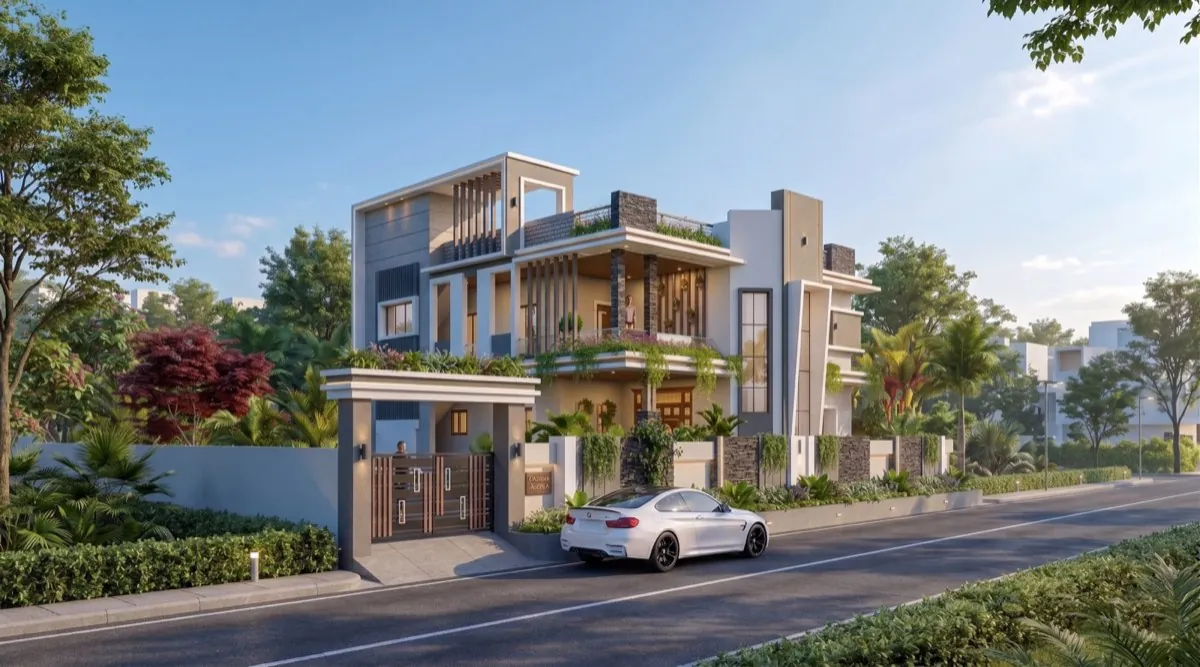
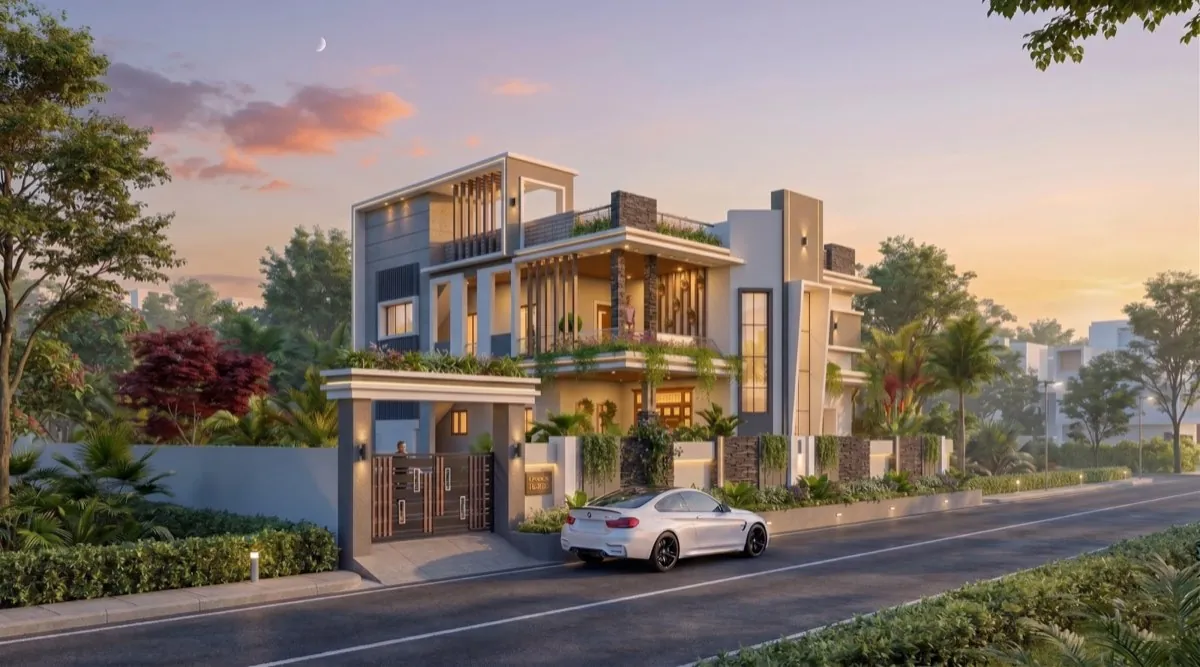
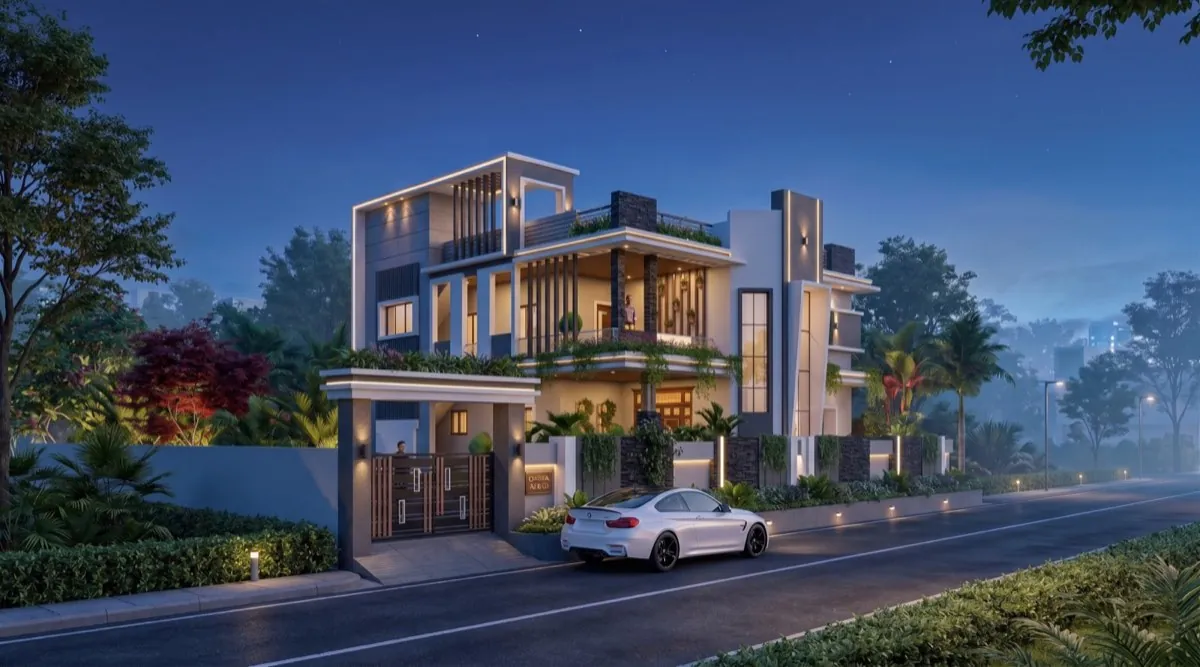
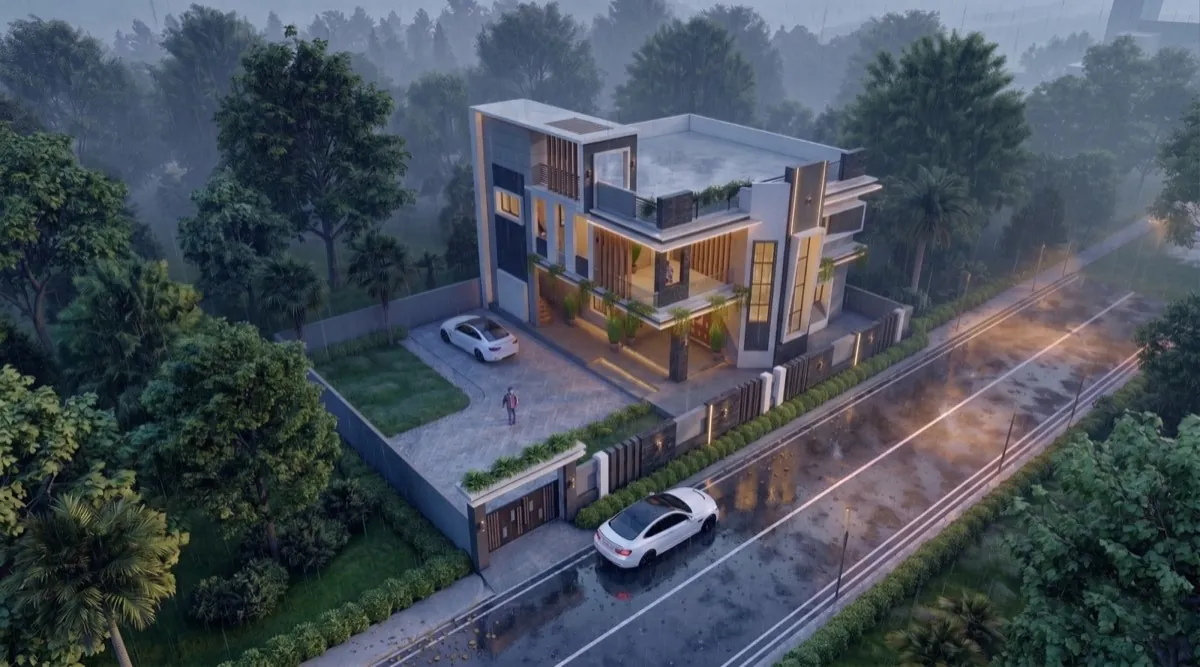
Show the client the same home at sunrise, at dusk and on a monsoon evening — without re-rendering the design or losing the world they approved.
3 free rendersNo cardGoogle sign-in
How to use it · 3 steps
Step by step.
- 1
Open a finished render
Renders → click any render.
- 2
Click Change atmosphere
Pick from 17: dawn, golden hour, blue hour, night, monsoon, mist, festival…
- 3
Download the new version
The building and street stay; only light and weather change. It's checked against your drawing again.
You bringYour renderYou getMonsoon, one clickWhat you get
Atmospheres, in short.
Questions
Good to know.
Does the building change?
No. Only light and weather change, and the result is checked against your source again.
How many atmospheres are there?
17, from first light to festival night.
Can I use it on shots?
Yes — any render, including shots of a locked world.
Works well with
Next steps.
 Live
AI Render Studio
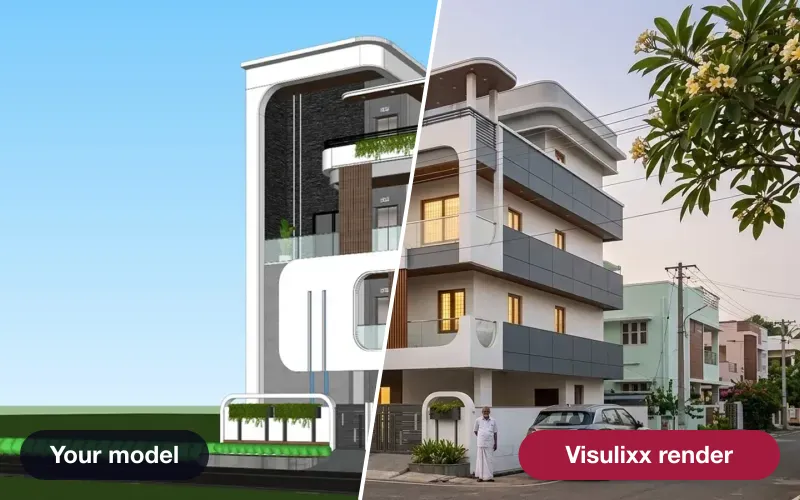
Any elevation export to a photoreal render in about a minute — checked against your drawing before you see it.
How it works →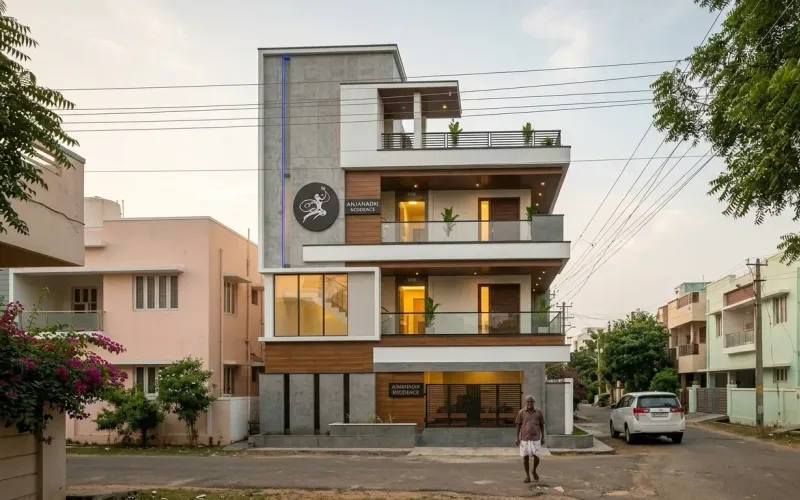 Live
Shots — every angle
Lock the world of a render you love, then shoot front, side, aerial and close-ups of the same scene.
How it works →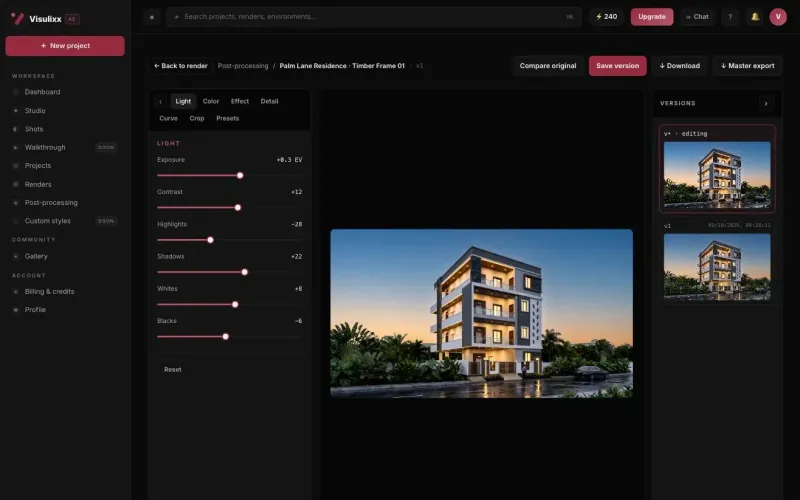 Live
Post-processing & 4K
Finish light, colour, curves and crop in the browser, keep every version, and upscale to 4K.
How it works →3 free renders · no card
Try it on your next project.
No card. No trial timer. Just your Google account and one export.