Client-ready, without Photoshop.
Every render opens in a built-in editor: light, colour, effects, curves and crop, with every save kept as a version. One click upscales to 4K for print.
3 free rendersNo cardGoogle sign-in
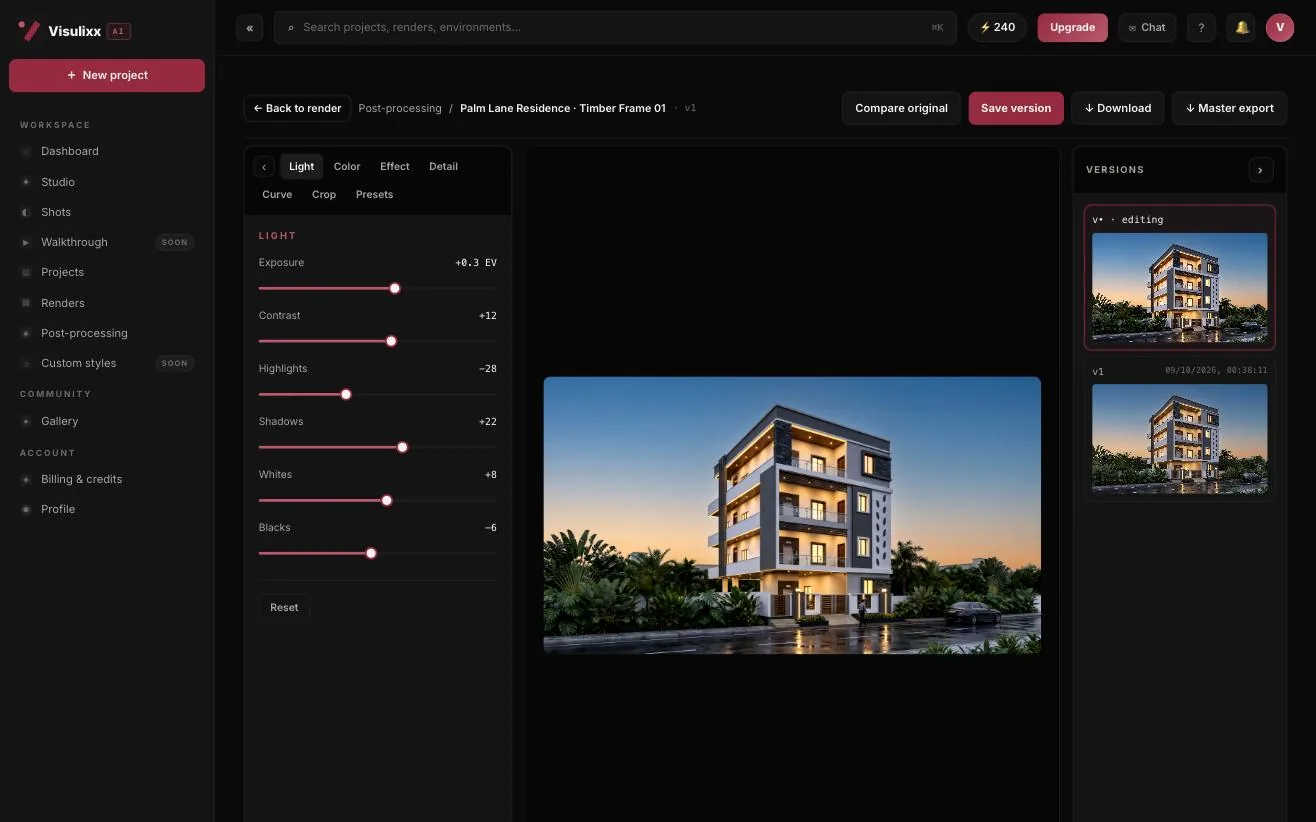
How to use it · 3 steps
Step by step.
- 1
Open the editor
Post-processing → pick a render.
- 2
Grade and crop
Light, colour, effects, curves; crop to A4, 16:9, 4:5 or square.
- 3
Save and download
Each save is a version. Download at 2K or upscale to 4K.
What you get
Post-processing & 4K, in short.
Questions
Good to know.
Does grading change the design?
No — only light and colour. The verified building stays as certified.
How much is 4K?
Free on Popular and above, 5 credits on Free and Starter.
Can I print at A4?
Yes — crop to A4 and upscale to 4K.
Works well with
Next steps.
 Live
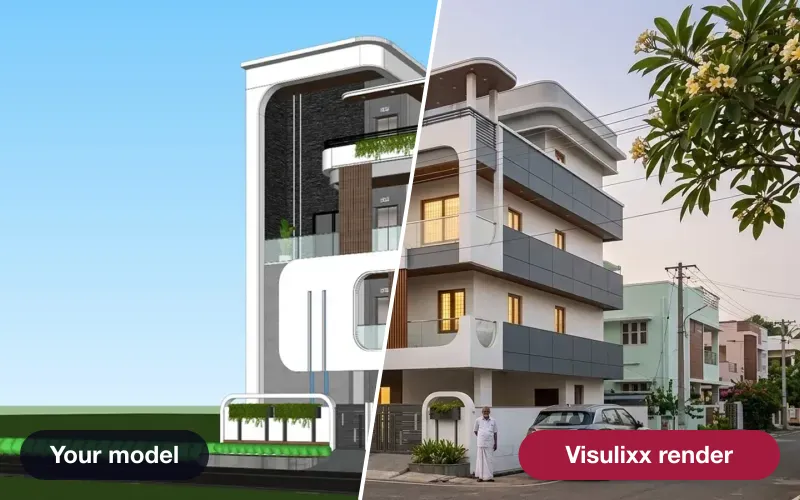
AI Render Studio
Any elevation export to a photoreal render in about a minute — checked against your drawing before you see it.
How it works →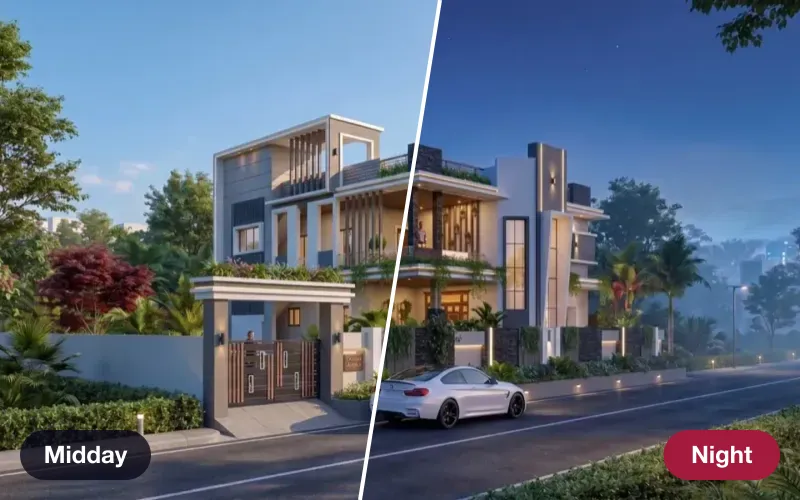 Live
Atmospheres
Re-light a finished render — golden hour, dusk, night, monsoon, festival — same camera, same world.
How it works →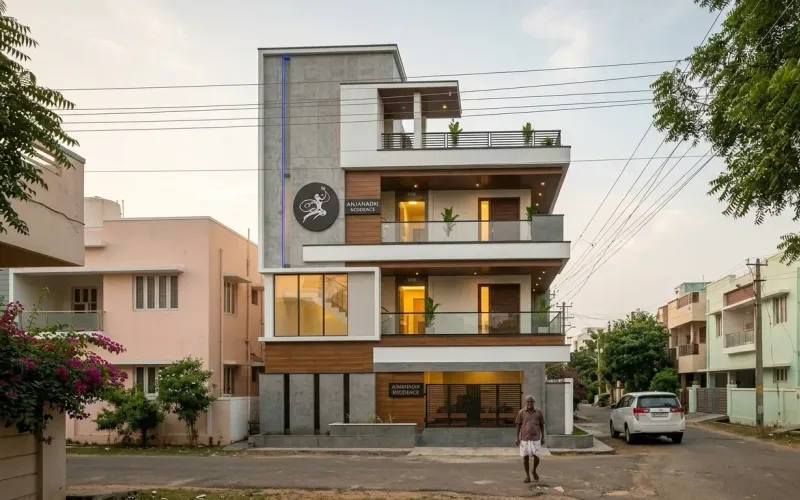 Live
Shots — every angle
Lock the world of a render you love, then shoot front, side, aerial and close-ups of the same scene.
How it works →3 free renders · no card
Try it on your next project.
No card. No trial timer. Just your Google account and one export.