Which windows get sun — and when it hurts.
Every window gets its hours of direct sun on the equinox and both solstices, traced from the real sun past your own walls, chajjas and neighbours. Windows hit by low, glaring sun are flagged so you can shade them.
Part of 3D StudioOpening to early-access studios first
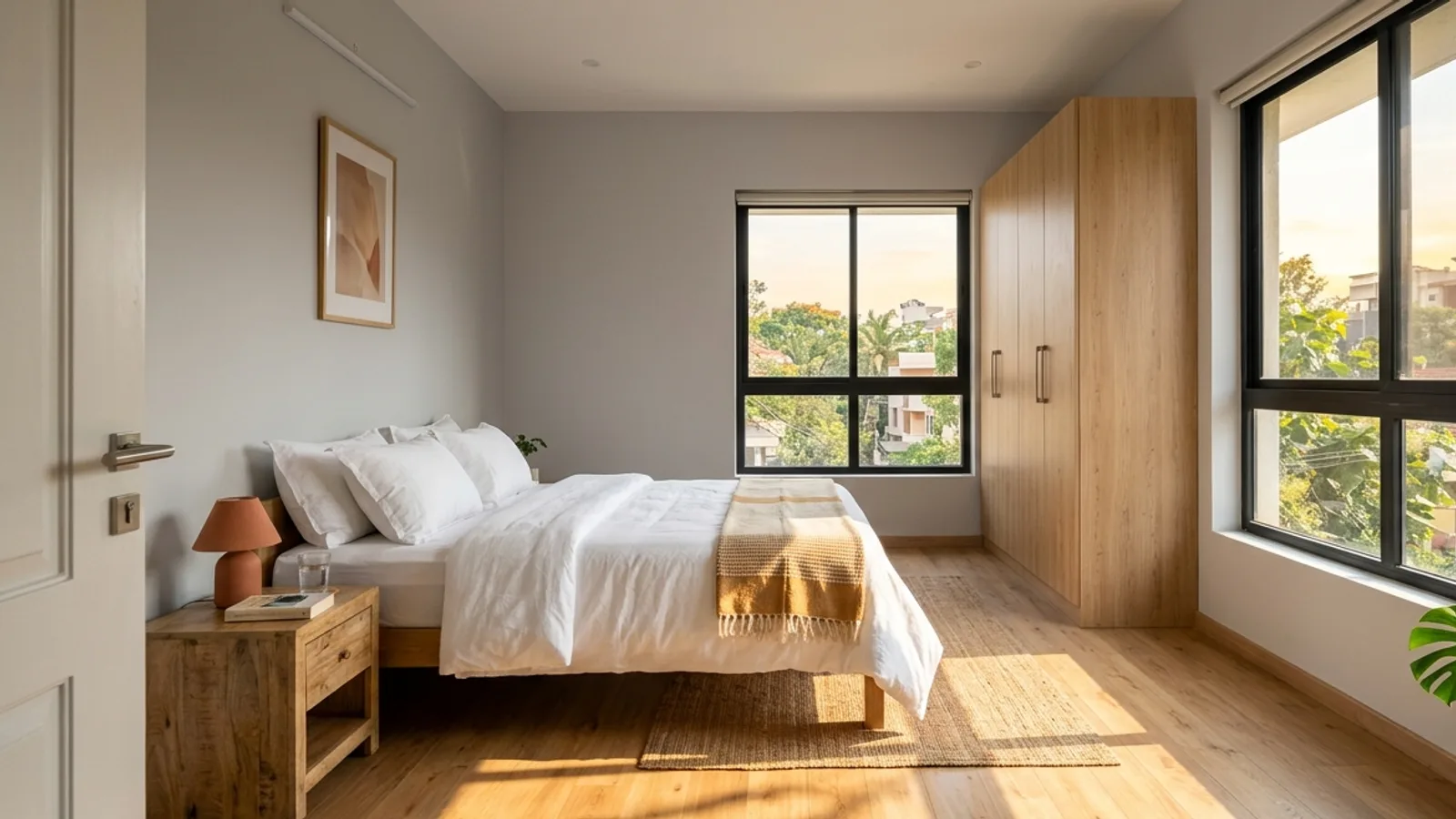
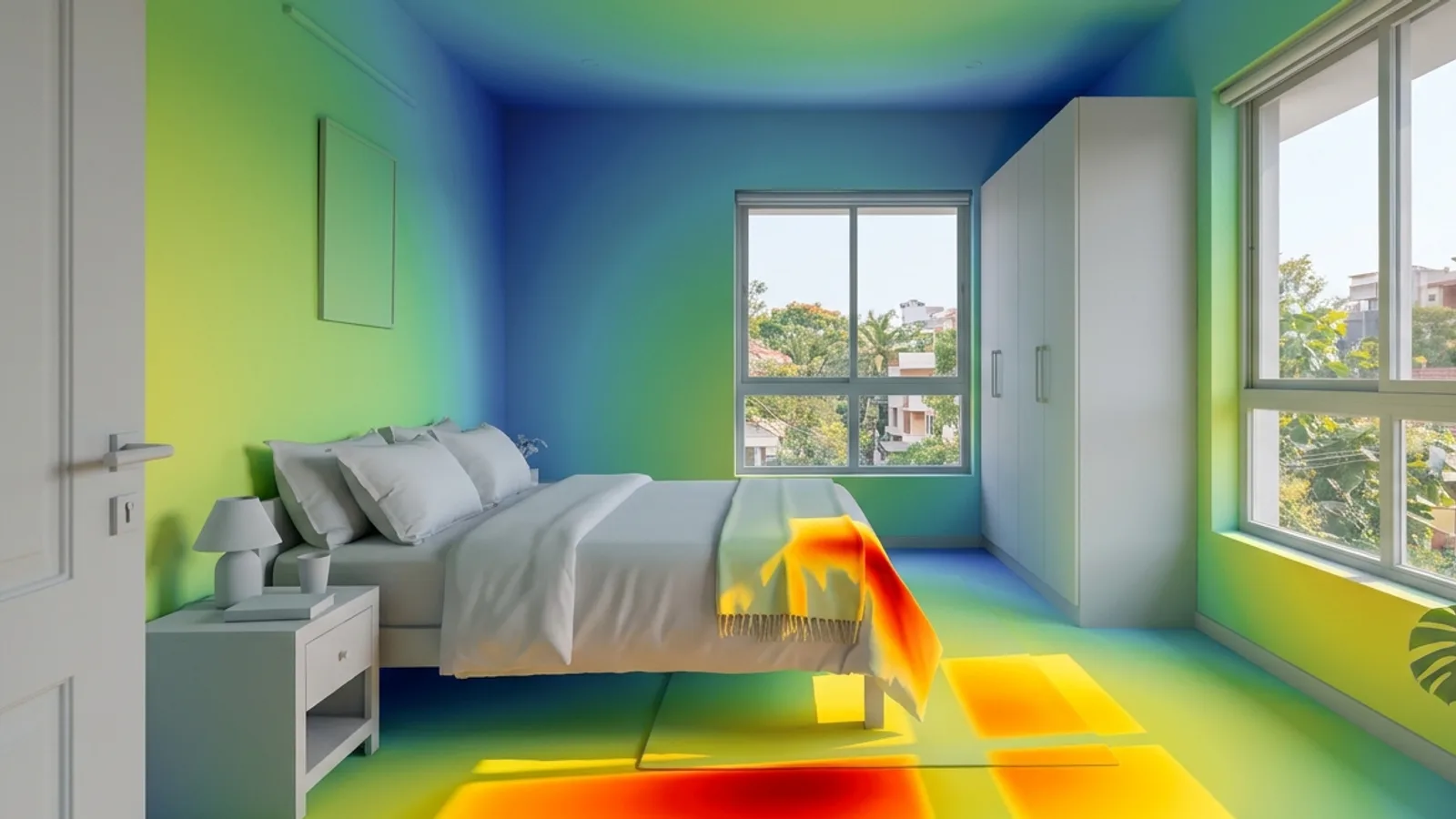 The roomDaylight map
How to use it · 3 steps
Step by step.
- 1
Set the site
Site & sun tab → pick your city.
- 2
Run the check
Studies tab → Daylight & glare check → Check the windows.
- 3
Fix and re-check
Add shading (Edit → Shade a façade from the real sun) and run it again.
You bringThe roomYou getDaylight mapWhat you get
Daylight & glare check, in short.
Questions
Good to know.
Why does my south window get no sun in June?
Below about 23° N the June sun passes north of the building at noon — the check shows what really happens at your latitude.
Does it include neighbours?
Yes, when site context is on.
Is it available now?
Part of 3D Studio, opening to early-access studios first.
Works well with
Next steps.
 Early access
AI design team
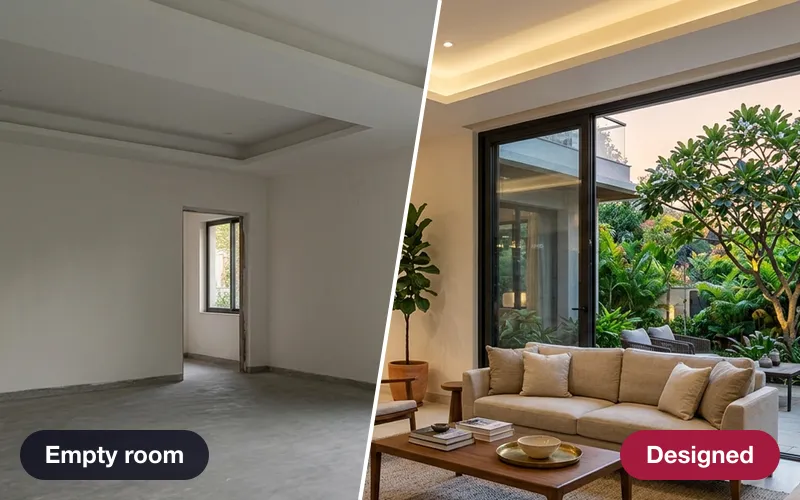
A critic, an interior designer, a landscape designer and a lighting designer — every proposal clash-checked.
How it works → Early access
Sun & shadow study
The true sun for your site and date, an hourly shadow sheet, and real neighbouring buildings from the map.
How it works →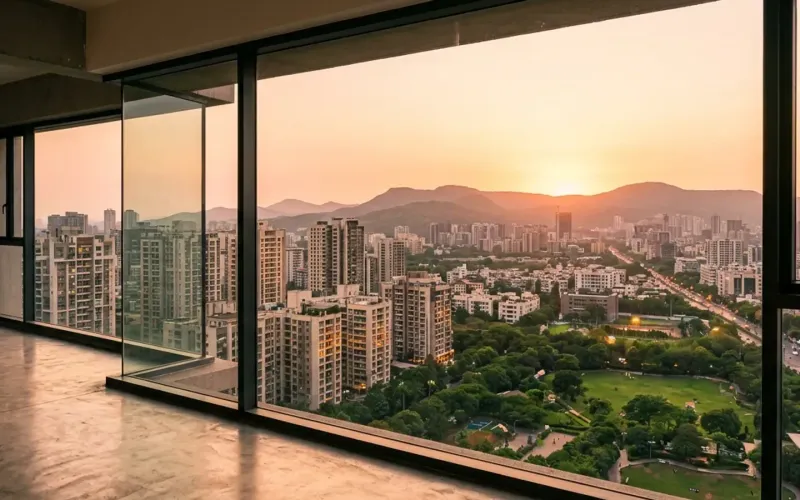 Early access
Unit view finder
The real view out of any window at any floor — for apartment sales and approvals.
How it works →3D Studio · early access
Be one of the first studios in.
Tell us about your practice and we'll open the 3D Studio for you first.