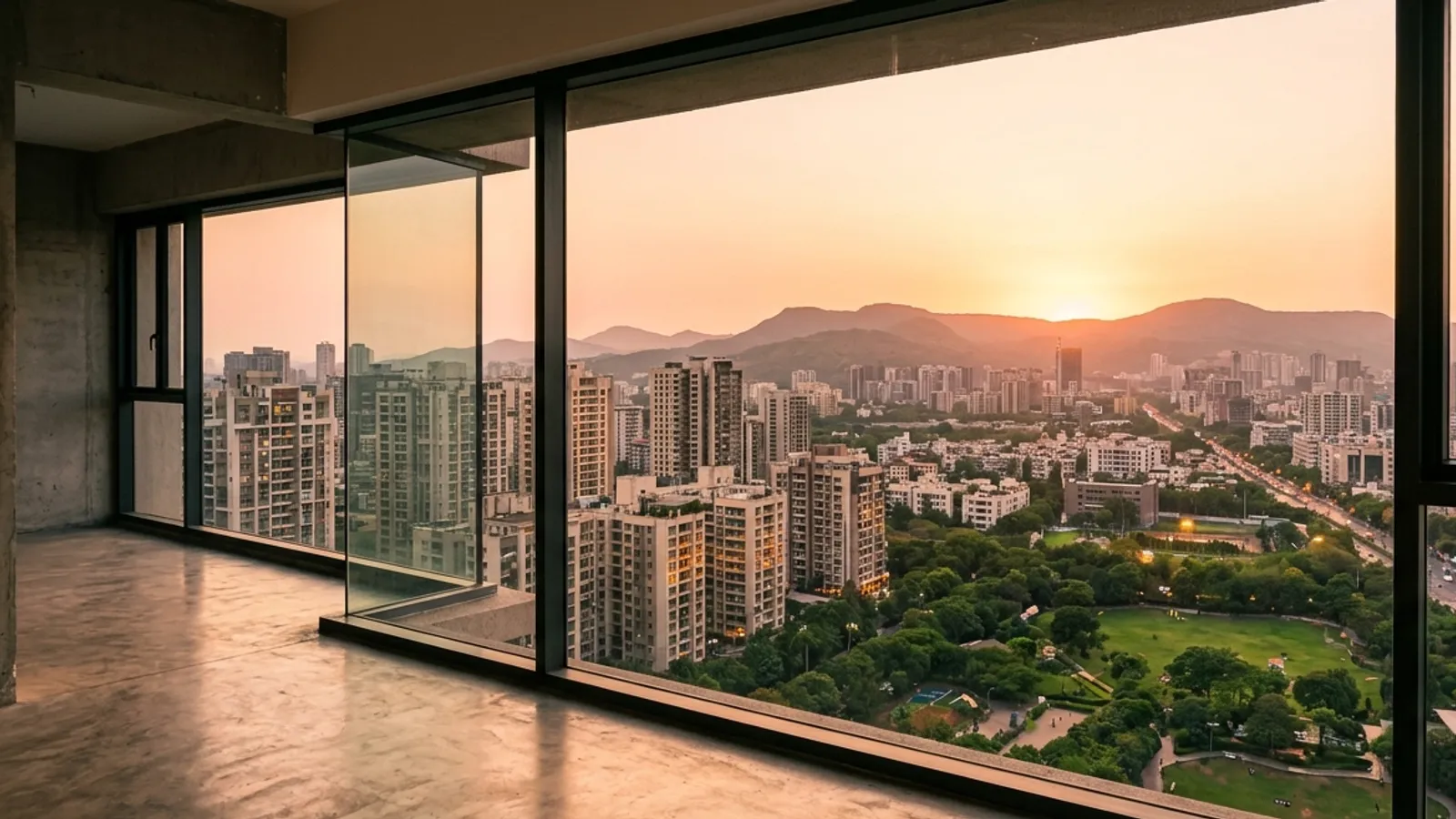
What will I see from the 7th floor?
Buyers ask it before they book. Click the façade where the unit is, choose the floor, and get the view out of its window — a still and a full 360° — with real neighbouring buildings from the map.
Part of 3D StudioOpening to early-access studios first
How to use it · 3 steps
Step by step.
- 1
Turn on context
Site & sun tab → set the site → Show neighbours and roads.
- 2
Pick the unit
Views tab → Unit view finder → Pick the unit's façade → click the wall.
- 3
Choose the floor
Floor and floor height → Show the view → download the view and the 360°.
What you get
Unit view finder, in short.
Questions
Good to know.
Are the neighbours exact?
Footprints come from OpenStreetMap; heights where recorded, estimated otherwise (labelled).
Can I share it?
Download the still and the 360°, or add it to a client tour.
Is it available now?
Part of 3D Studio, opening to early-access studios first.
Works well with
Next steps.
 Early access
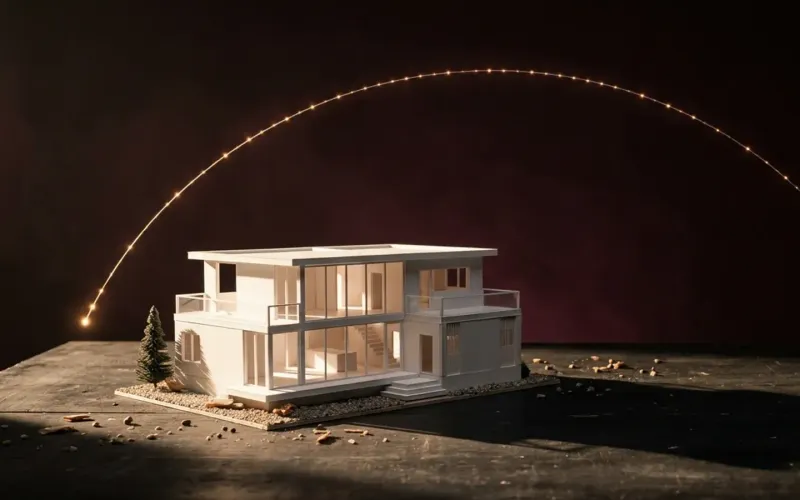
Sun & shadow study
The true sun for your site and date, an hourly shadow sheet, and real neighbouring buildings from the map.
How it works →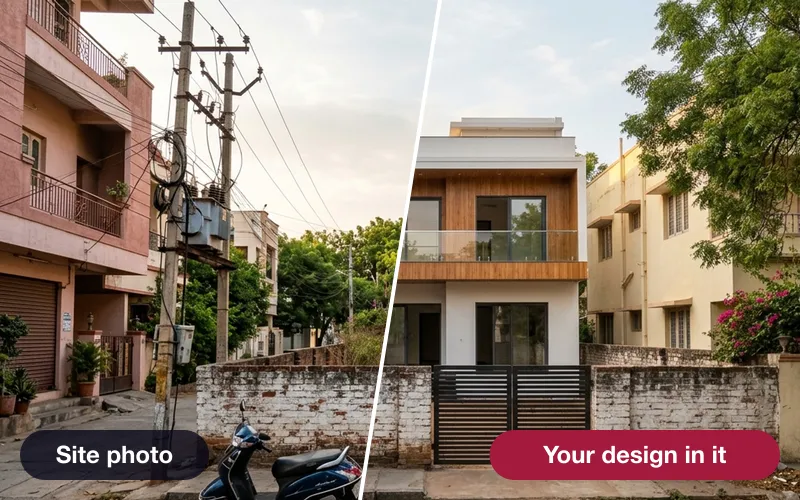 Early access
Verified photomontage
Place your design into a real site photo — the camera solved from matched points, with the error shown in pixels.
How it works →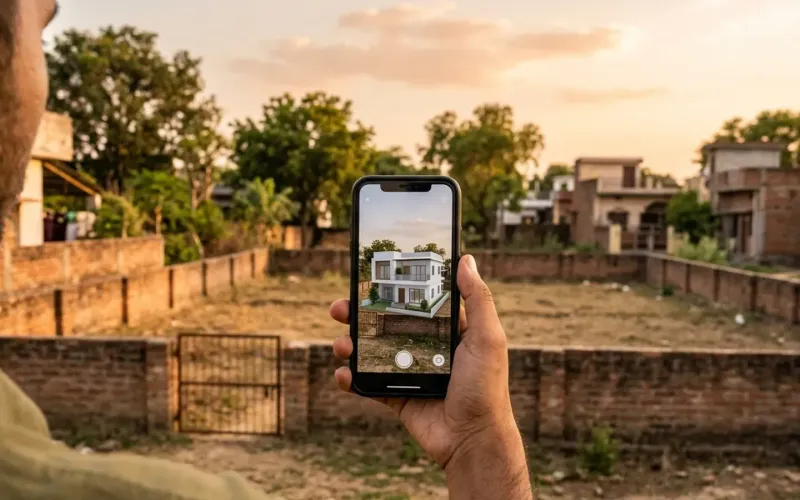 Early access
360° tour, AR & live session
Share a 360° tour, let the client place the model in AR, and walk them through it live from your screen.
How it works →3D Studio · early access
Be one of the first studios in.
Tell us about your practice and we'll open the 3D Studio for you first.