Proof the render is the design.
When a render goes to a client, a lender or an authority, you can show where it came from: which model and version, which camera, which sun — and the Consistency Lock score. No score is shown unless the check really ran.
Part of 3D StudioOpening to early-access studios first
Model
Villa · version 3 · IFC
Camera
Front corner · 1.6 m eye level · 35° lens
Sun
Hyderabad · 30 Oct · 16:30 · WSW 238°, 36° high
Consistency Lock
Passed · 94 / 100
How to use it · 3 steps
Step by step.
- 1
Render from your model
3D Studio → Render tab → Render this view.
- 2
Open the render
When it's done, open it from Renders.
- 3
View the certificate
Click Certificate → print or share the link.
What you get
Fidelity Certificate, in short.
Questions
Good to know.
What if the check didn't run?
The certificate says so. It never shows a score that wasn't measured.
Do screenshot renders get one?
They get a Consistency score; the full certificate is for renders made from a 3D model.
Is it available now?
Part of 3D Studio, opening to early-access studios first.
Works well with
Next steps.
 Early access
3D Studio
Upload your real model, walk it in the browser, light it with the true sun and render any view — nothing invented.
How it works →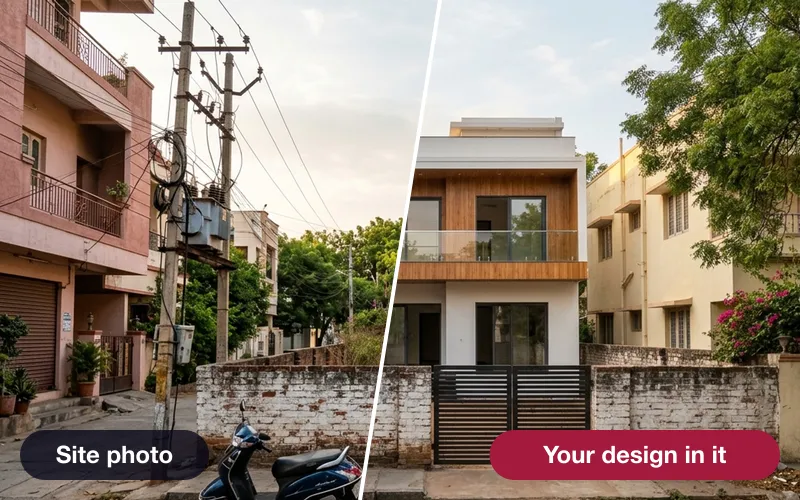 Early access
Verified photomontage
Place your design into a real site photo — the camera solved from matched points, with the error shown in pixels.
How it works →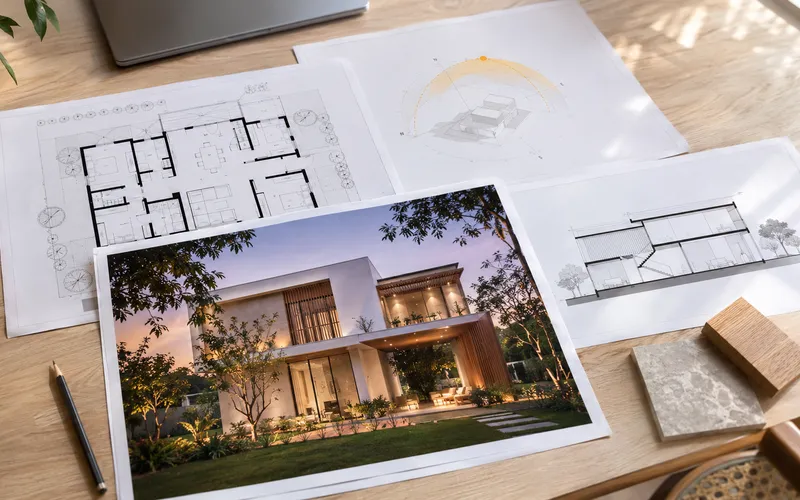 Early access
Presentation deck
One click makes an A3 PDF: cover, every saved view, the floor plan and the quantities.
How it works →3D Studio · early access
Be one of the first studios in.
Tell us about your practice and we'll open the 3D Studio for you first.