The client deck, in one click.
Save the views you want to show, click once, and get an A3 PDF: a cover, a page for every saved view, the floor plan cut from the model, and a quantities table — ready to send or print.
Part of 3D StudioOpening to early-access studios first
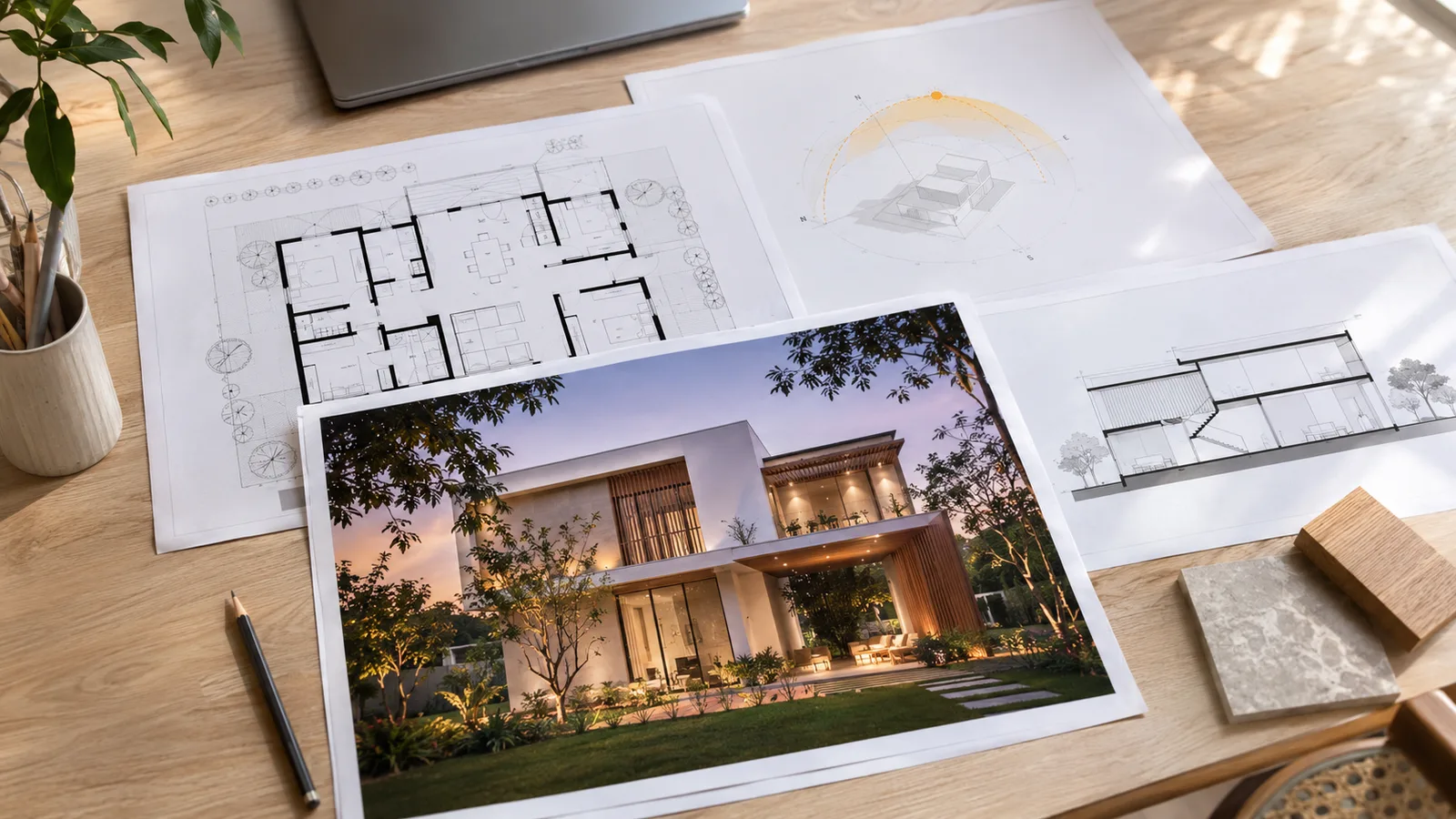
How to use it · 3 steps
Step by step.
- 1
Save the views
Views tab → Save this view for each page you want.
- 2
Make the deck
Export tab → Make the presentation deck (PDF).
- 3
Send it
Email, WhatsApp or print at A3.
 You bringYour saved viewsYou getThe A3 deck
What you get
Presentation deck, in short.
Questions
Good to know.
Can I add AI renders?
Download them from Renders and add them to the PDF, or render your saved views first.
Is the plan to scale?
It's cut from the model with a scale bar on the drawing sheets.
Is it available now?
Part of 3D Studio, opening to early-access studios first.
Works well with
Next steps.
 Early access
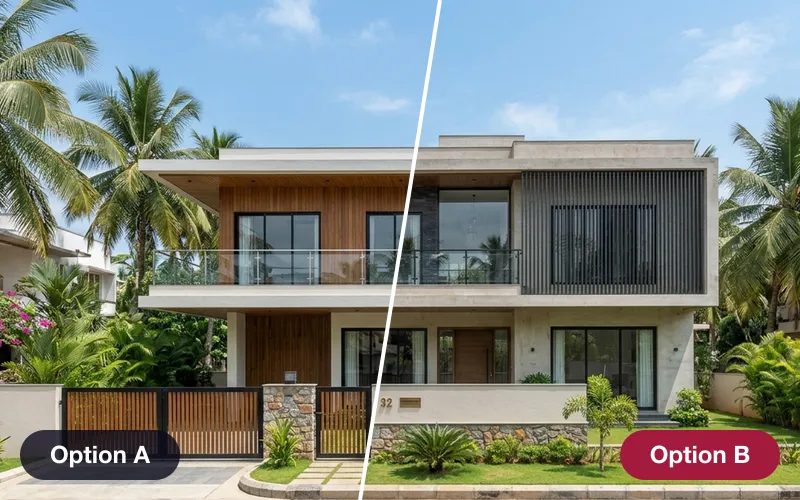
Design options & versions
Save looks as options, compare them side by side from the same camera, and see exactly what changed between versions.
How it works →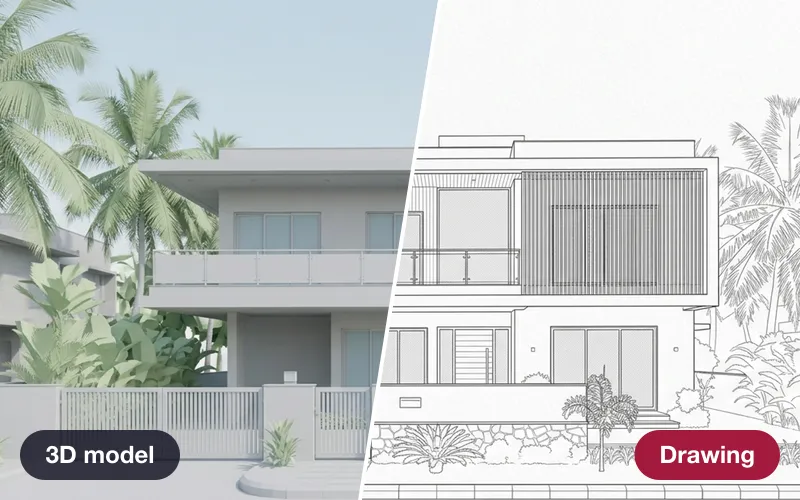 Early access
Drawings from the model
Plans, elevations and sections as A3 sheets — plus construction sequence, quantities and IFC.
How it works →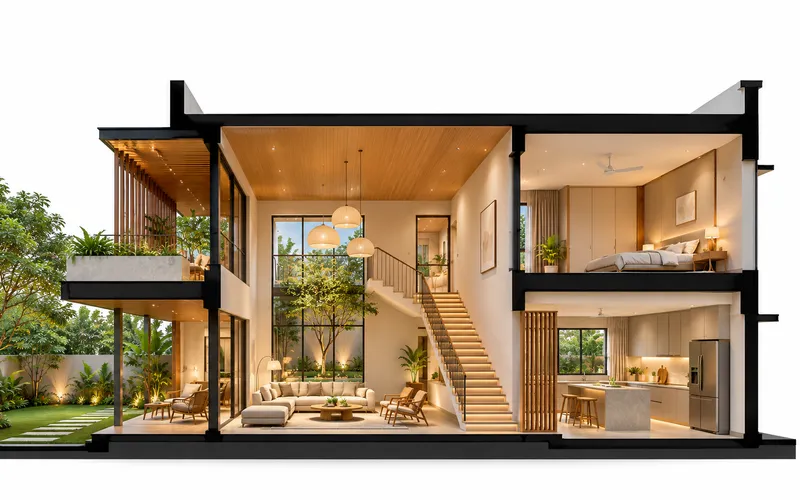 Early access
Presentation images
Annotated views with every material labelled, section perspectives, X-ray views, 8K prints and layered passes.
How it works →3D Studio · early access
Be one of the first studios in.
Tell us about your practice and we'll open the 3D Studio for you first.