Your design, in the real photo.
Take a photo on site. Click six points on it — a gate post, a kerb corner, a neighbour's roof — and the same points on the model. Visulixx works out exactly where the photo was taken and places your design into it, with the accuracy in pixels.
Part of 3D StudioOpening to early-access studios first
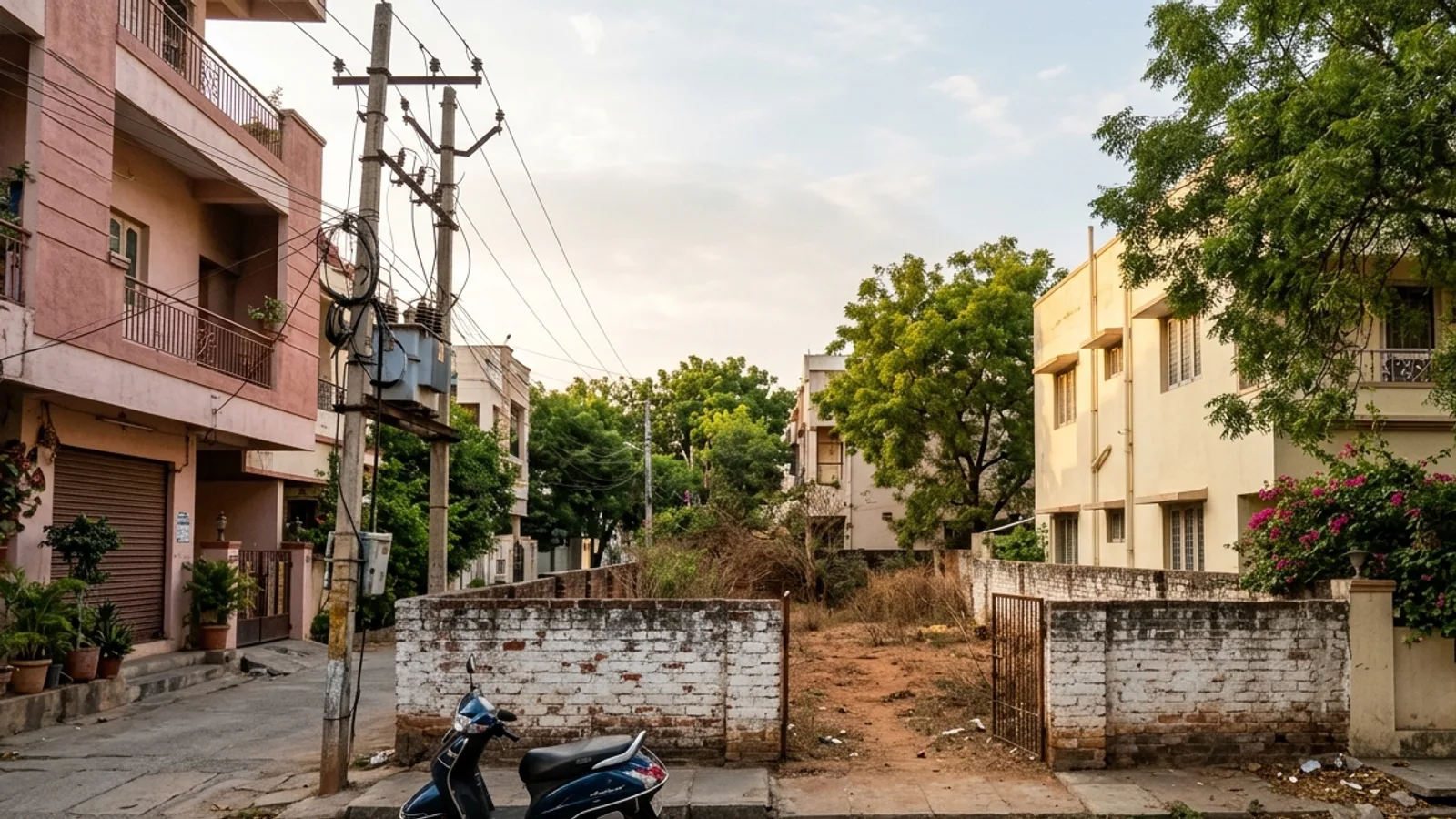
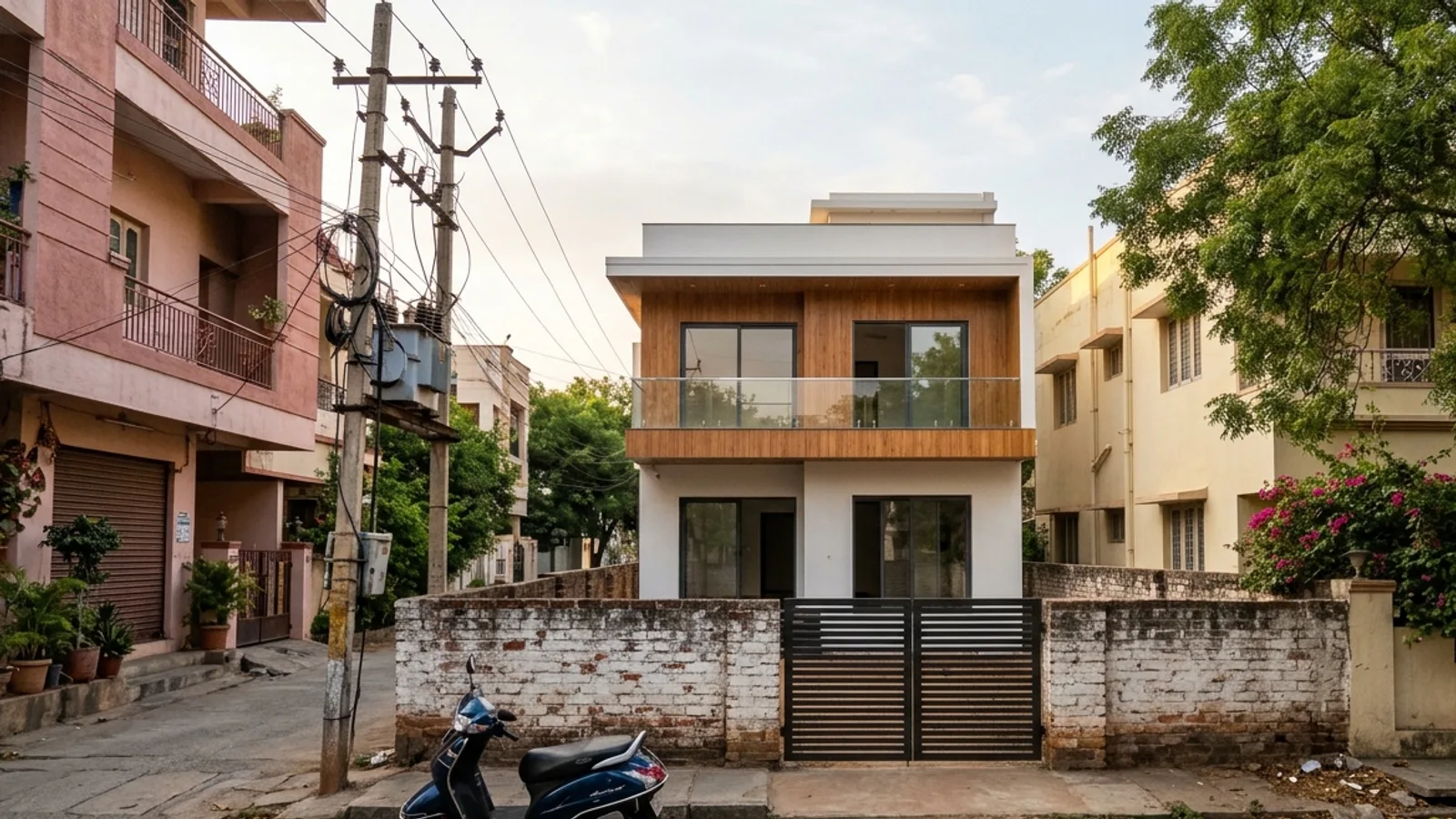 Site photoYour design in it
How to use it · 3 steps
Step by step.
- 1
Upload the site photo
Views tab → Verified photomontage → Upload a site photo.
- 2
Match six points or more
Add point → click it on the photo → click the same point on the model. Repeat.
- 3
Place the design
Place the design → check the error (under 4 px = verified) → Download.
You bringSite photoYou getYour design in itWhat you get
Verified photomontage, in short.
Questions
Good to know.
How many points do I need?
Six at least; eight or more spread across the photo is better.
What does 'verified' mean?
The average reprojection error is under 4 pixels. You see the exact number either way.
Is it available now?
Part of 3D Studio, opening to early-access studios first.
Works well with
Next steps.
 Early access
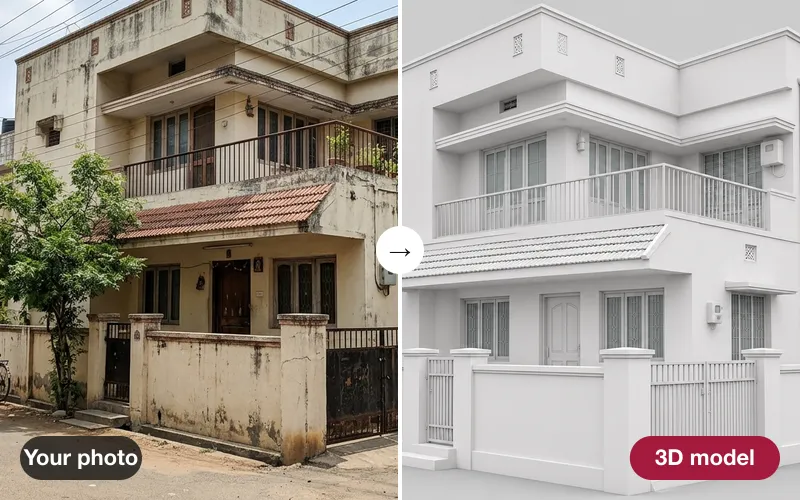
Photo → 3D
Turn one photo of an existing building into a 3D model for context and renovation studies — clearly marked as estimated.
How it works →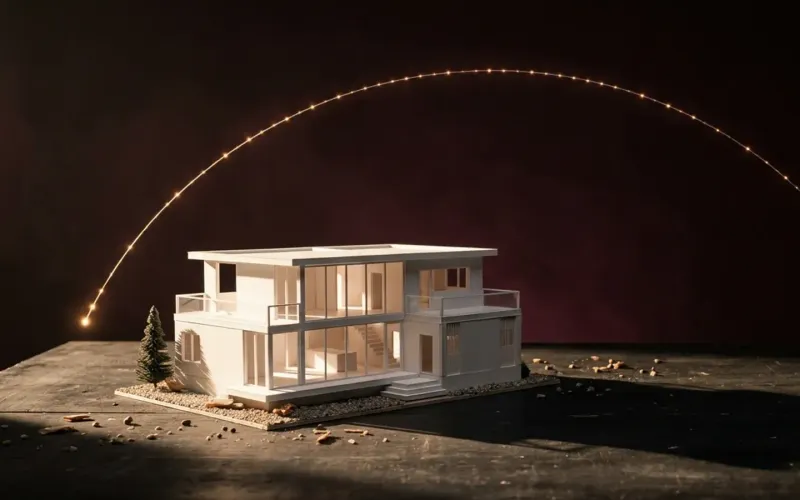 Early access
Sun & shadow study
The true sun for your site and date, an hourly shadow sheet, and real neighbouring buildings from the map.
How it works →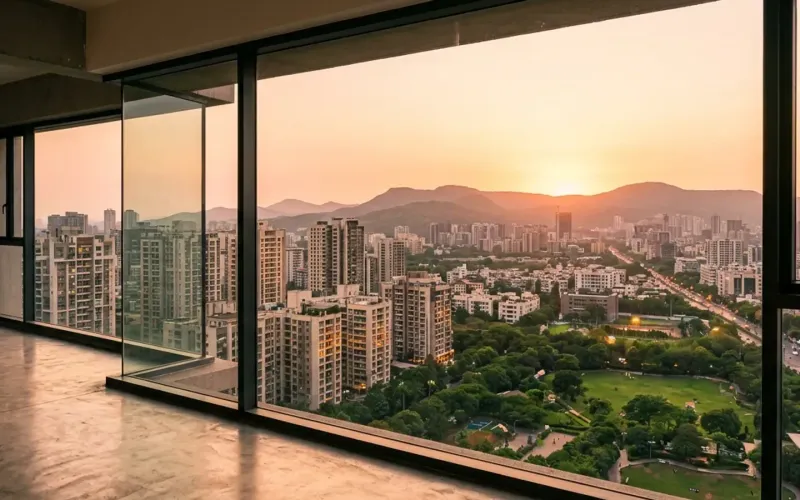 Early access
Unit view finder
The real view out of any window at any floor — for apartment sales and approvals.
How it works →3D Studio · early access
Be one of the first studios in.
Tell us about your practice and we'll open the 3D Studio for you first.