Your room model. A real interior photo.
Interior designers show a finished room, not a grey model. Visulixx keeps your layout exactly — every wall, window, wardrobe and sofa where you put it — and only adds real finishes and real light.
3 free rendersNo cardGoogle sign-in
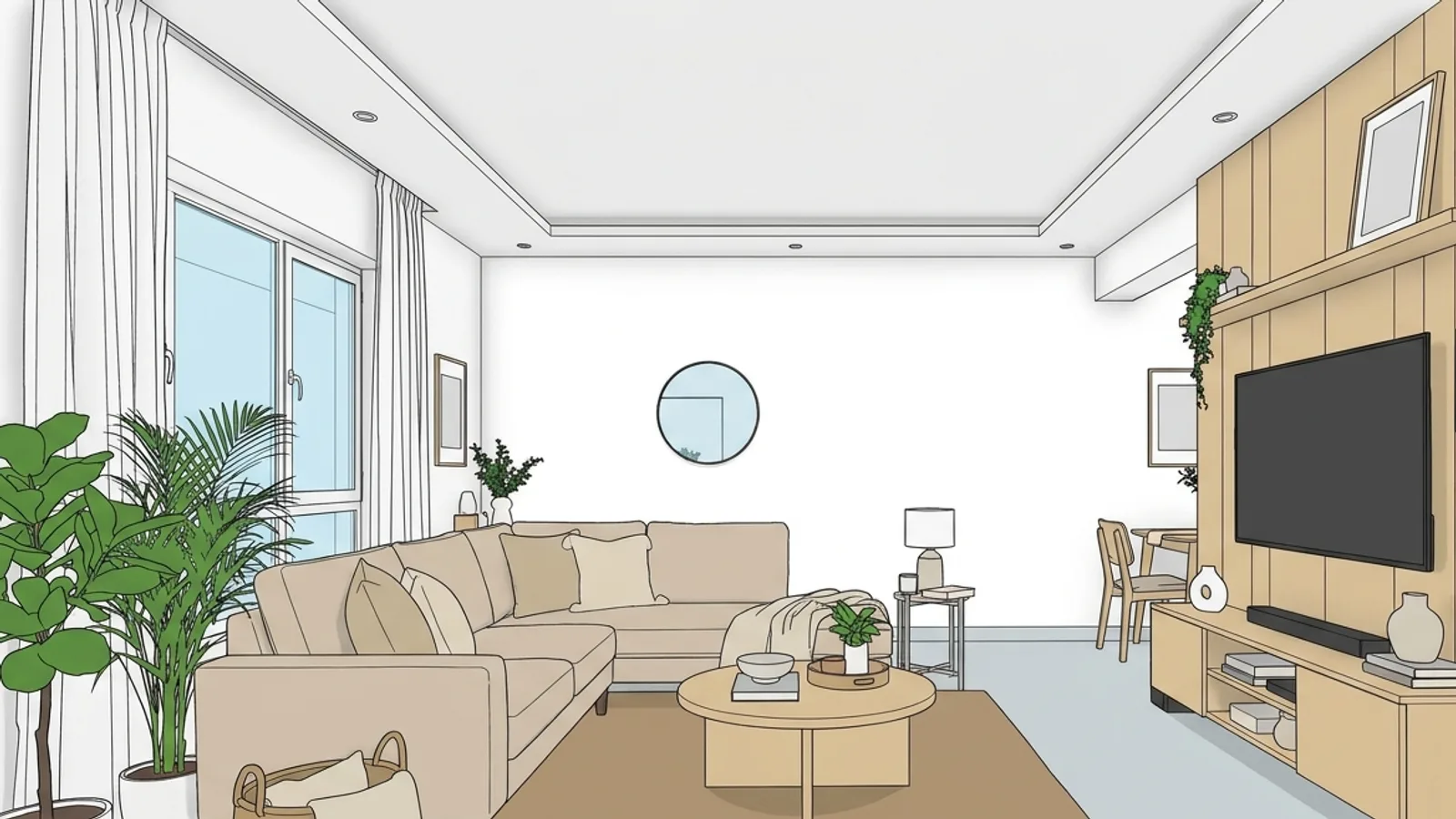
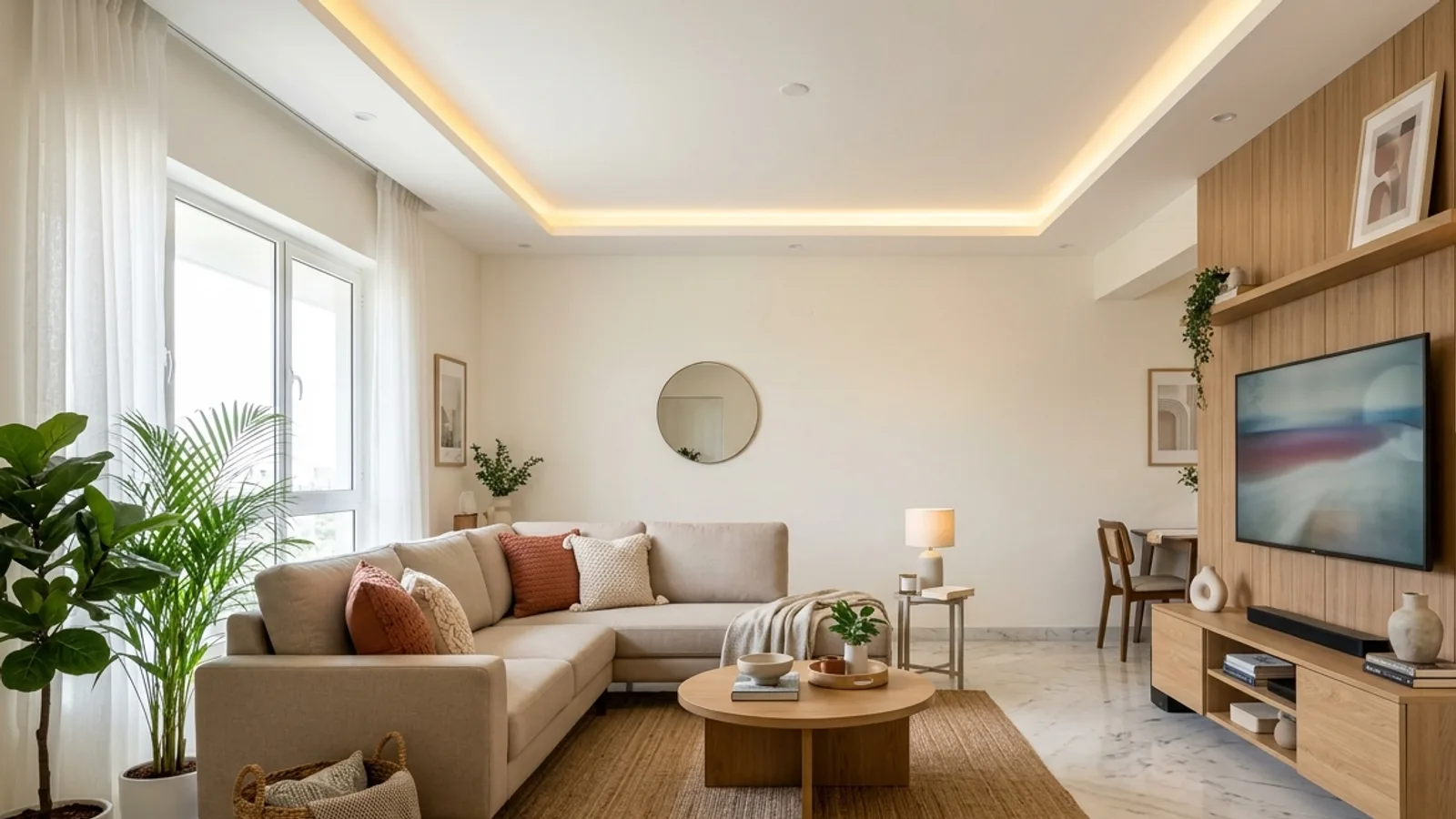 Your modelInterior render
How to use it · 3 steps
Step by step.
- 1
Open Studio and switch to Interior
Studio → the Exterior / Interior switch at the top of Settings.
- 2
Upload your room and pick a style
Realistic, Editorial, Warm Evening, Luxury, Minimal or Clay. Pick the light: daylight, golden sun, evening with lamps on, night.
- 3
Render and download
About a minute. Consistency Lock compares the render with your model — walls, openings, furniture and camera — before you see it.
You bringYour modelYou getInterior renderWhat you get
Interior rendering, in short.
Questions
Good to know.
Will it move my furniture?
No. The furniture layout is part of your design. Consistency Lock checks every piece, and a render where something moved or appeared is caught and redone, or your credits come back.
Can it add decor?
Only small things on surfaces you already have — cushions, books, a vase. Never new furniture, windows or lights.
Which apps work?
Any 3D app. Take a screenshot of the room view you want and upload it.
Can I get another angle of the same room?
Upload a screenshot from that angle. The camera always comes from your model.
Works well with
Next steps.
 Live
AI Render Studio
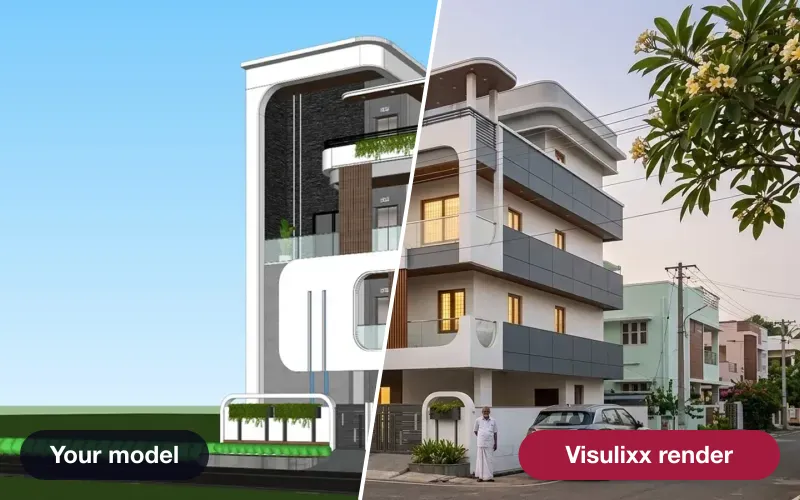
Any elevation export to a photoreal render in about a minute — checked against your drawing before you see it.
How it works →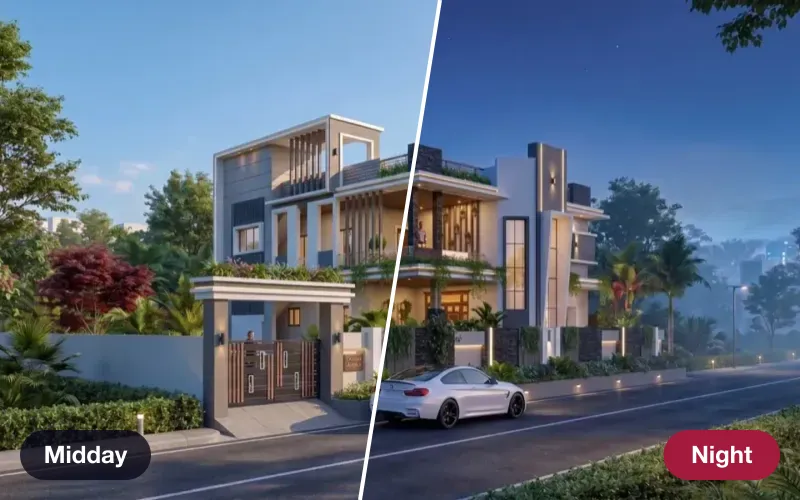 Live
Atmospheres
Re-light a finished render — golden hour, dusk, night, monsoon, festival — same camera, same world.
How it works →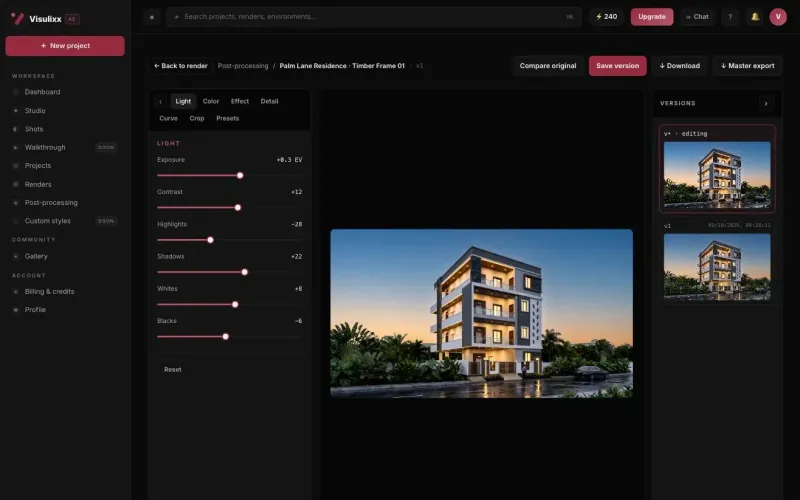 Live
Post-processing & 4K
Finish light, colour, curves and crop in the browser, keep every version, and upscale to 4K.
How it works →3 free renders · no card
Try it on your next project.
No card. No trial timer. Just your Google account and one export.