An existing building, from one photo.
Need the neighbour's house, or the building you're renovating, in 3D? Upload one photo and get a model you can place, light and render around — honestly marked as AI-estimated.
Part of 3D StudioOpening to early-access studios first
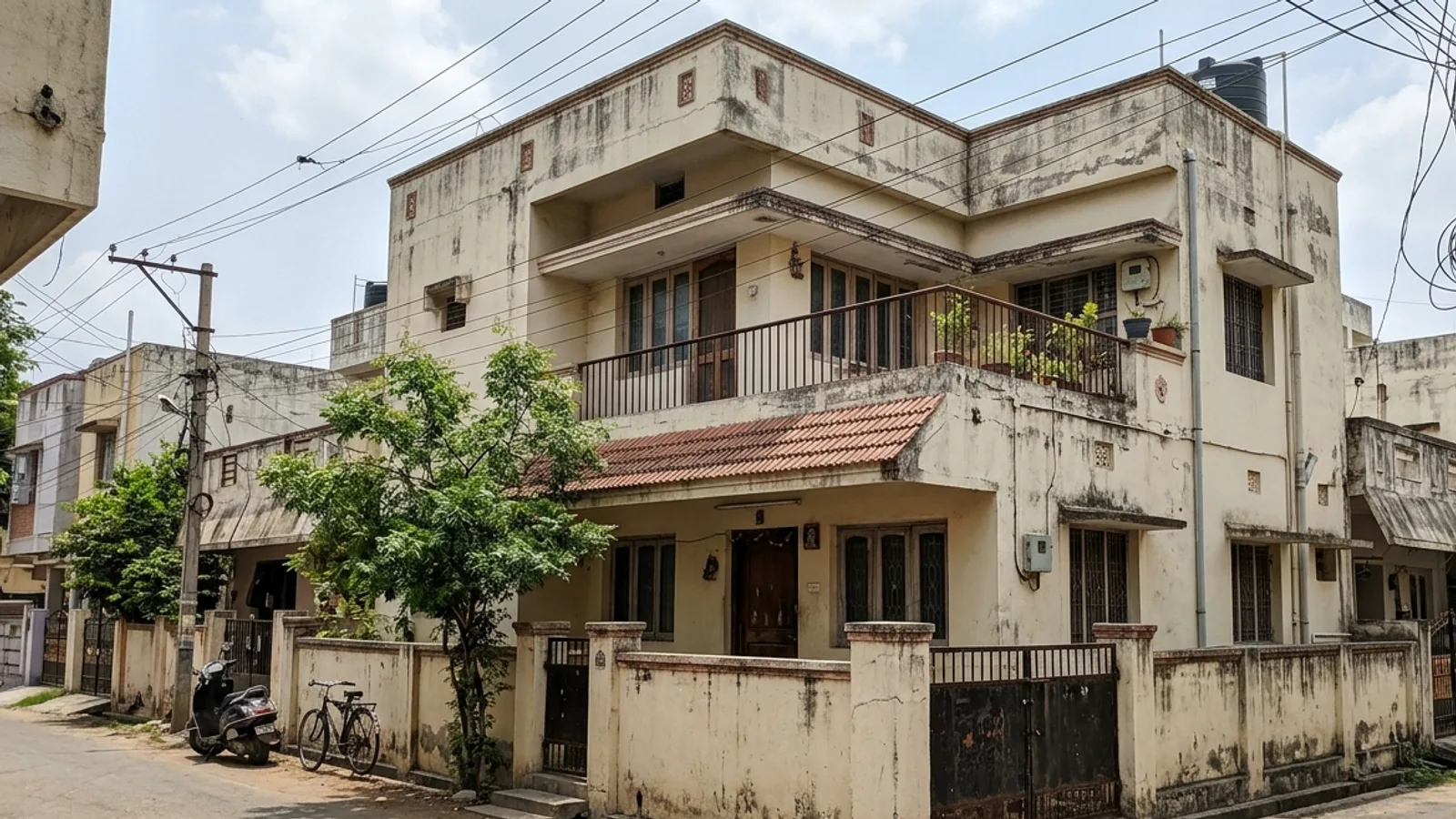 Your photo
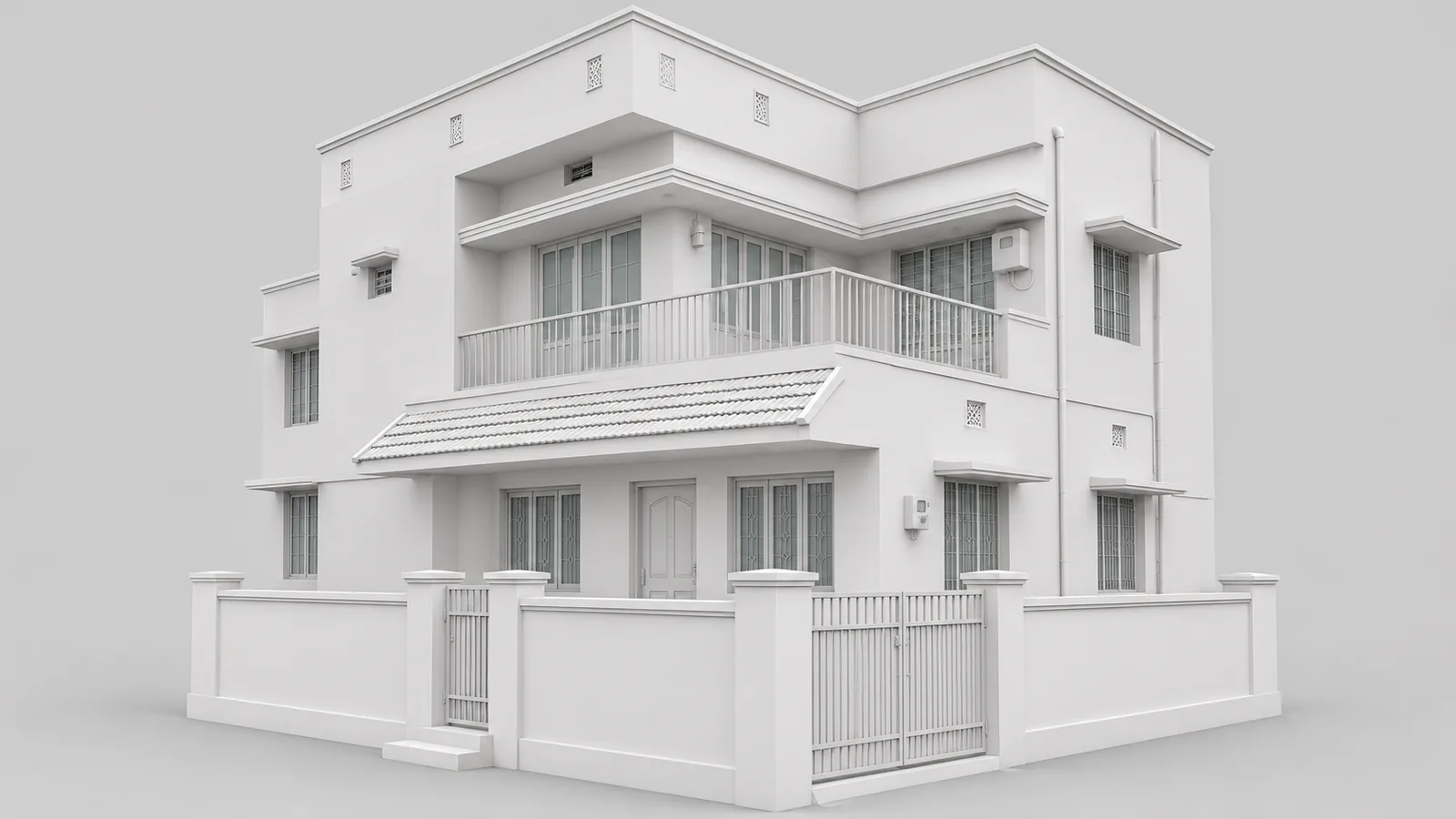 3D model
How to use it · 3 steps
Step by step.
- 1
Upload the photo
3D Studio → Create a 3D model → Photo → 3D → drop the photo.
- 2
Wait about two minutes
The reconstruction runs on our servers. 10 credits, refunded automatically if it fails.
- 3
Use it as context
The model opens in the 3D Studio, labelled 'AI-reconstructed — hidden sides estimated'.
You bringYour photoYou get3D modelWhat you get
Photo → 3D, in short.
Questions
Good to know.
Is it accurate enough to design from?
No — use it for context and studies. Hidden sides are estimated, and the model says so.
What does it cost?
10 credits, refunded automatically if the reconstruction fails.
Is it available now?
Part of 3D Studio, opening to early-access studios first.
Works well with
Next steps.
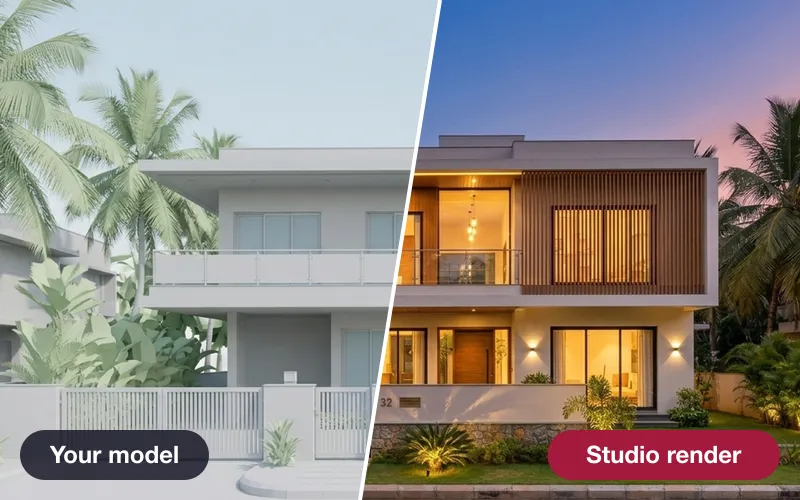 Early access
3D Studio
Upload your real model, walk it in the browser, light it with the true sun and render any view — nothing invented.
How it works →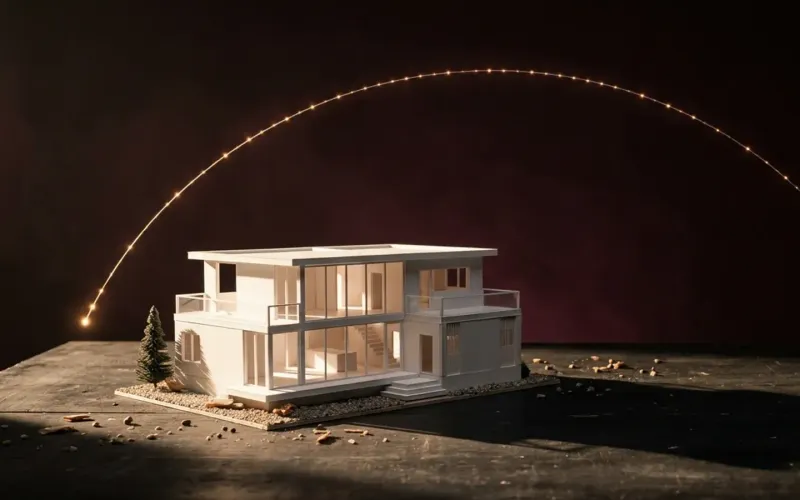 Early access
Sun & shadow study
The true sun for your site and date, an hourly shadow sheet, and real neighbouring buildings from the map.
How it works →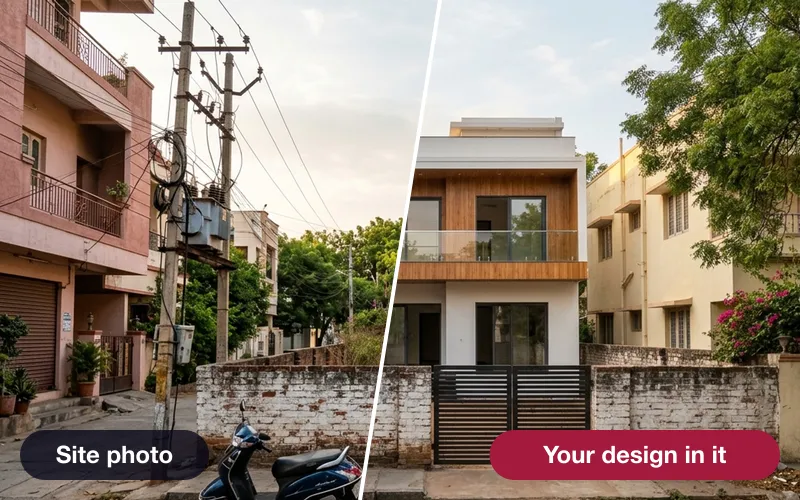 Early access
Verified photomontage
Place your design into a real site photo — the camera solved from matched points, with the error shown in pixels.
How it works →3D Studio · early access
Be one of the first studios in.
Tell us about your practice and we'll open the 3D Studio for you first.