Show the client year ten.
One click shows the building at handover, after 5 years and after 15 — with each material weathering at a typical rate. Another shows the trees and hedges from planting to maturity. Both are labelled as simulations.
Part of 3D StudioOpening to early-access studios first
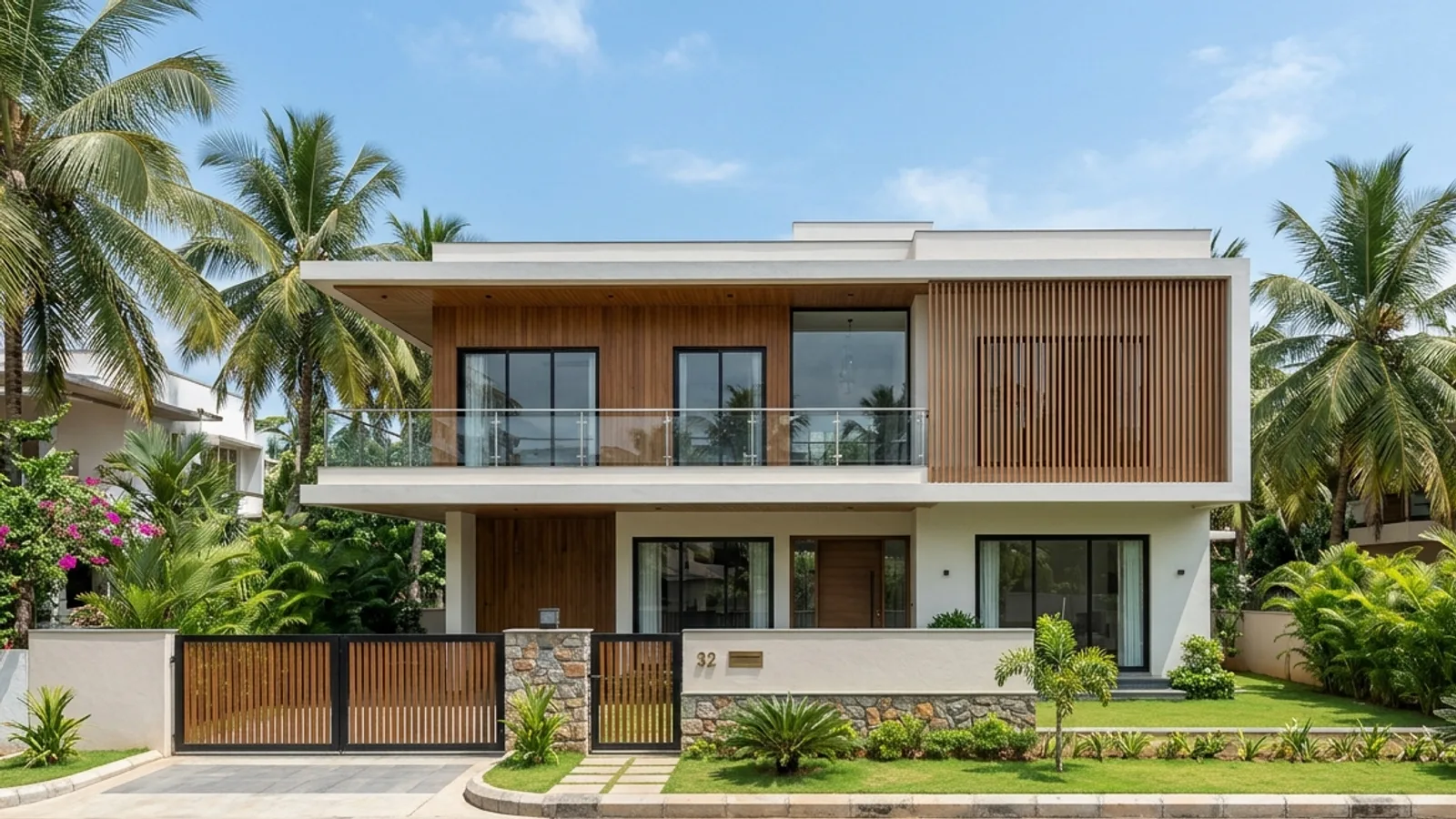
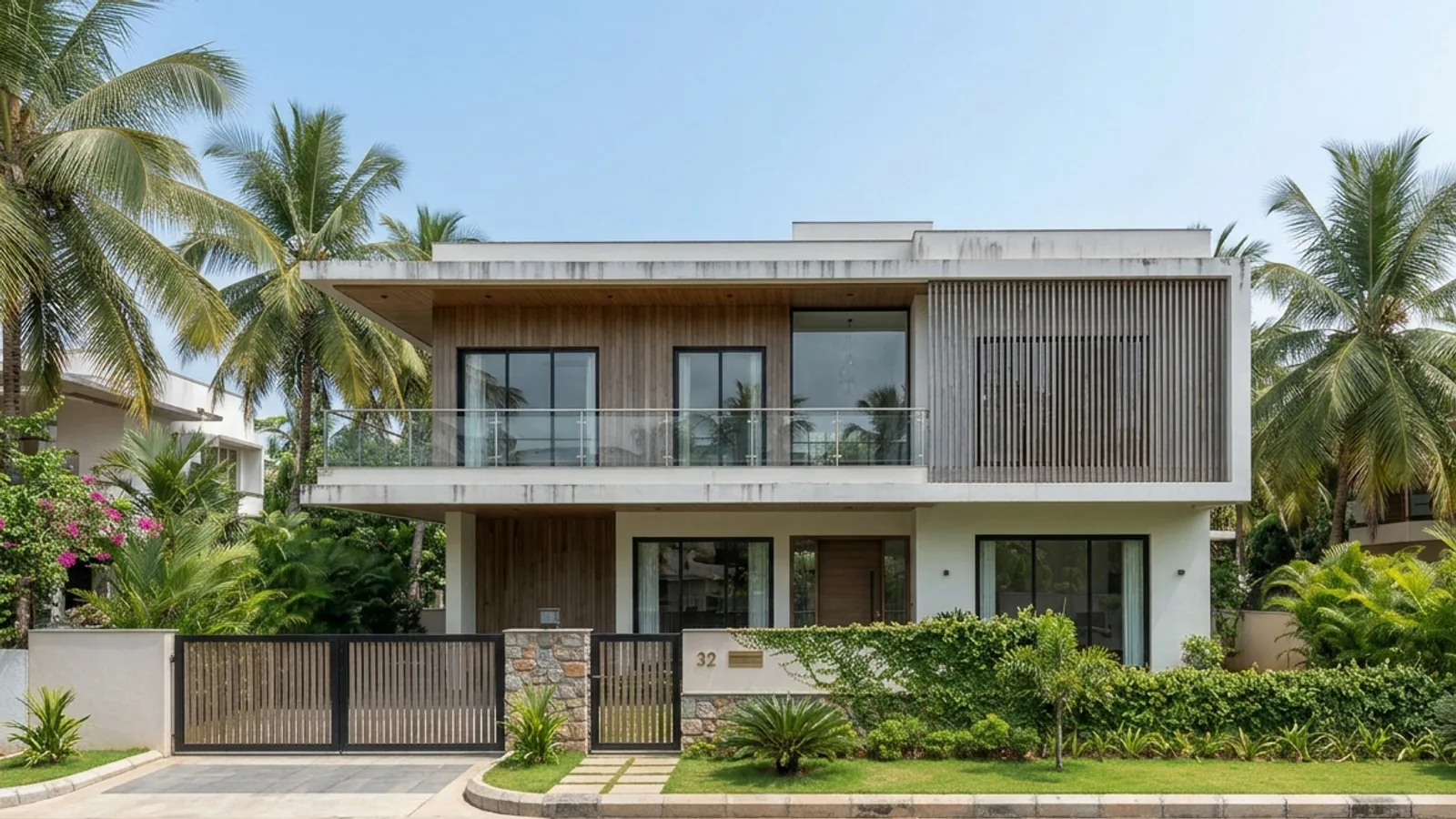 HandoverYear 12
How to use it · 3 steps
Step by step.
- 1
Tag and plant
Edit → Tag all parts with AI; Design team → Design the landscape.
- 2
Run a study
Studies tab → Show 0 · 5 · 15 years, or Show the planting over 10 years.
- 3
Download the sheet
One labelled sheet per study.
You bringHandoverYou getYear 12What you get
Time Machine & planting growth, in short.
Questions
Good to know.
Is the ageing exact?
No — it's a simulation of typical weathering by material, and it's labelled that way.
Which plants grow?
Trees, palms, shrubs and hedges you place.
Is it available now?
Part of 3D Studio, opening to early-access studios first.
Works well with
Next steps.
 Early access
AI design team
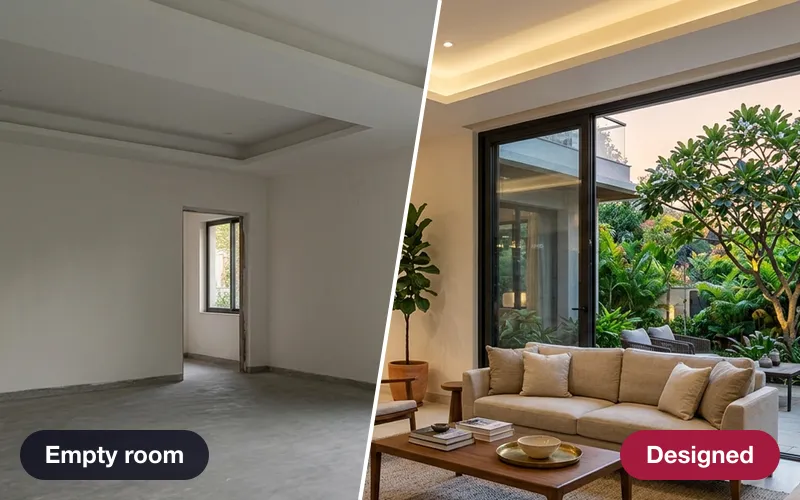
A critic, an interior designer, a landscape designer and a lighting designer — every proposal clash-checked.
How it works →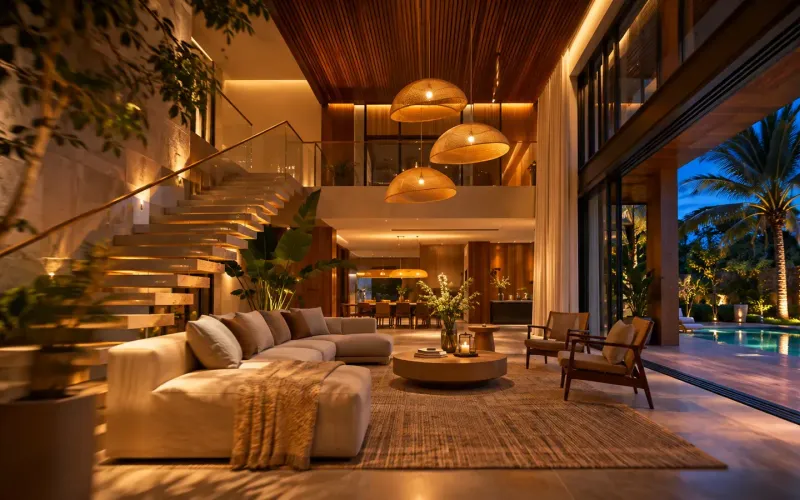 Early access
Walkthrough & time-lapse films
A smooth 1080p film through your saved views, or one view from sunrise to night with the lights coming on.
How it works →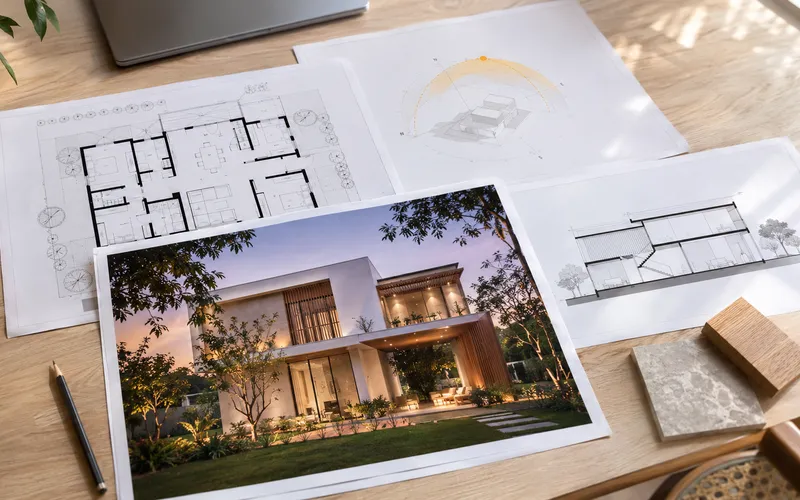 Early access
Presentation deck
One click makes an A3 PDF: cover, every saved view, the floor plan and the quantities.
How it works →3D Studio · early access
Be one of the first studios in.
Tell us about your practice and we'll open the 3D Studio for you first.