Films without an animator.
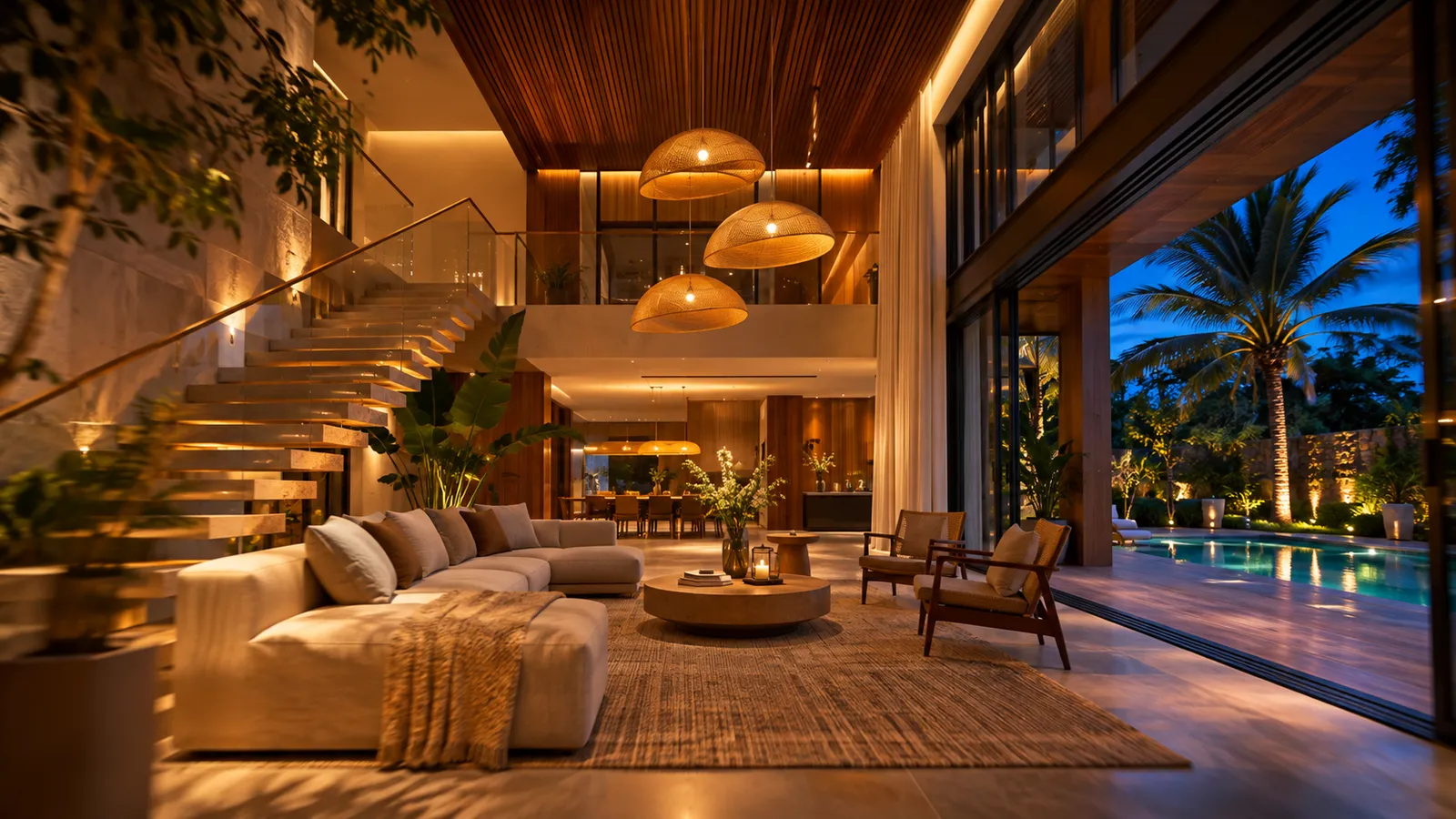
Save a few views and get a smooth 1080p camera flight through them with the real sun. Or pick one view and record the whole day — sunrise to dusk, then the lights you placed switching on.
Part of 3D StudioOpening to early-access studios first
How to use it · 3 steps
Step by step.
- 1
Save views
Views tab → Save this view, two or more times.
- 2
Record
Studies tab → Record walkthrough, or Record time-lapse.
- 3
Download
A 1080p video, ready for WhatsApp, Instagram or the presentation.
What you get
Walkthrough & time-lapse films, in short.
Questions
Good to know.
How long are the films?
About four seconds between views for a walkthrough; about 12 seconds for a time-lapse.
Do the lights come on?
Yes — lights you placed with the lighting designer switch on at night.
Is it available now?
Part of 3D Studio, opening to early-access studios first.
Works well with
Next steps.
 Early access
360° tour, AR & live session
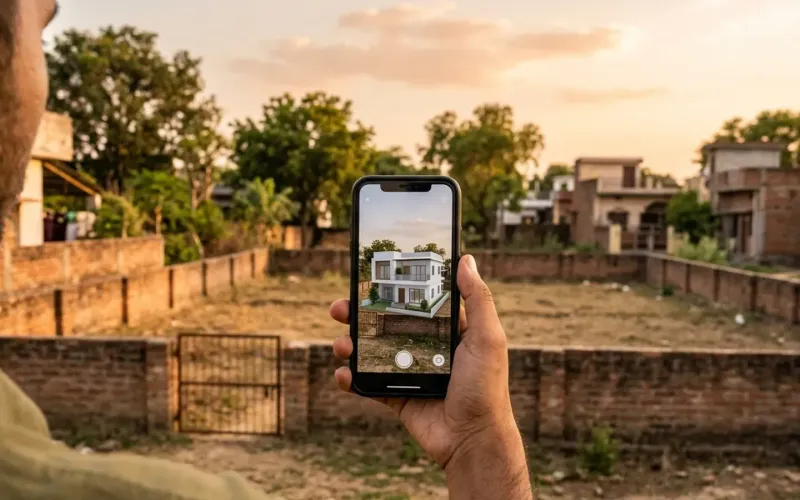
Share a 360° tour, let the client place the model in AR, and walk them through it live from your screen.
How it works →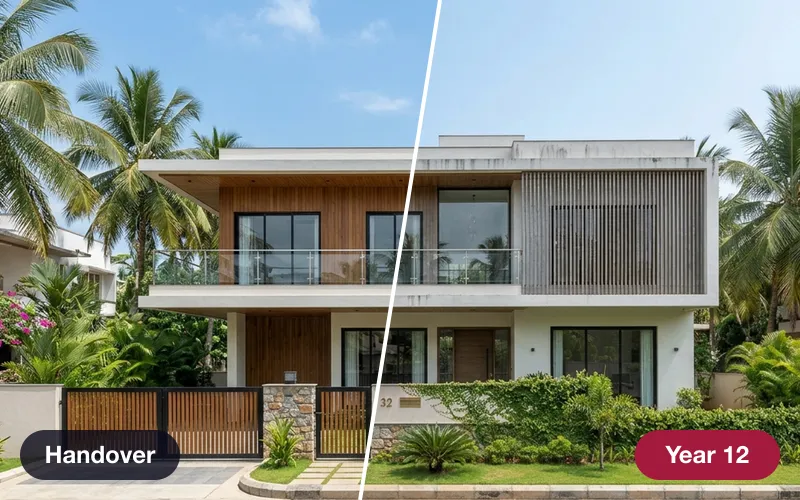 Early access
Time Machine & planting growth
See the building at handover, after 5 and 15 years — and the landscape from planting to maturity.
How it works →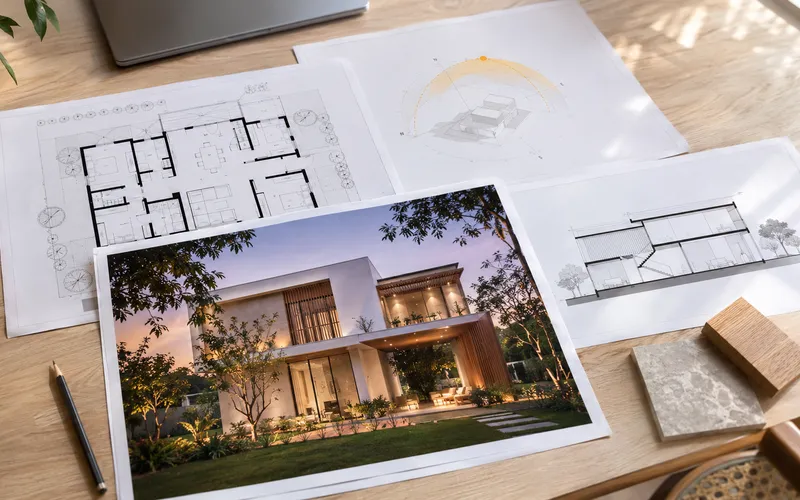 Early access
Presentation deck
One click makes an A3 PDF: cover, every saved view, the floor plan and the quantities.
How it works →3D Studio · early access
Be one of the first studios in.
Tell us about your practice and we'll open the 3D Studio for you first.