The images juniors spend days on.
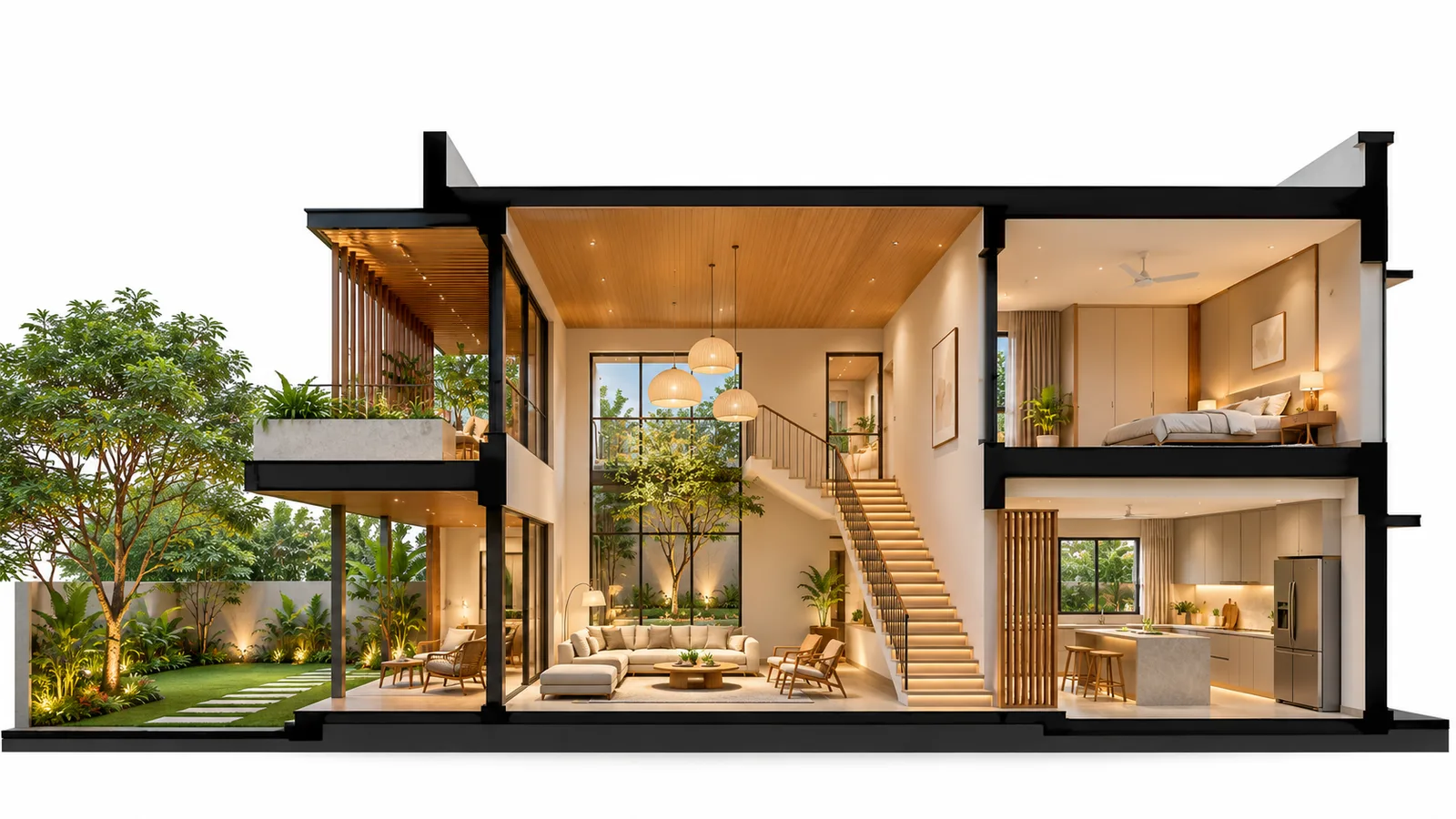
Frame a view and pick an image: every material labelled with leaders, the building cut open toward you, the structure revealed, an 8K print, or every pass as layers for Photoshop. Straight from the model — no AI, no credits.
Part of 3D StudioOpening to early-access studios first
How to use it · 3 steps
Step by step.
- 1
Frame the view
Orbit or open a saved view.
- 2
Pick an image
Render tab → Annotated view or Section perspective · Drawings tab → X-ray views · Export tab → Print 8K or Layered passes.
- 3
Download
Each one downloads ready to use.
What you get
Presentation images, in short.
Questions
Good to know.
Do these use credits?
No — they're made from the model in your browser.
Where do the labels come from?
From the material names in your model, or the AI tags.
Is it available now?
Part of 3D Studio, opening to early-access studios first.
Works well with
Next steps.
 Early access
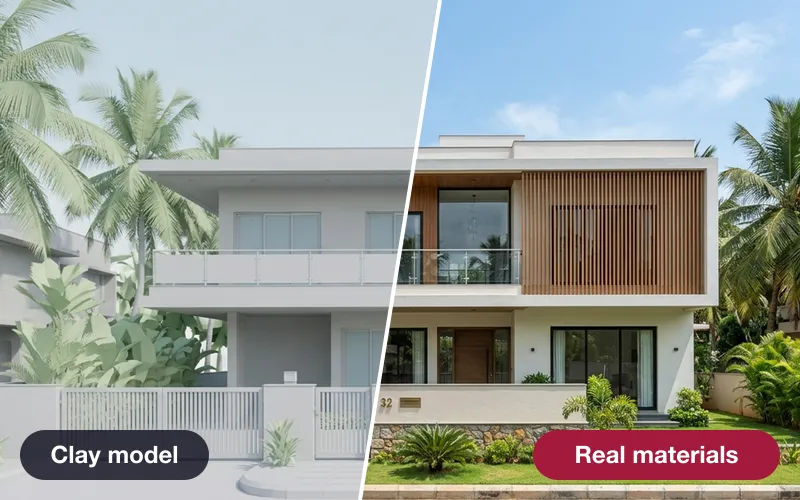
Real materials, true size
Brick, tile, stone and wood drawn at their real size — or a photo of a real product, sized by AI.
How it works →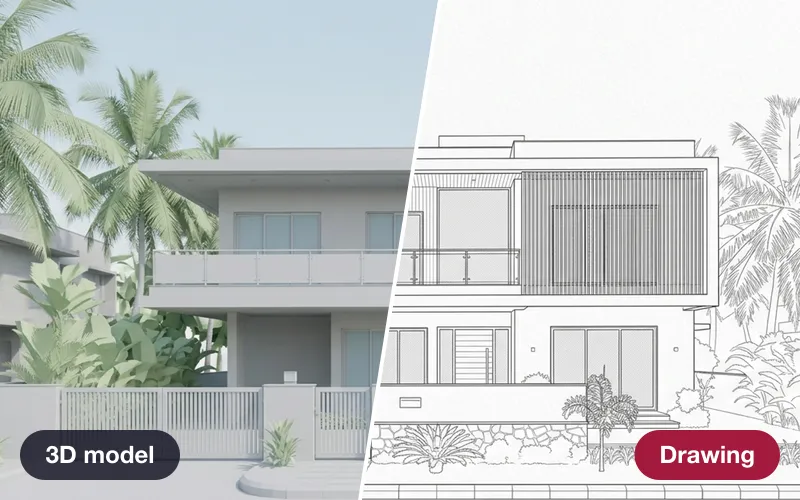 Early access
Drawings from the model
Plans, elevations and sections as A3 sheets — plus construction sequence, quantities and IFC.
How it works →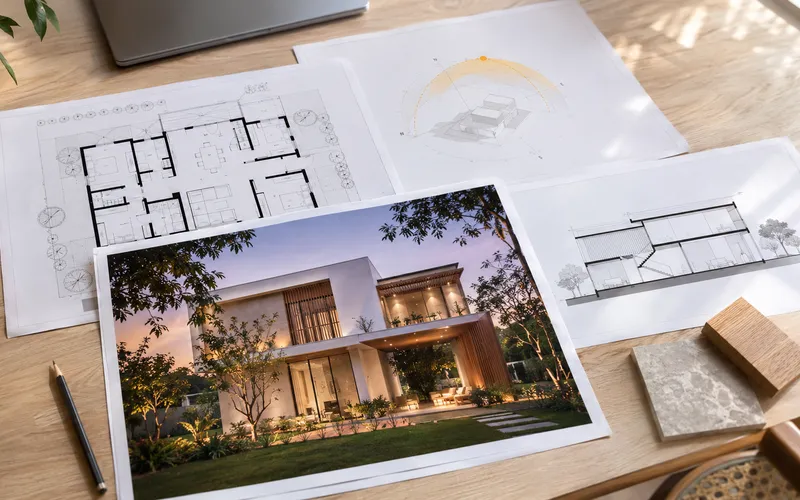 Early access
Presentation deck
One click makes an A3 PDF: cover, every saved view, the floor plan and the quantities.
How it works →3D Studio · early access
Be one of the first studios in.
Tell us about your practice and we'll open the 3D Studio for you first.