Let the client walk in before it's built.
Add 360° points and share one link — visitors move between them like Street View. On a phone, the same link opens the model in AR. Start a live session and their 3D view follows your camera as you talk them through it.
Part of 3D StudioOpening to early-access studios first
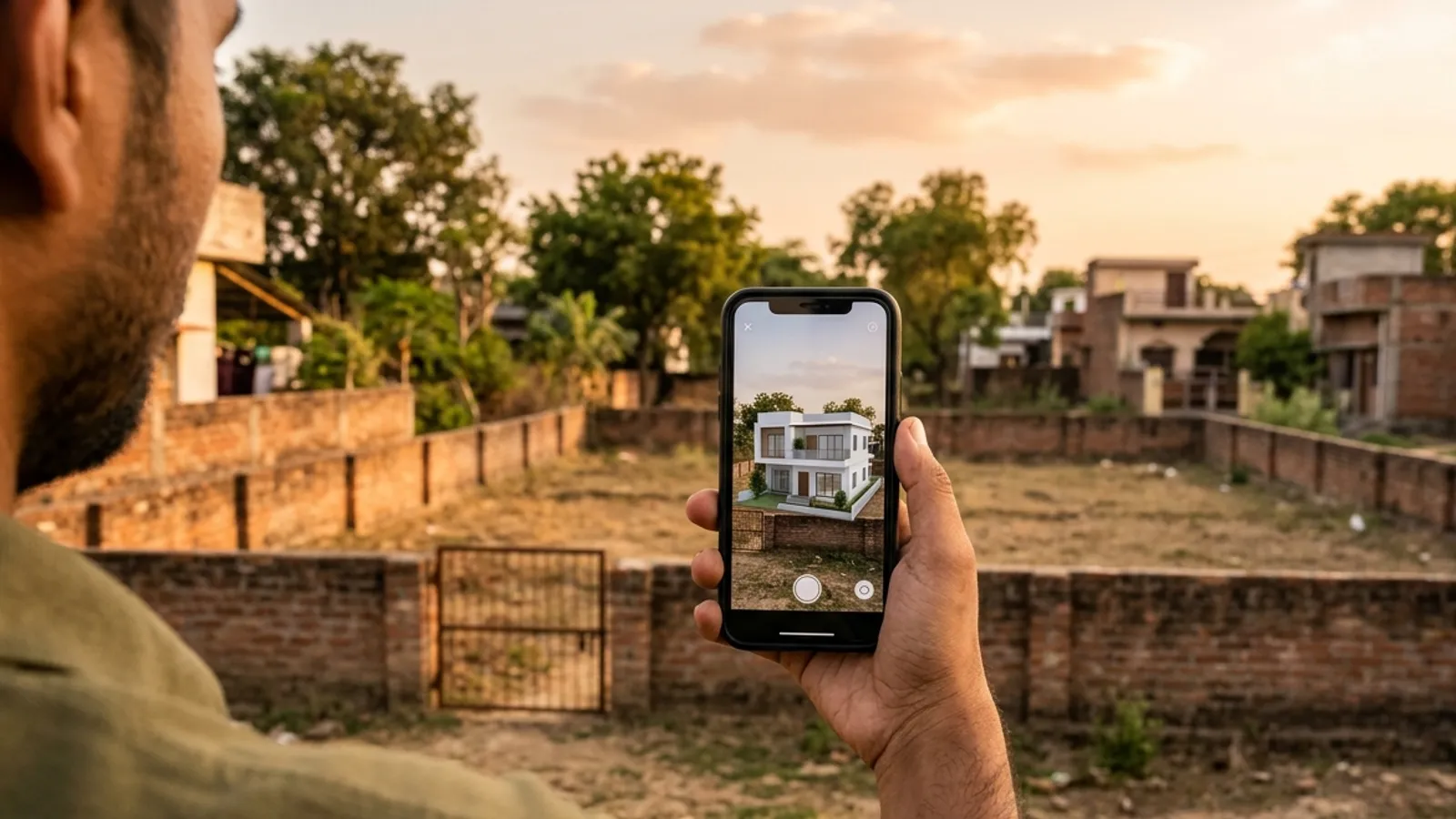
How to use it · 3 steps
Step by step.
- 1
Add 360° points
Tour & AR tab → stand where a person would → Add point here.
- 2
Prepare AR and share
Prepare AR files → Create share link → copy it to the client.
- 3
Present live (optional)
Start a live session → send the live link → their view follows yours.
What you get
360° tour, AR & live session, in short.
Questions
Good to know.
Does the client need an app?
No. The tour opens in any browser; AR uses the phone's built-in viewer.
How does the live session work?
You start it in the Studio and send the live link; their 3D view follows your camera in real time. Talk on a call alongside.
Is it available now?
Part of 3D Studio, opening to early-access studios first.
Works well with
Next steps.
 Early access
Unit view finder
The real view out of any window at any floor — for apartment sales and approvals.
How it works →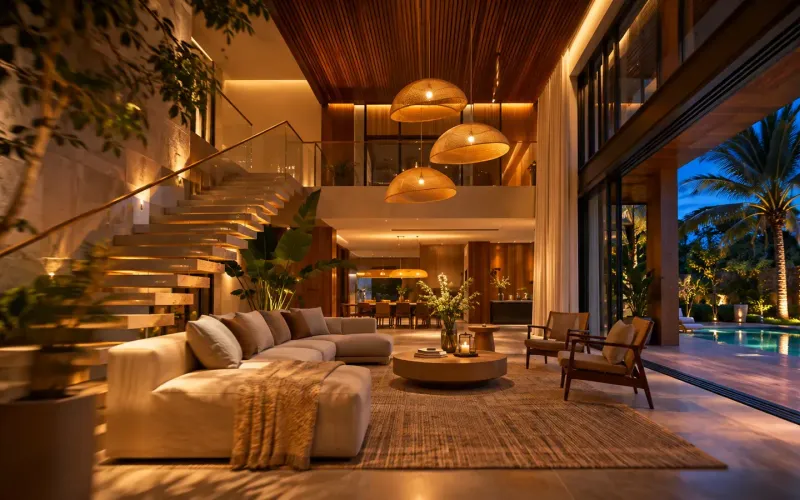 Early access
Walkthrough & time-lapse films
A smooth 1080p film through your saved views, or one view from sunrise to night with the lights coming on.
How it works →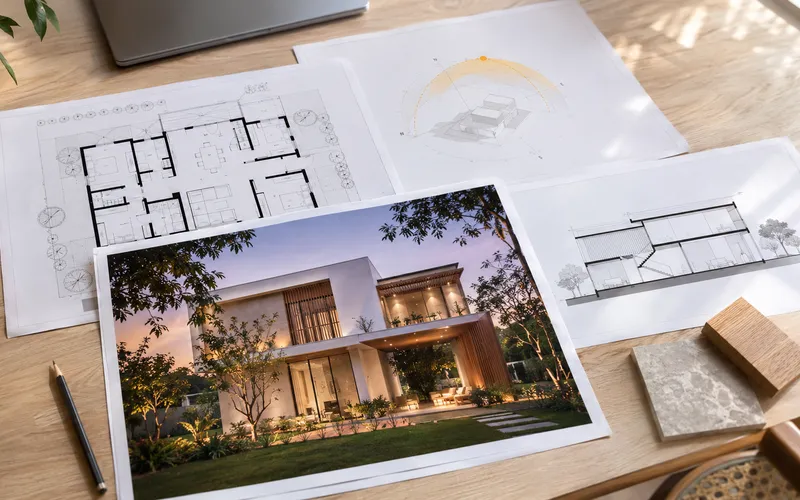 Early access
Presentation deck
One click makes an A3 PDF: cover, every saved view, the floor plan and the quantities.
How it works →3D Studio · early access
Be one of the first studios in.
Tell us about your practice and we'll open the 3D Studio for you first.