Blog · Consistency Lock
Why AI renders change your design — and how to stop geometry drift
You upload a SketchUp view, the AI returns a gorgeous picture — and one window has moved. Here is why it happens, how to catch it, and how to stop it.
AI image models are trained to produce plausible, beautiful pictures. Your drawing is a strong hint, not a rule. So when the model "thinks" a facade would look better with an extra window, a pitched roof or a different gate, it will often paint one. We call this geometry drift.
The most common kinds of drift
- Openings move or multiply — a window shifts to a different bay, or a pair becomes three.
- Floors change — an extra storey appears, or a terrace becomes a room.
- Roofs are reinterpreted — flat becomes pitched, parapets gain cornices.
- Gates and compound walls are redesigned — the most-noticed change on Indian streets.
- Invented decoration — canopies, glass boxes, balcony extensions that are not in the drawing.
How to check a render in 60 seconds
- Count the floors and windows per floor against your drawing.
- Check the roofline and terrace edges.
- Compare the gate — panels, height, opening direction.
- Look for added elements that are not in your model.
- If you have several views, check the street is the same in each.
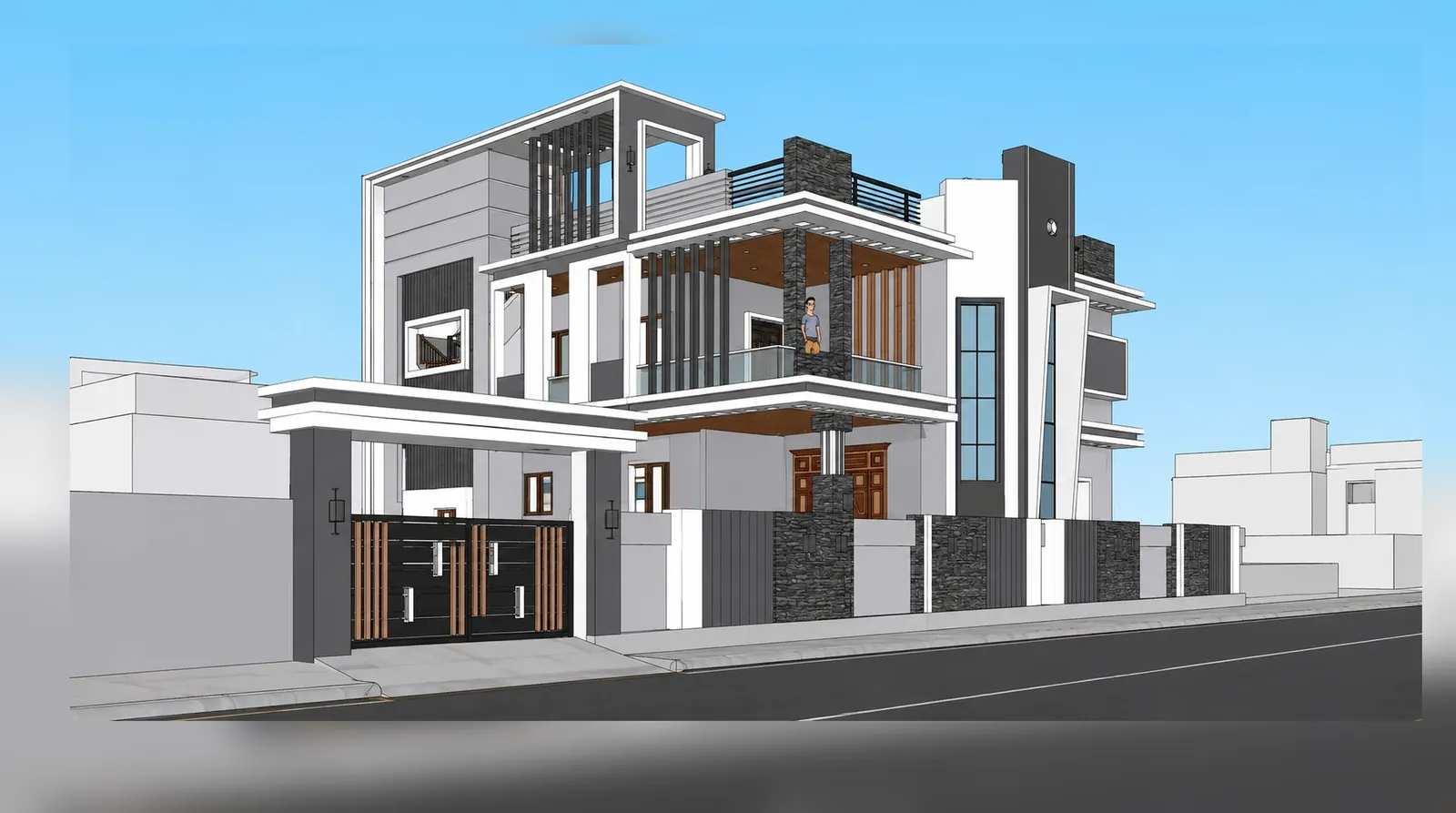

How Consistency Lock stops drift
Every Visulixx render goes through a second, independent check:
- The render is generated from your source.
- A vision check compares it with your drawing — floors, windows, roofline, gate, plot.
- If anything drifted, Visulixx re-renders with a precise correction, automatically and free.
- If a render still cannot be verified, its credits return to your balance.
You see the result next to your source on the render page, so you can always check it yourself.
Habits that reduce drift with any tool
- Export clean, sharp views with edges on (see our SketchUp guide).
- Keep railings, slats and gates clearly drawn — vague details invite invention.
- Avoid extreme wide angles.
- For sides the drawing does not show, export another view instead of asking the AI to guess.
A render that changes the design has failed, however good it looks. That is the rule Visulixx was built around — more in our about page.
FAQ
Common questions
Why does AI change my building in renders?
General image models optimise for a plausible, attractive picture, treating your drawing as a hint. Without a verification step, they can move windows, add floors or redesign gates.
How does Visulixx prevent geometry drift?
Consistency Lock checks every render against your source, re-renders anything that drifted, and refunds renders it cannot verify.
3 free renders · no card
Render your own elevation in about a minute.
Three free renders, no card. Upload a SketchUp, Revit or AutoCAD view and see it photoreal — checked against your drawing.