Guide · 3D walkthrough video
3D walkthrough video, from the model you already have.
Save a few views, click record, and get a smooth 1080p film through them with the real sun for your site. Or keep one view and record the whole day — sunrise to dusk, then your lights switching on.
3 free rendersNo cardGoogle sign-in
Why a walkthrough sells better than stills
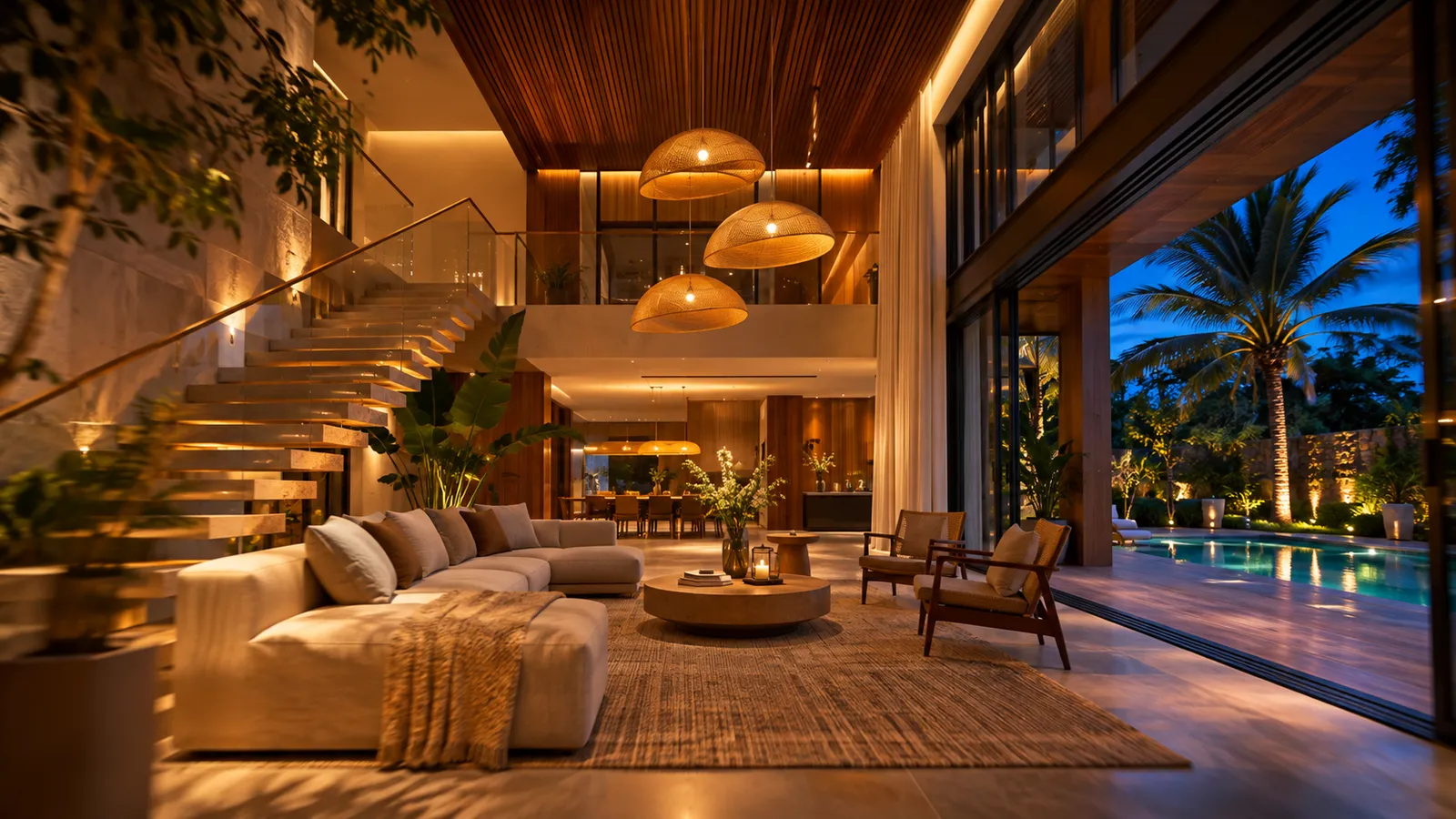
A still shows a room; a walkthrough shows how the rooms connect — the entrance into the living room, the double-height volume, the view from the stair. Clients and buyers share a short film on WhatsApp far more readily than a PDF, and a time-lapse of the same view from morning to night answers "what will it feel like in the evening?" without a word.
How to make one
- Bring the model into the 3D Studio — upload a file, send it from the SketchUp extension, or make one with Floor plan → 3D.
- Save views. Frame a view → + Save view (bottom of the viewer). Two or more.
- Record. Present → Walkthrough & time-lapse → Record walkthrough, or Record time-lapse.
- Download a 1080p video, ready for WhatsApp, Instagram or the presentation.
Make your first walkthrough — free to try, no card.
Start free — 3 renders →Walkthrough or time-lapse?
| Walkthrough | Day-to-night time-lapse | |
|---|---|---|
| What moves | The camera, through your saved views | The sun, over one fixed view |
| Length | About 4 seconds between views | About 12 seconds |
| Light | The real sun for your site | 06:00 to 19:00, then night with your lights on |
| Best for | Showing the plan and flow | Showing mood, and the facade lit at night |
Make the night scene real
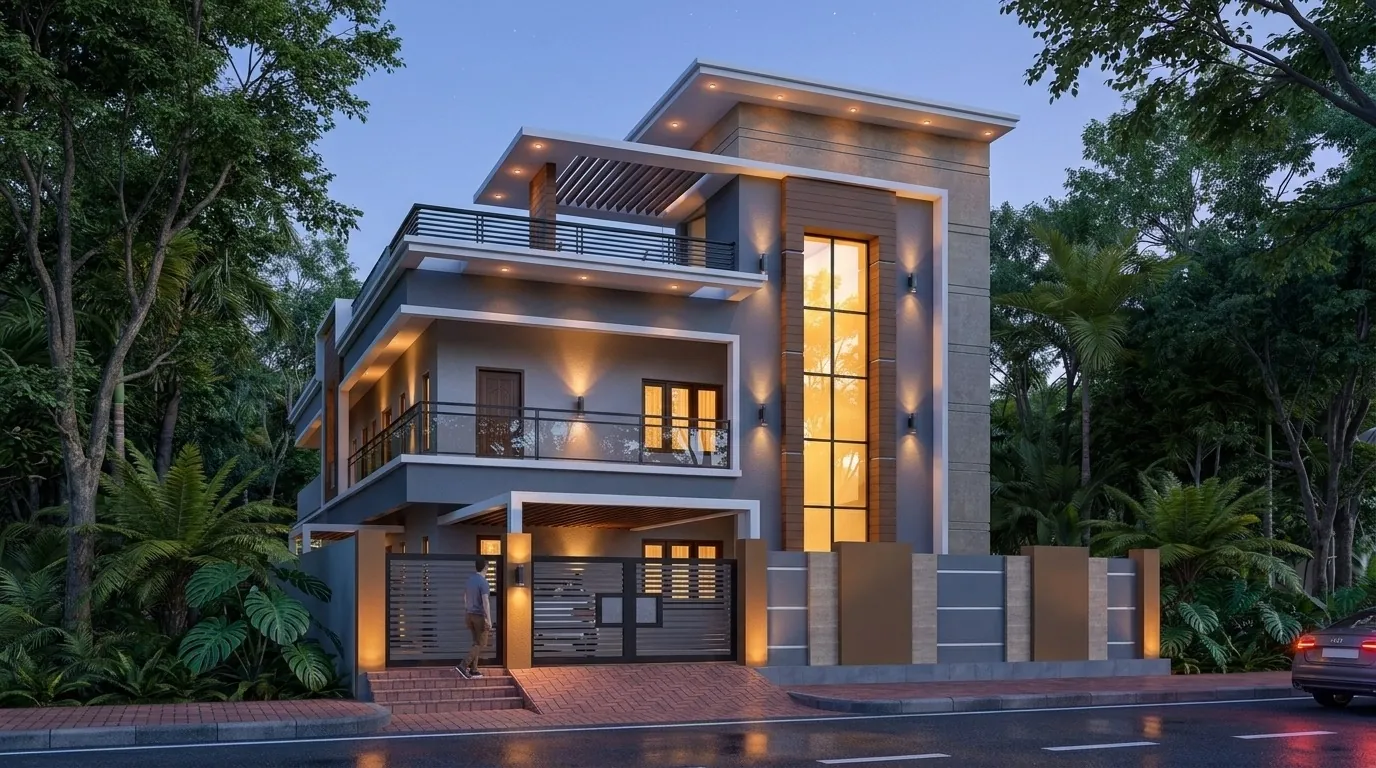
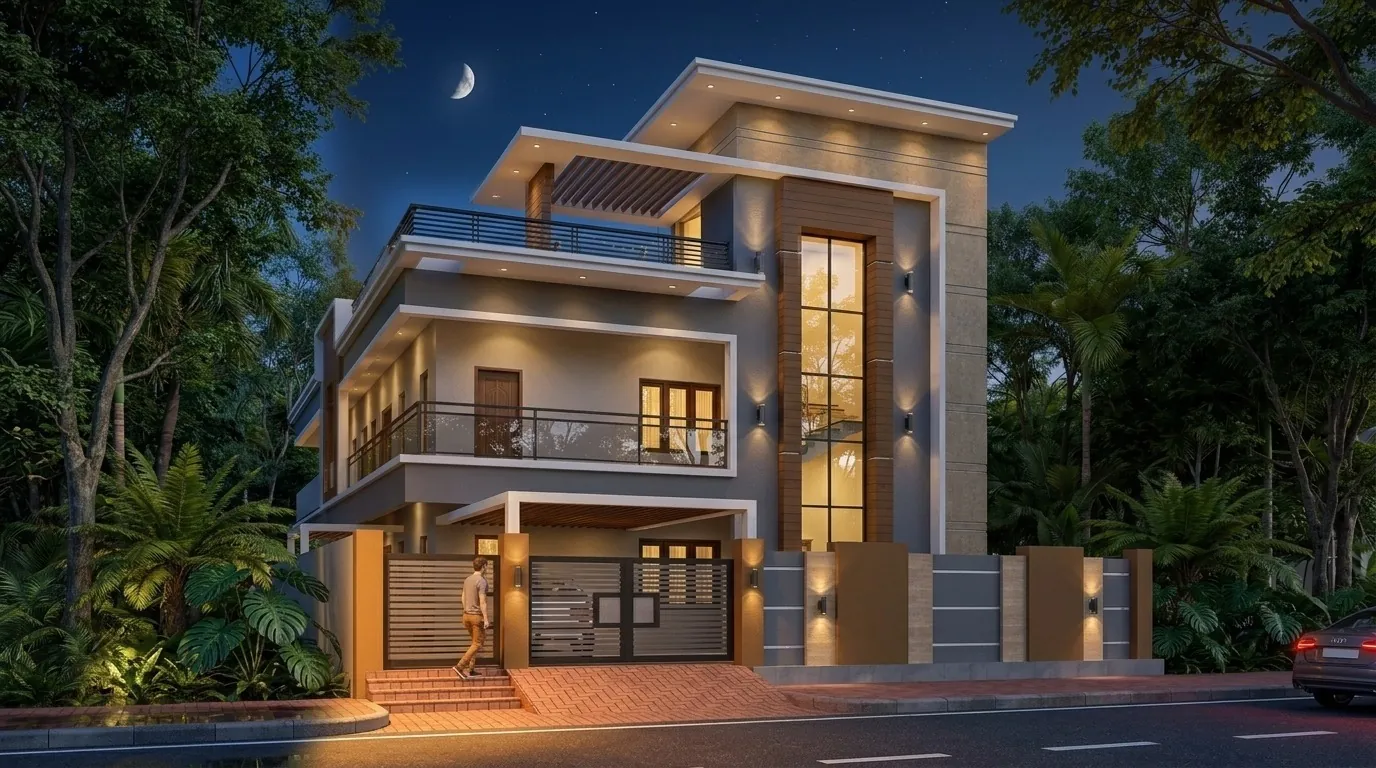
Place lights with the lighting designer and they switch on in the time-lapse at dusk. Planting from the landscape designer appears in the film too. For a still of any moment, render the saved view photoreal with AI — the same sun, the same building.
Beyond video: tours and live sessions
When the client wants to look around on their own, share a 360° tour — they move between points like Street View, open the model in AR on a phone, or join a live session where their view follows your camera while you talk them through it.
FAQ
Common questions
Do I need a powerful computer to make a walkthrough?
No. The 3D Studio runs in the browser and records the film for you.
What resolution are the films?
1080p, ready for WhatsApp, Instagram and presentations.
Do the lights come on at night?
Yes — lights you placed with the lighting designer switch on in the time-lapse.
Can I use a SketchUp model?
Yes. Send it with the SketchUp extension or export it as a supported 3D file (for example glTF, FBX, OBJ or Collada) and upload it.
3 free renders · no card