Visulixx for · Architects
AI rendering for architects, checked against your drawing.
Render the elevation you drew — not a version the AI preferred. Visulixx turns a SketchUp, Revit or AutoCAD view into a photoreal render in about a minute, keeps every window, floor line and gate where you put them, and refunds the credits if it can't prove that.
3 free rendersNo cardGoogle sign-in
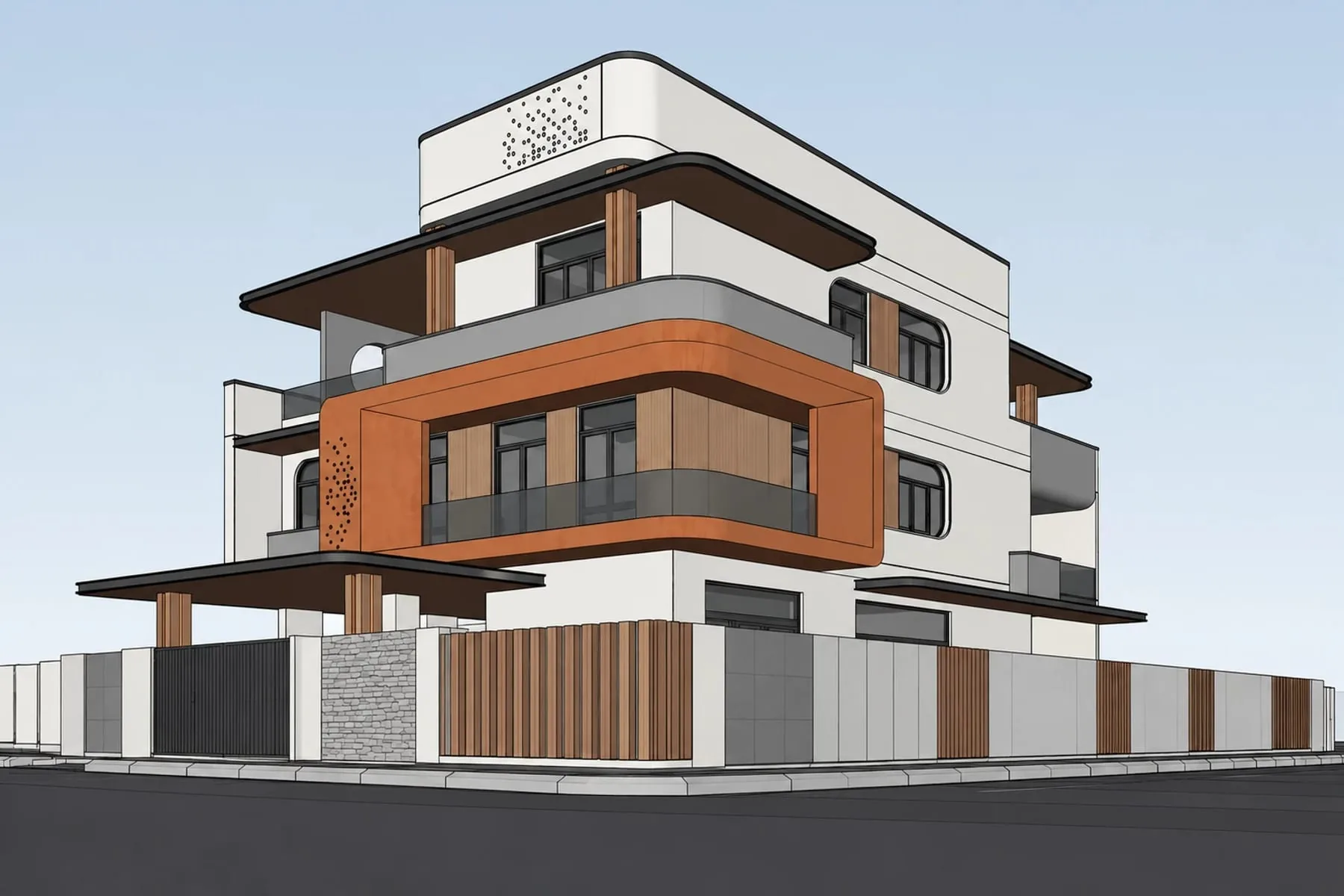
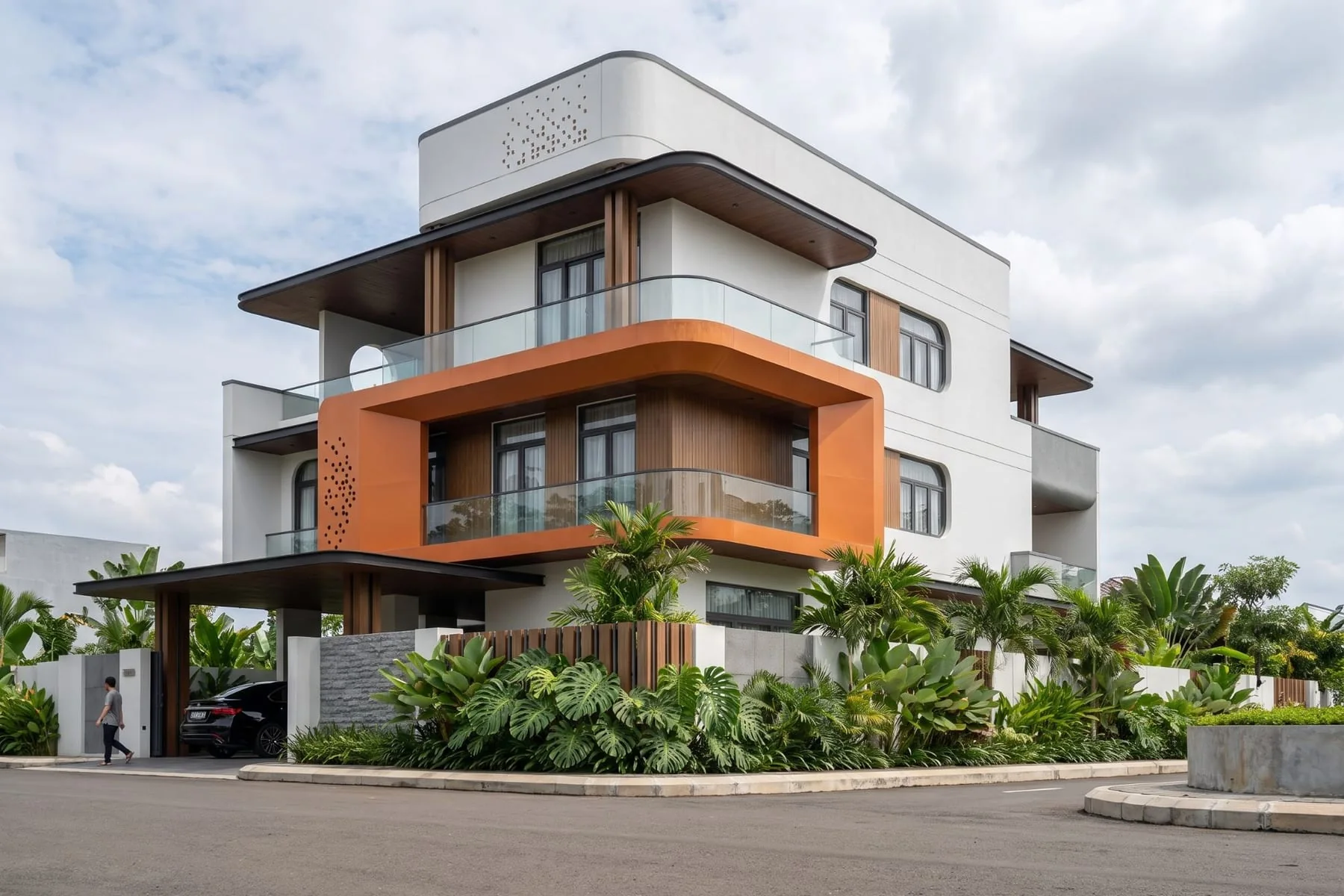 Your SketchUp viewVisulixx render
Why architects stop trusting AI renders
General AI image tools are trained to make pictures look good, not to keep a design. Ask one to render an elevation and it will often add a floor, move a window, round off a balcony or redesign the gate. That is fine for a mood board and fatal for a client presentation: the client approves the picture, and the picture is not your building.
Visulixx was built around one rule — the render must match the drawing. Every render goes through Consistency Lock: a vision check that compares the result with your source (window count and positions, floor lines, roofline, gate, plot) and quietly re-renders anything that drifted. A render that still can't be certified gives your credits back automatically.
From the view you already have
You don't need to rebuild anything. Export the view you would send a client — a SketchUp scene, a Revit 3D view, an AutoCAD or Lumion screenshot, even a clay model — and upload it. Textures are optional; Visulixx adds real materials, planting, sky and street.
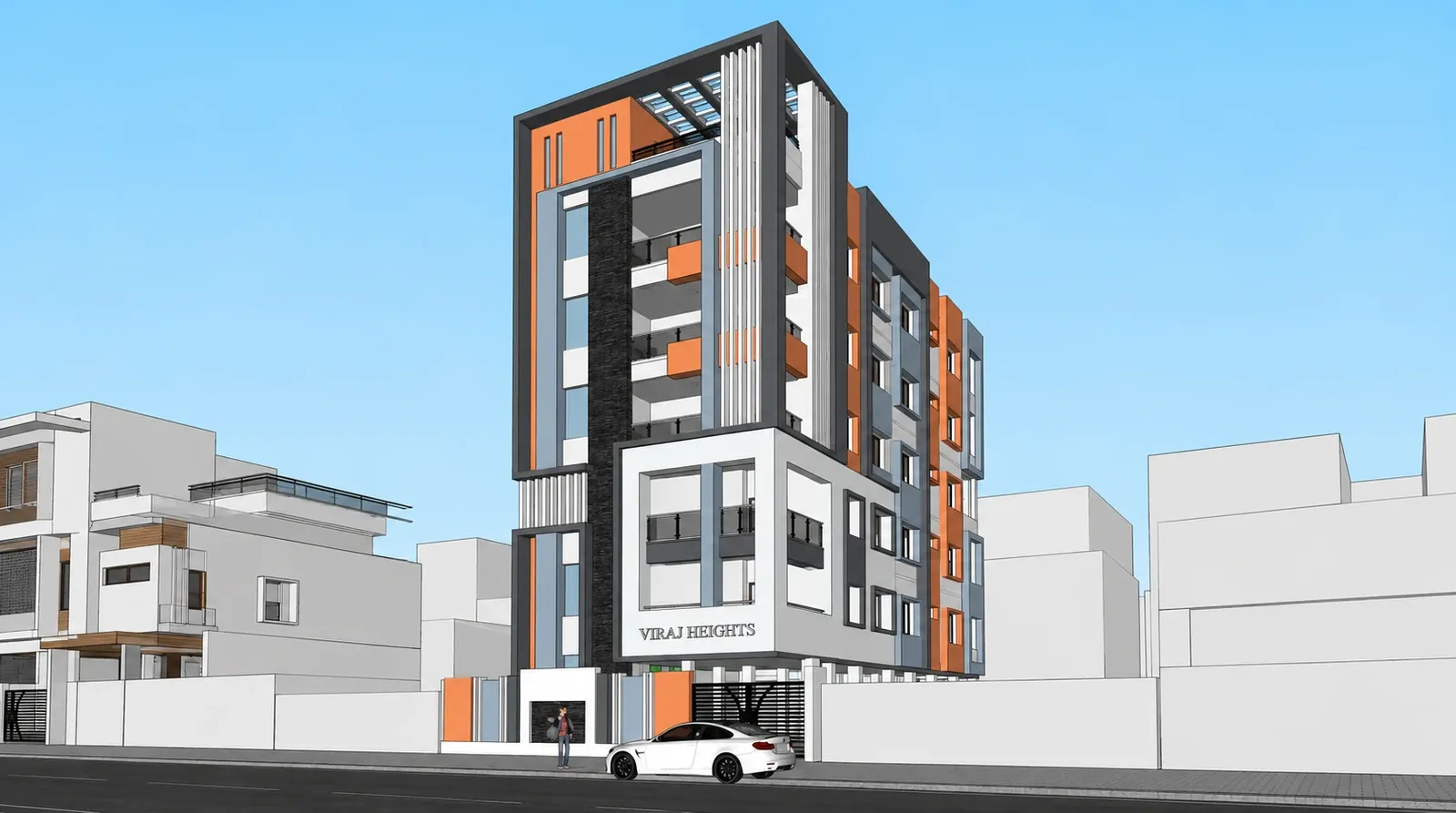
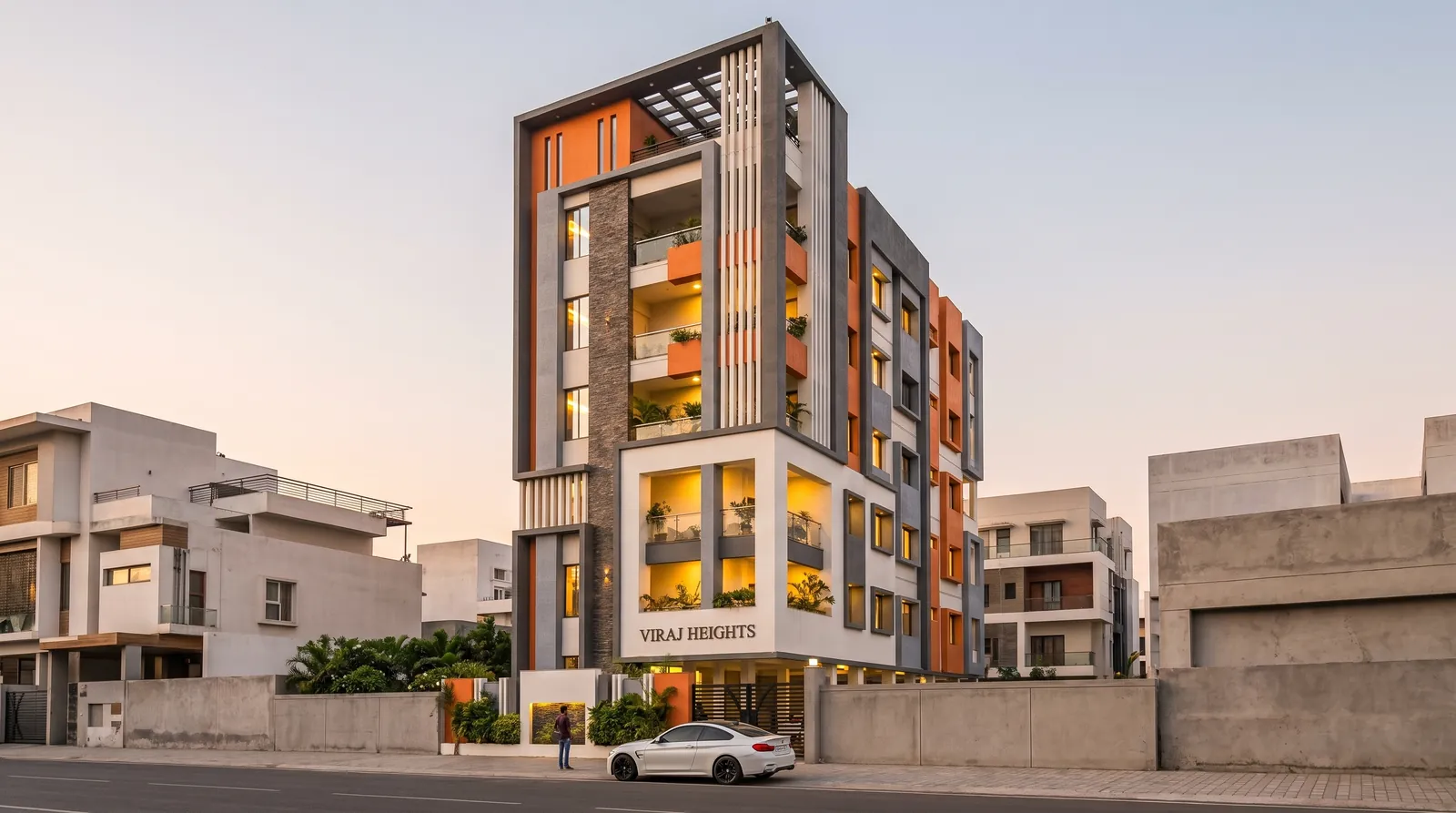
Pick a style (the world around the building — 41 of them, from Indian residential streets to gated communities) and an atmosphere (the light — 17, from midday to monsoon to festival night). About a minute later you have a client-ready image at 2K, with one-click 4K and A4 print formats.
One building, every light and every angle
Once a render looks right, Lock world freezes it — the street, the trees, the cars, the neighbours — so the side view, the low angle and the aerial all show the same place. Change atmosphere re-lights a finished render without touching the building, so day and night are the same project, not two guesses.
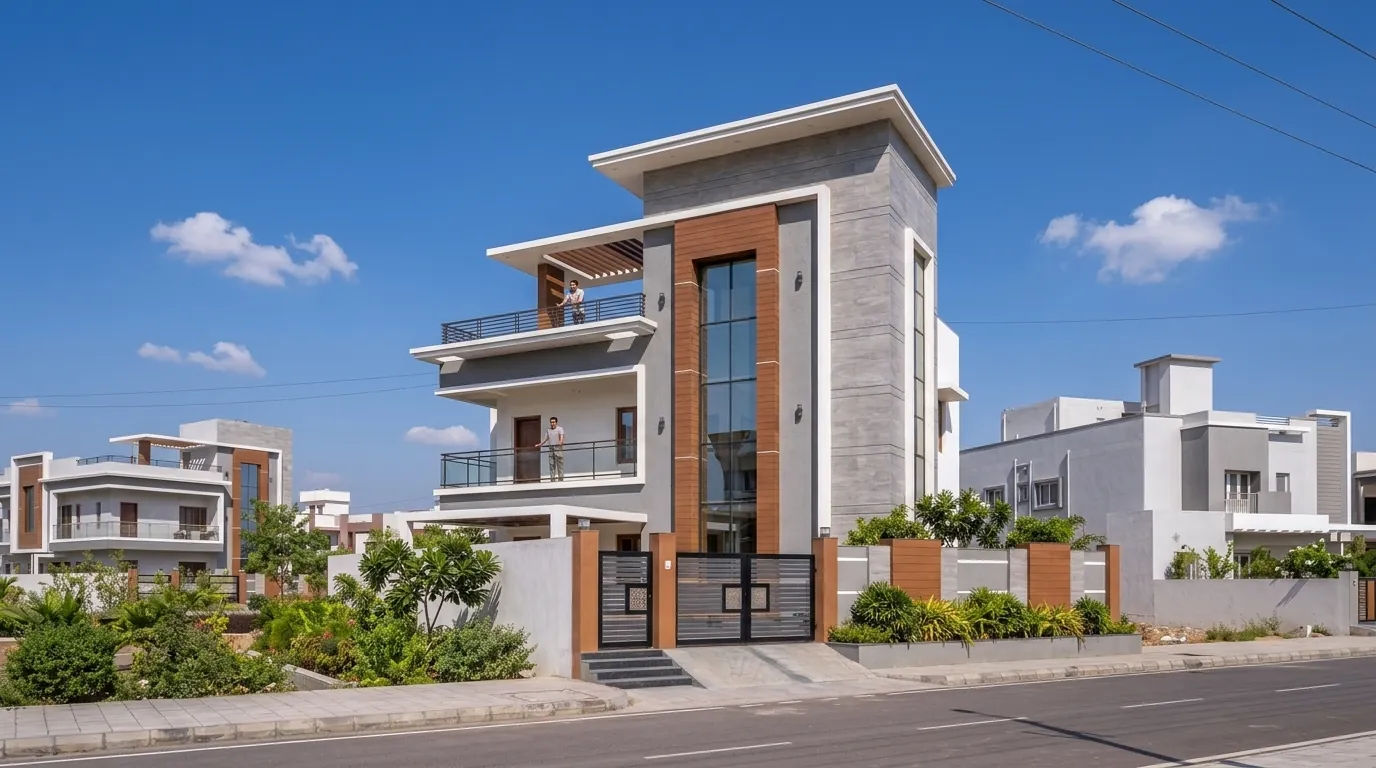
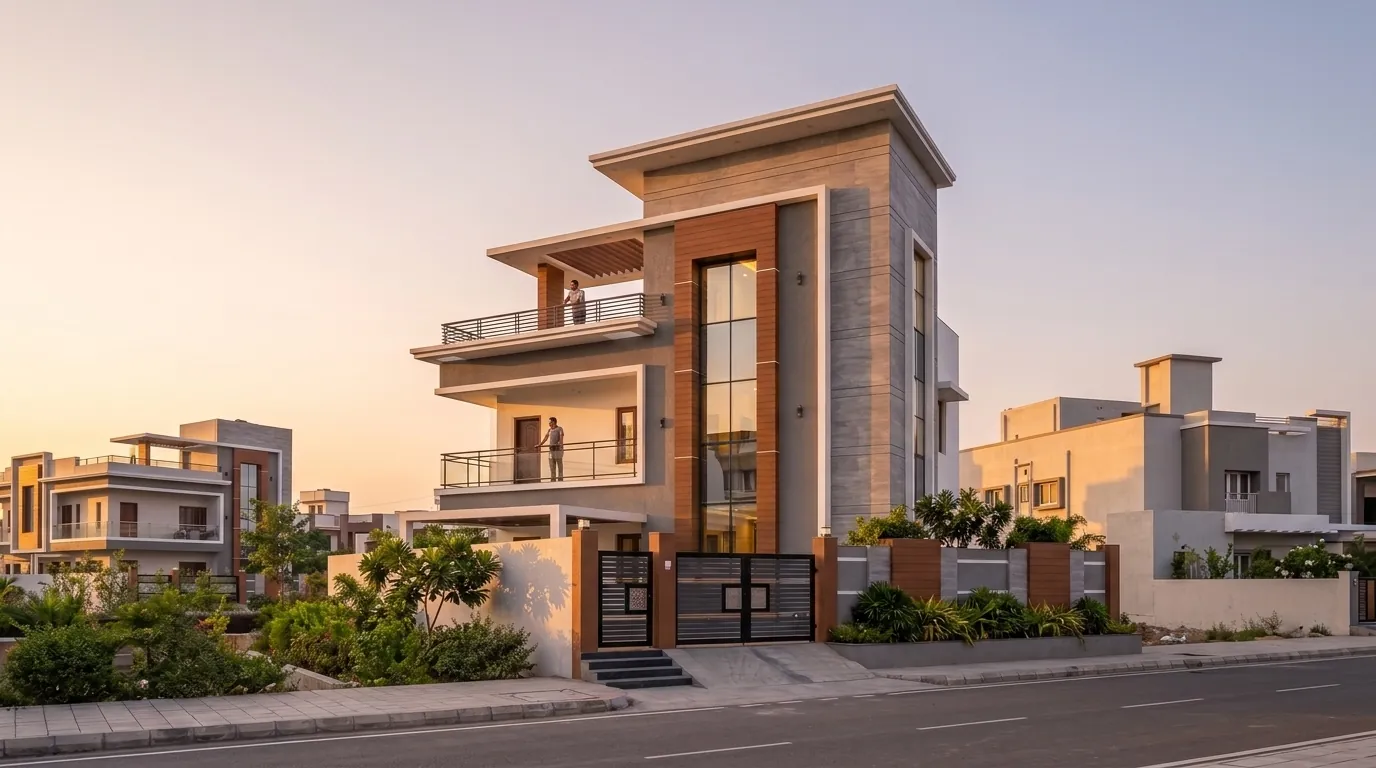
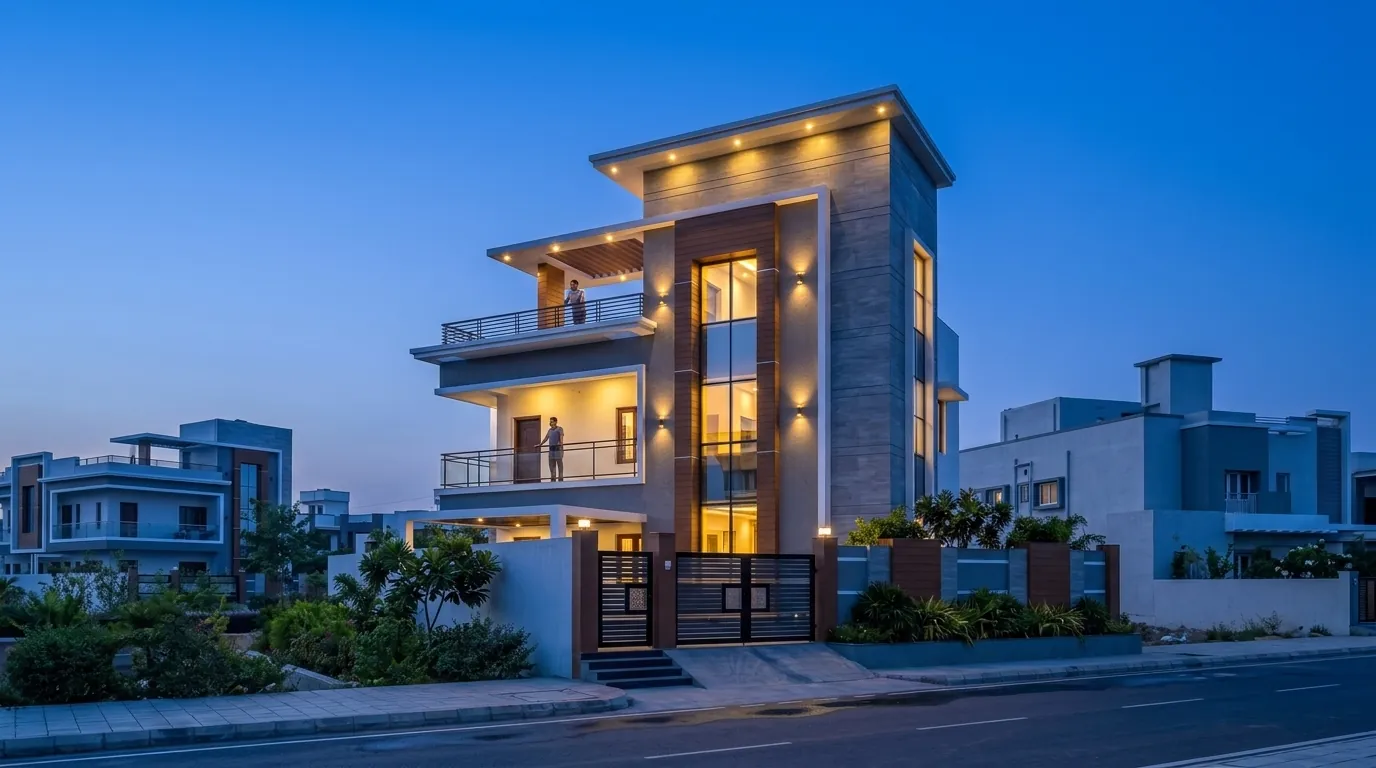
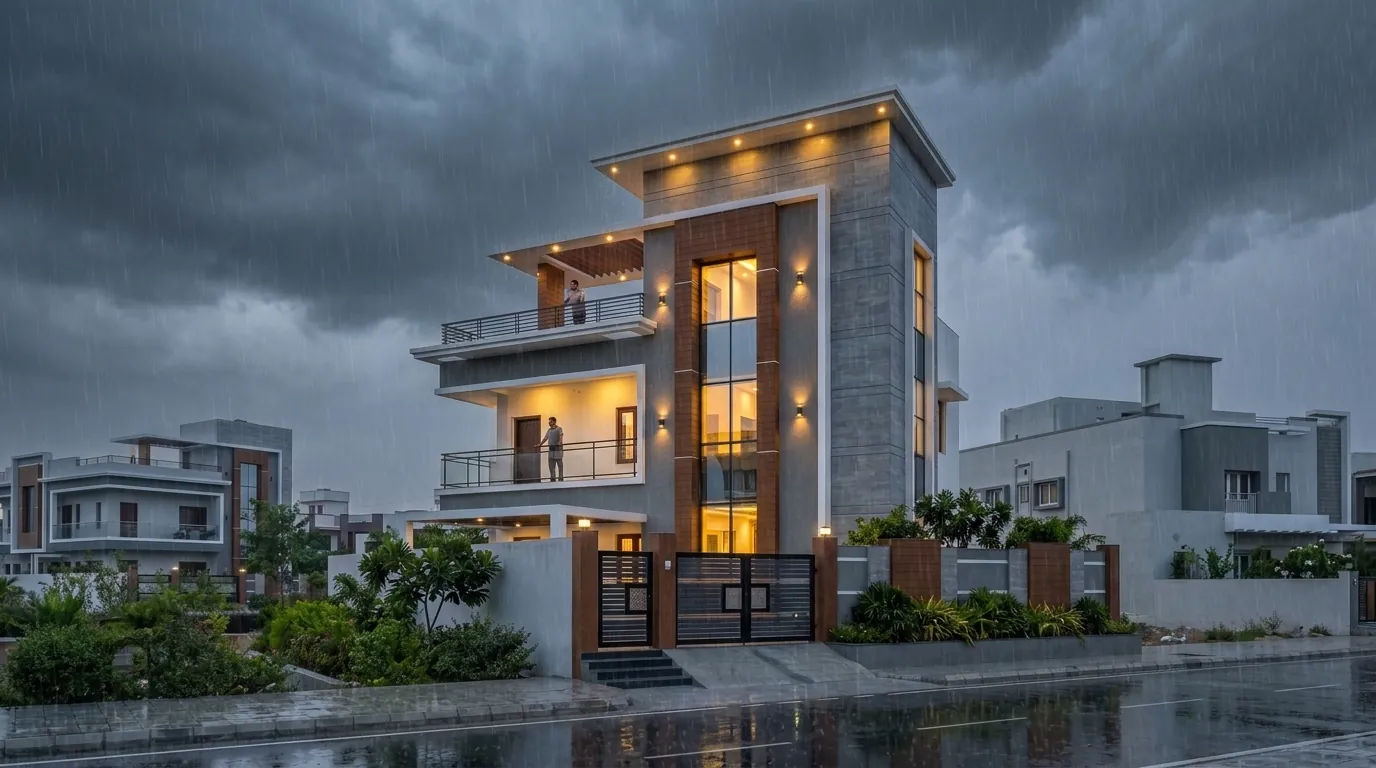
All four images above are real Visulixx renders of one SketchUp model. Nothing about the house changes between them.
When you have a 3D model: the 3D Studio
Bring the model itself into the 3D Studio — GLB, glTF, FBX, OBJ, Collada, Rhino 3DM, 3DS, STL, PLY, 3MF, USDZ, VRML or IFC, up to 200 MB, or send it straight from the SketchUp extension. Walk it in the browser, set the real site and sun, and render any view you save. From the same model you get plans, elevations and sections on A3, a sun and shadow study, a daylight and glare check and a verified photomontage of the design in a real site photo — with the camera error shown in pixels.
What it costs an architecture practice
A single outsourced view in India typically costs ₹3,000–12,000 and takes 3–7 days. On Visulixx a render costs ₹75–80 on a pack, about ₹50 on Solo and about ₹37 on the Studio plan paid yearly — and it takes a minute. Most studios render the first options themselves, show the client day and dusk in the first meeting, and keep outsourcing for the final hero image if they want to. See pricing and our rendering cost guide.
Render your next elevation free — 3 renders, no card.
Start free — 3 renders →FAQ
Common questions
Will the AI change my design?
Not without you knowing. Every render is compared with your source by Consistency Lock — windows, floor lines, roofline, gate — and re-rendered if anything drifted. If it still can't be certified, your credits come back automatically.
Which software do I need?
None in particular. Any view you can screenshot or export works — SketchUp, Revit, AutoCAD, Rhino, ArchiCAD, Lumion or a clay model. With the 3D Studio you can also upload the model file itself.
Can I show the client other angles of the same scene?
Yes. Lock world keeps the street, trees and neighbours identical across 12 shot types, and Multi-angle source lets you give the AI up to six views of the building so side views come from your real design.
Do paid renders have a watermark?
No. Paid renders have no watermark and no attribution requirement, and your drawings are never used for training.
3 free renders · no card