Visulixx for · Interior designers
Show the finished room, not a grey model.
Take a screenshot of the room from your 3D app and get a photoreal interior back — every wall, window, wardrobe and sofa exactly where you placed it. Visulixx adds finishes and light, never furniture.
3 free rendersNo cardGoogle sign-in
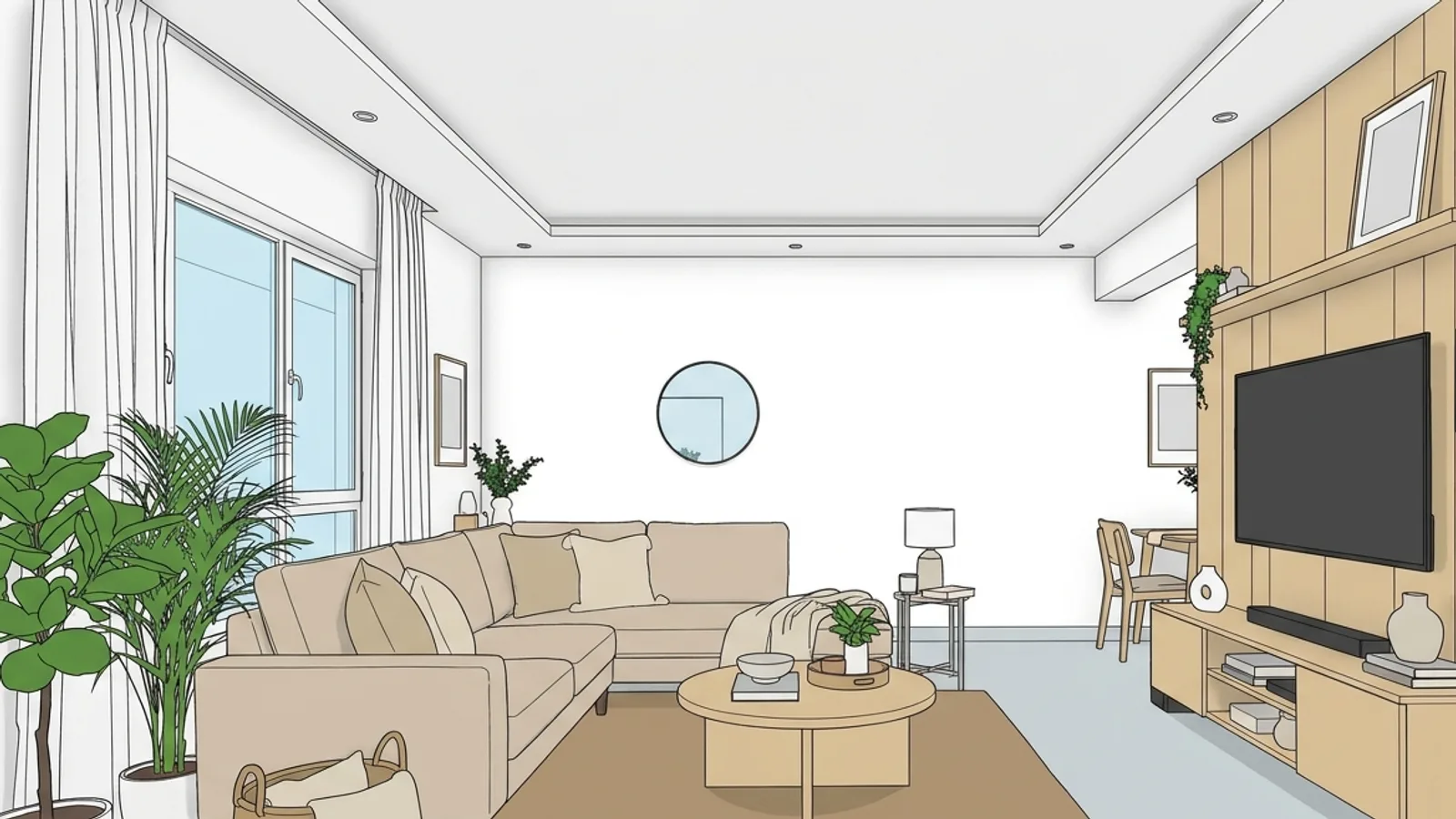
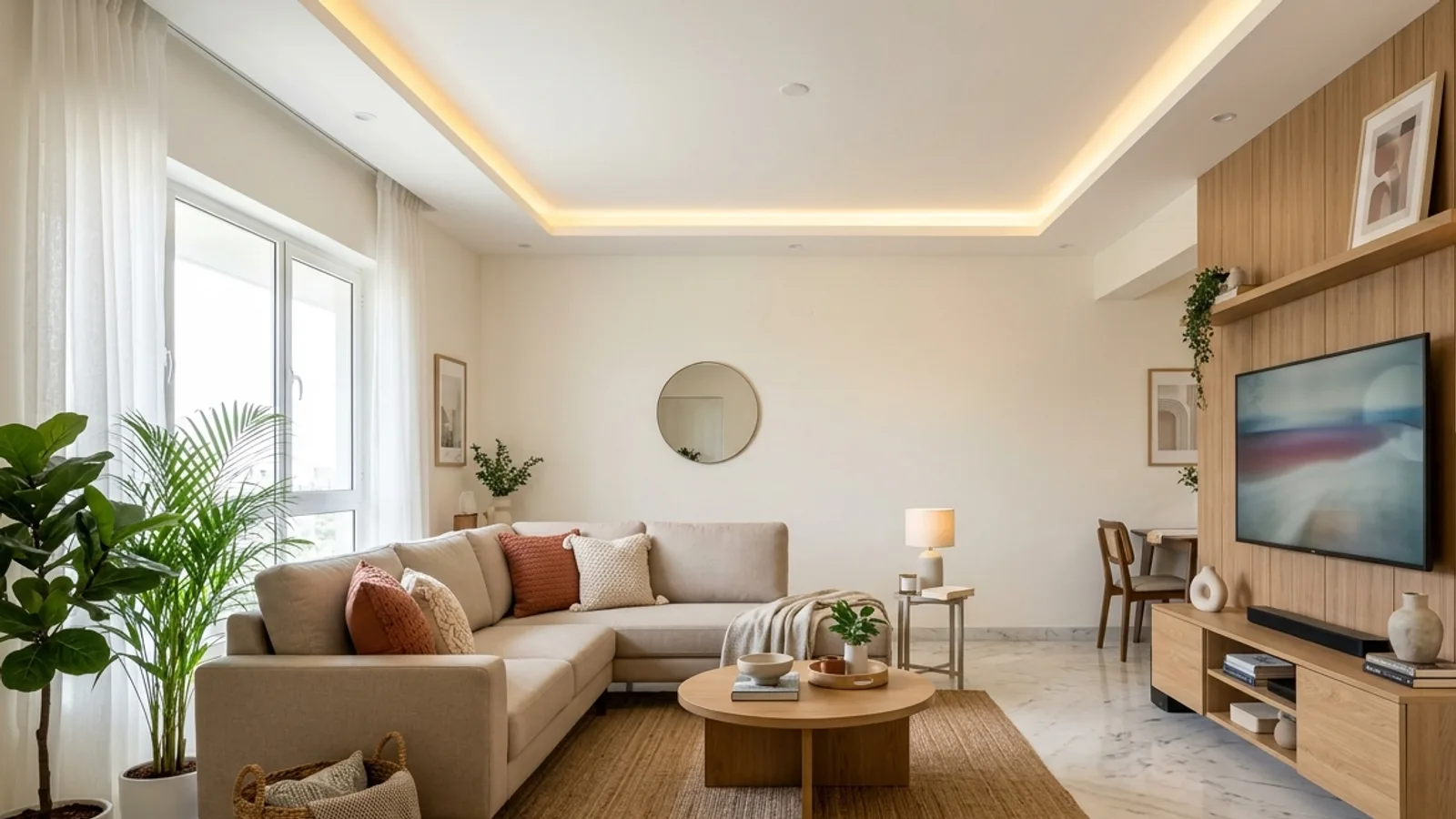 Your modelInterior render
Why interior renders go wrong with general AI
An interior is a layout the client is paying for. Most AI image tools treat it as a suggestion: the sofa turns, a lamp appears, the wardrobe loses a door, the window moves to where the picture looks better. The image may be beautiful, but the client will ask for the room in the picture — and that room isn't in your drawings.
Visulixx treats the furniture layout as part of the design. Consistency Lock compares every interior render with your model — walls, openings, furniture and camera — and anything that moved, appeared or disappeared is caught and redone, or your credits come back.
How it works
- Open Studio and switch to Interior. The Exterior / Interior switch is at the top of Settings.
- Upload a screenshot of the room from SketchUp, Revit, 3ds Max, Blender or any 3D app — the camera always comes from your model.
- Pick a style and a light. Six interior styles — Realistic, Editorial, Warm Evening, Luxury, Minimal and Clay — and the light: daylight, golden sun, evening with your lamps on, or night.
- Render. About a minute. Re-light the same room later with one click.
Render one room free — 3 renders, no card.
Start free — 3 renders →What it will and won't add
Light comes only through your own windows and from your own fittings. Small styling on surfaces you already have — cushions, books, a vase — is fine. New furniture, new windows or new light fittings are never added. Need another angle? Upload a screenshot from that angle; the camera is always yours.
Beyond a single render
When you have the model, the 3D Studio does more for an interiors practice: the AI design team proposes furniture layouts that keep door swings, windows and walkways clear; real materials draws tile, stone and wood at their true size — or from a photo of the product the client chose; the daylight check shows which windows get low, glaring sun; and a 360° tour lets the client walk the room on their phone.
What it costs
Three renders are free. After that, packs start at ₹399 for 5 renders; Solo is ₹1,499 a month for 30 renders. Interior rendering and the 3D Studio are open on every account. Nothing auto-renews. See pricing.
FAQ
Common questions
Will it move my furniture?
No. The layout is part of your design. Consistency Lock checks every piece, and a render where something moved or appeared is caught and redone, or your credits come back.
Which 3D apps work?
Any of them — SketchUp, Revit, 3ds Max, Blender and others. Take a screenshot of the room view you want and upload it.
Can it add decor?
Only small things on surfaces you already have — cushions, books, a vase. Never new furniture, windows or lights.
Can I change the light afterwards?
Yes. Re-light the same room — daylight, golden sun, evening with lamps on or night — with one click.
3 free renders · no card