Compare · Visulixx vs mnml.ai
Visulixx vs mnml.ai: which one fits your work?
An honest look at plans, plugins and design accuracy, including where mnml.ai is ahead of us.
The short answer
Choose mnml.ai if you work in Grasshopper, you want video from a single still, or you'd rather use plugins with a longer record than ours.
Choose Visulixx if the render has to stay your design, you want a check and an automatic refund rather than settings to tune, and you'd like to pay one project at a time in rupees.
Both do real work. Everything below about mnml.ai comes from its own pricing and plugins pages, read on 6 November 2026. Check them for the latest.
At a glance
| Visulixx | mnml.ai | |
|---|---|---|
| Plans | 3 free renders, no card. ₹399 for 5 renders, ₹749 for 10. Solo ₹1,499 for a month (30 renders), Studio ₹3,499 (80). One payment each, no auto-renewal. | Lite $29/mo, 1,000 credits. Plus $49, 3,000. Studio $119, 10,000. |
| Cost of one render | Pro 10 credits, Fast 2. | Fast 10 credits, Ultra 30. Lite buys about 33 Ultra renders. |
| Free tier | 3 renders, no card, with a small corner mark. | 100 credits, personal use, watermarked. |
| Plugins | Blender is tested, in Blender 5.2. SketchUp, Revit, Rhino, 3ds Max, AutoCAD and Photoshop are in Beta: built on each app's API, not yet run inside it. Live status. | SketchUp 2026 only. Revit 2024–2027 on Windows. Rhino 8 + Grasshopper. |
| Plugin updates | Self-updating on all but Photoshop, which tells you a new version is ready. | SketchUp and Revit updates are a manual download and reinstall. |
| Software without a plugin | Any software, through window sharing, with nothing to install. | Blender, 3ds Max, Lumion, V-Ray and Twinmotion are export and upload only. |
| Keeping your design | Consistency Lock compares a render with its source. Drift gets one free retry, then an automatic refund. If the check can't run, it says Not verified and refunds. Mask tools copy every pixel outside your selection back from the source and verify it. 4K upscales and Cinematic Shots aren't Lock-checked. | We could find no published drift metric or verification step. Geometry controls differ tool by tool. |
| Video | Walkthrough and time-lapse films from a 3D model in the 3D Studio. | A camera move made from one still. |
| Source | Pricing and plugins | mnml.ai/pricing and mnml.ai/plugins, checked November 2026 |
Where mnml.ai is ahead
- Plugins with a longer record. Its SketchUp, Revit and Rhino plugins are released; most of ours are in Beta, and only Blender has been run inside its software (mnml.ai/plugins, checked November 2026).
- Grasshopper. We don't have a Grasshopper connection (mnml.ai/plugins, checked November 2026).
- Video from one image. A camera move from a single still. Our films need a 3D model.
- A larger user base, by its own account. We can't verify its numbers, so we don't repeat them. We're the newer tool.
Where Visulixx is ahead
- A published check. Consistency Lock compares a render with its source: one free retry on drift, then an automatic refund. If the check can't run, the render says Not verified and is refunded. We could find no published drift metric or verification step at mnml.ai, whose geometry controls differ tool by tool (checked November 2026).
- Edits that can't touch the rest. Mask tools copy every pixel outside your selection back from the source and verify it.
- Plugins that update themselves. All but Photoshop, which tells you. mnml.ai's SketchUp and Revit updates are a manual download and reinstall (mnml.ai/plugins, checked November 2026).
- Plugins for Blender and 3ds Max. At mnml.ai these are export and upload only (mnml.ai/plugins, checked November 2026). Ours for Blender is tested; 3ds Max is in Beta.
- More SketchUp versions. SketchUp 2017 or later, in Beta, against SketchUp 2026 only (mnml.ai/plugins, checked November 2026).
- One payment at a time, in rupees. No auto-renewal, GST invoice.
Design accuracy: the test that matters
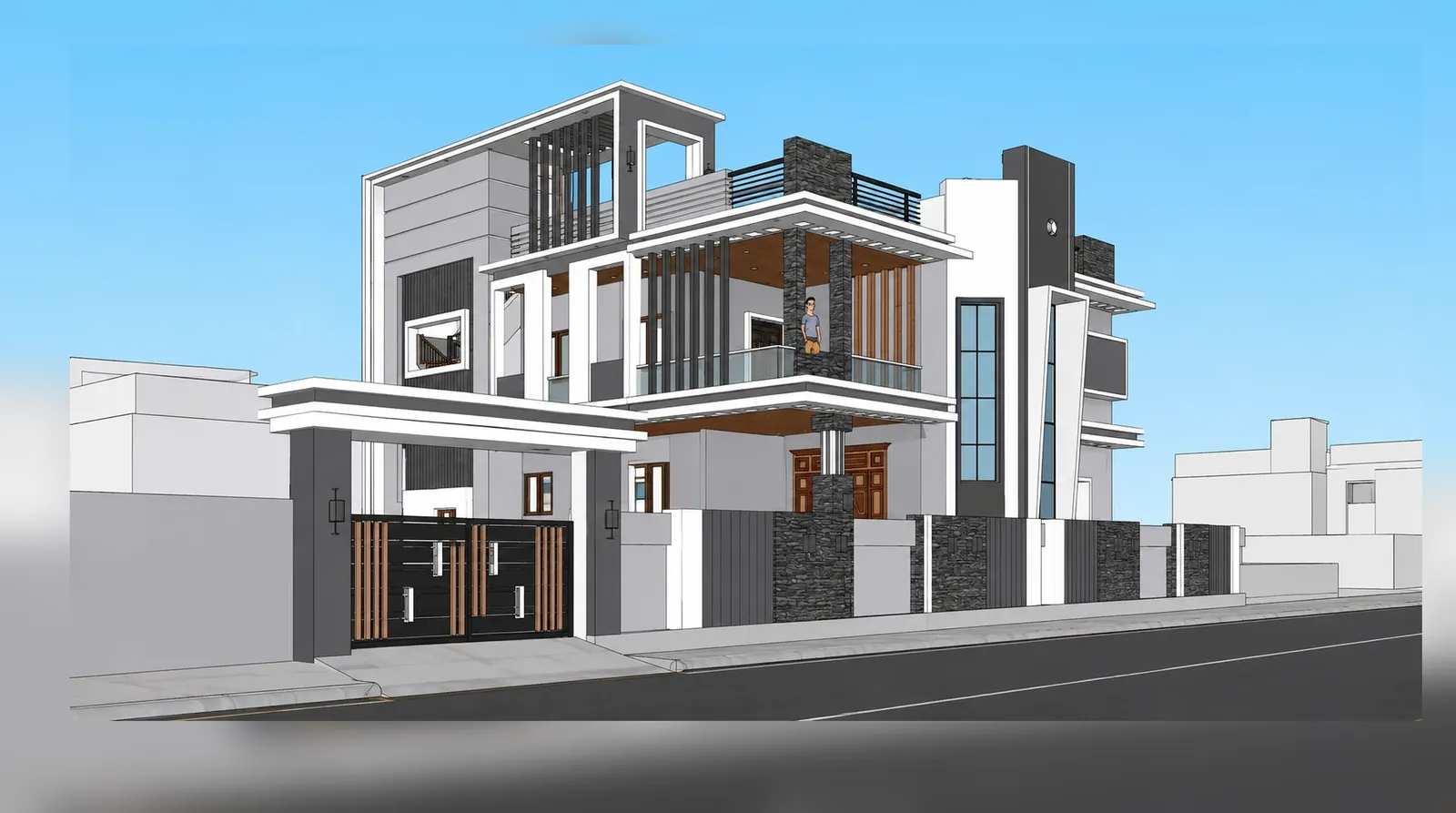
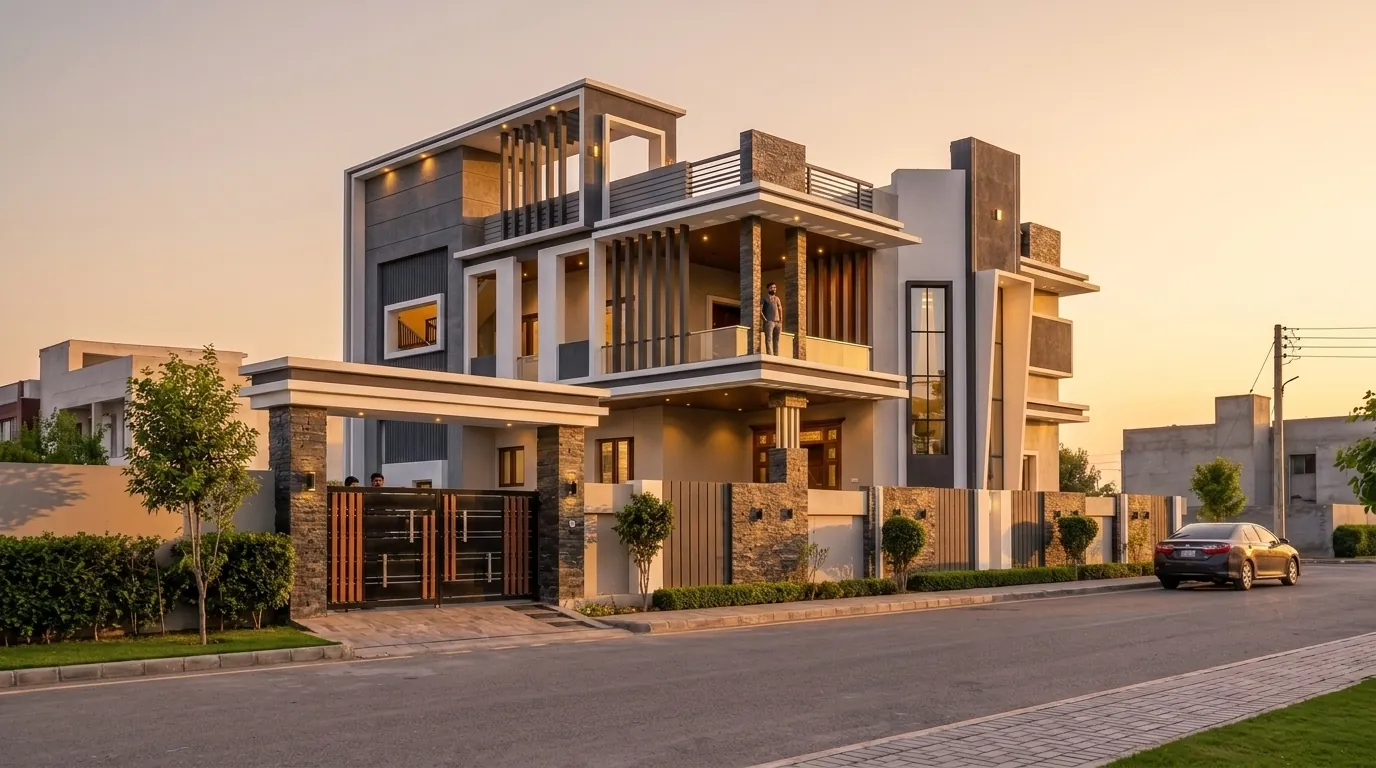
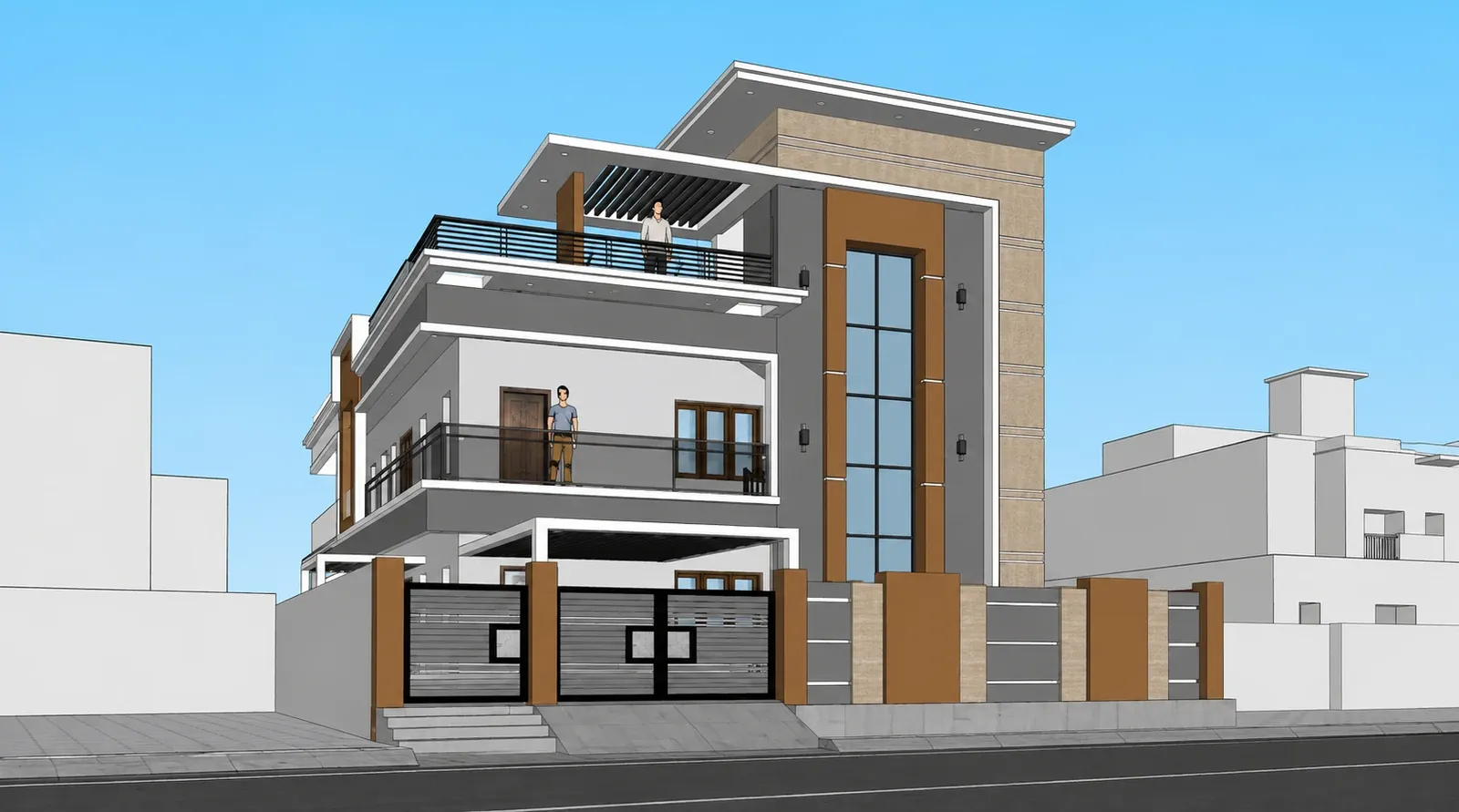
For a client presentation, the most important question is whether the render still shows your building. Before you choose any AI renderer, run the same three elevations through each tool and count windows, floors and balconies in every output. Visulixx runs this check on each Studio render, automatically. It doesn't run on 4K upscales or Cinematic Shots, so check those yourself.
Price for a typical client set
Take four views with one round of revisions. On Visulixx that's 40 credits, because the first 2 revisions on each render are free: about ₹300 on the Project pack. On mnml.ai Lite, four Ultra renders use 120 of the month's 1,000 credits, or 40 at Fast (mnml.ai/pricing, checked November 2026). The two are priced in different currencies and engines differ, so we won't call one cheaper. A monthly allowance suits steady rendering; packs suit bursts. Our rendering cost guide has a calculator.
Run your own test: render one elevation free on Visulixx and compare it with mnml.ai.
Start free — 3 renders →Sources
- mnml.ai plans and credits: mnml.ai/pricing (checked November 2026).
- mnml.ai plugins and updates: mnml.ai/plugins (checked November 2026).
- Visulixx: pricing, plugins, AI tools.
FAQ
Common questions
Is Visulixx a good alternative to mnml.ai?
Yes, if the render has to stay your design and you want it checked, with an automatic refund when it can't be fixed. mnml.ai fits better if you need Grasshopper or video from one still. Facts about mnml.ai checked November 2026.
Is Visulixx cheaper than mnml.ai?
It depends on how you work. Visulixx is one payment at a time: ₹75–80 a render on packs, about ₹37–50 on the monthly and yearly plans. mnml.ai Lite is $29 a month for 1,000 credits, about 33 Ultra renders (checked November 2026). Steady volume suits a monthly allowance; bursts suit packs.
Does mnml.ai check renders against my drawing?
We could find no published drift metric or verification step, and its geometry controls differ tool by tool (checked November 2026). Visulixx's Consistency Lock checks each Studio render automatically; 4K upscales and Cinematic Shots aren't checked.
3 free renders · no card
Run the test on your own elevation.
Three free renders, no card. Upload a SketchUp, Revit or AutoCAD view, then count the windows yourself.