Blog · Atmospheres
Festival night renders: lighting a facade for Diwali and housewarming campaigns
During Diwali, every builder's feed fills with diyas. A festival-night render of a real project — lit balconies, warm gate lamps, string lights — stands out because it is the client's own building.
Festival campaigns are one of the few times a render is shared by the client's family, not just by the studio. A festival-night version of a real elevation turns a project image into a greeting, an invitation or a launch post.
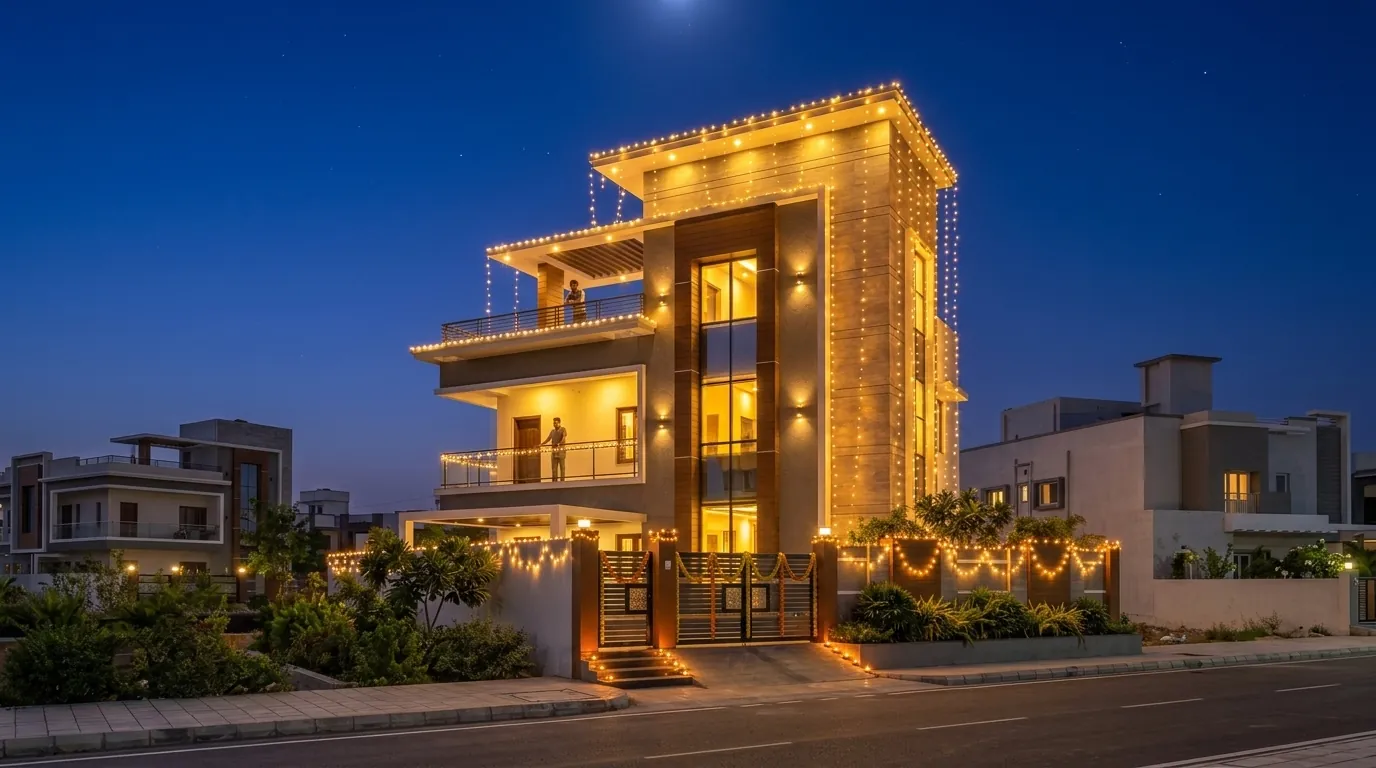
Where festival renders work
- Diwali launch posts for new projects and bookings.
- Housewarming (gruhapravesam) invitations for handover clients.
- Festive greetings from the studio — far more memorable than stock artwork.
- Brochure inserts for projects launched in October–November.
Lighting the facade
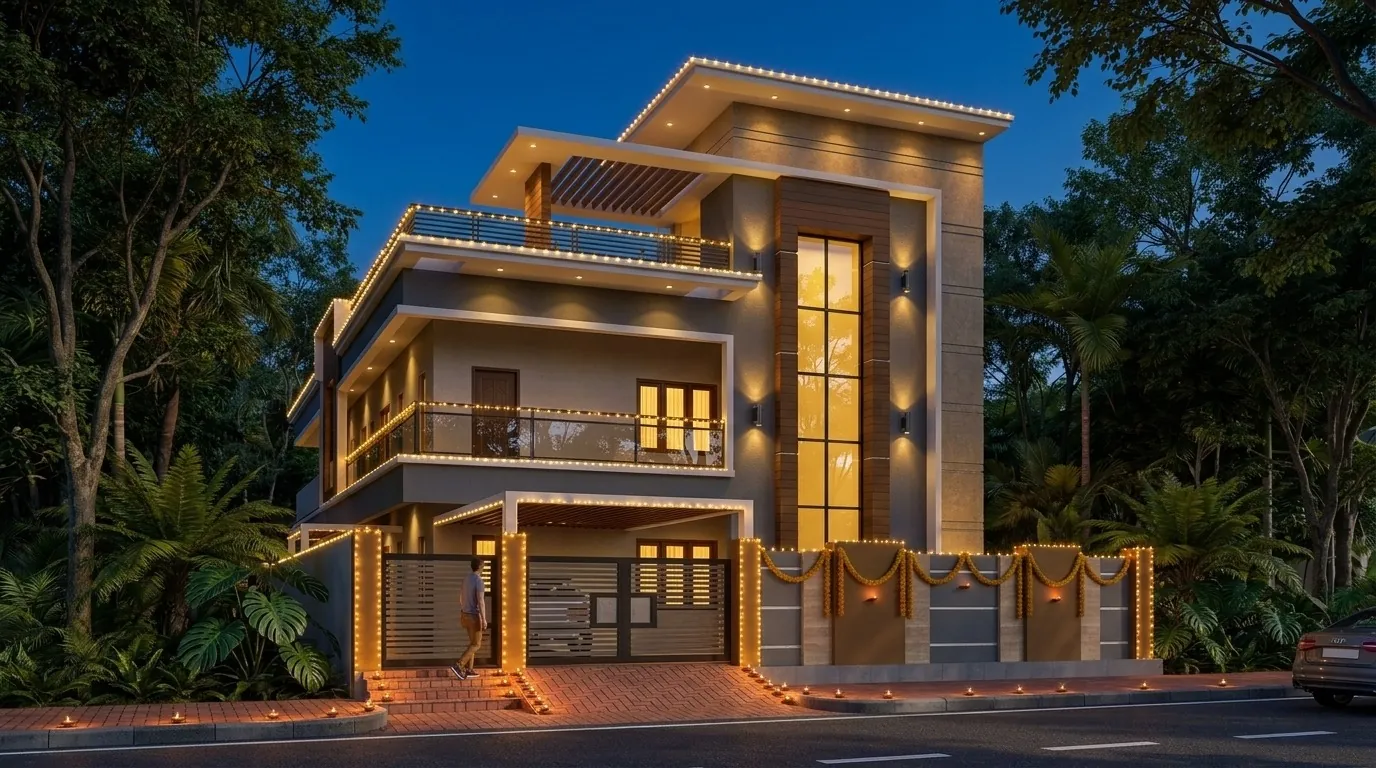
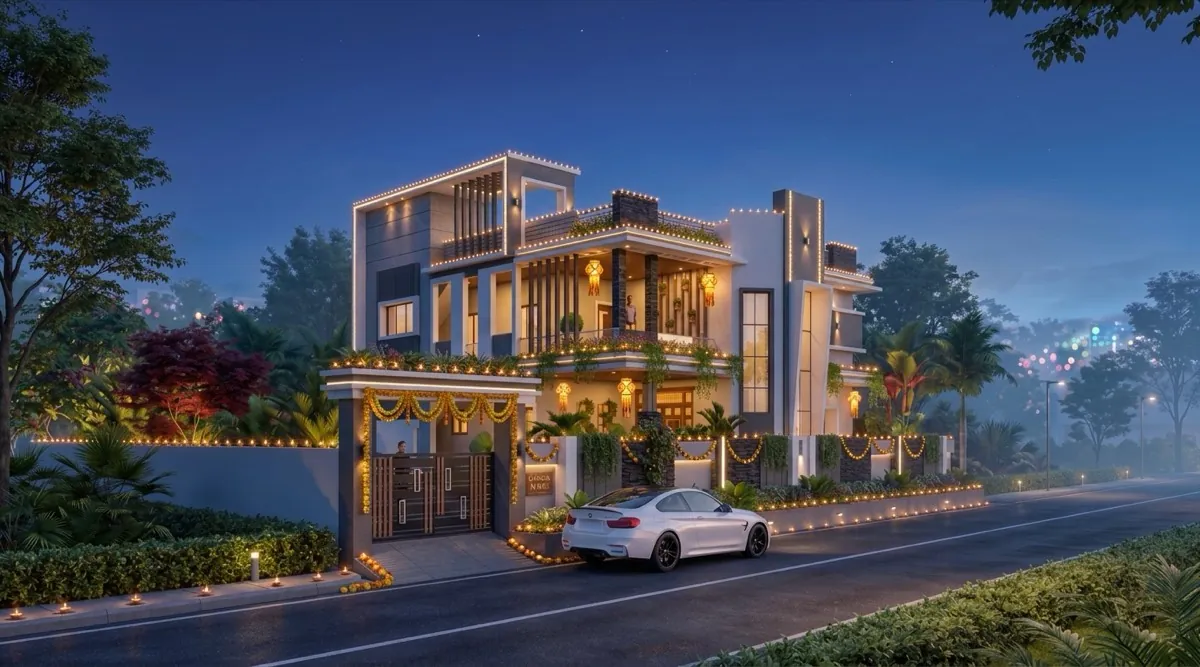
- Start from an approved render. The design should be final before you dress it up.
- Re-light it with Change atmosphere → Festival night. Warm, low light; diyas and string lights where they belong.
- Keep the architecture readable. The building should still be the hero — lights accent balconies, the gate and the roofline.
- Pair it with a calm daytime image in carousels: day for the design, night for the emotion.
Tips for festive posts
- Post one week before the festival, not on the day — feeds are crowded.
- Use 4:5 for Instagram feed and 9:16 for stories.
- Add the client's name only with permission; never their address.
Want the whole set? See every light for the same house in our G+2 gallery.
FAQ
Common questions
Can I make a Diwali version of an existing render?
Yes — in Visulixx, use Change atmosphere → Festival night on a finished render. The building and street stay the same; the light becomes festive.
What aspect ratio should festive posts use?
4:5 for the Instagram feed and 9:16 for stories and reels. Visulixx renders both directly.
3 free renders · no card
Render your own elevation in about a minute.
Three free renders, no card. Upload a SketchUp, Revit or AutoCAD view and see it photoreal — checked against your drawing.